Free online tools for every Word document job
Convert, combine, shrink, clean up and lock .docx files in your browser. Try any tool without an account, then sign up free for 10 tasks a day and a Drive that keeps every result.
- 3 free runs a day without an account
- 10 a day with a free account
- Nothing to install
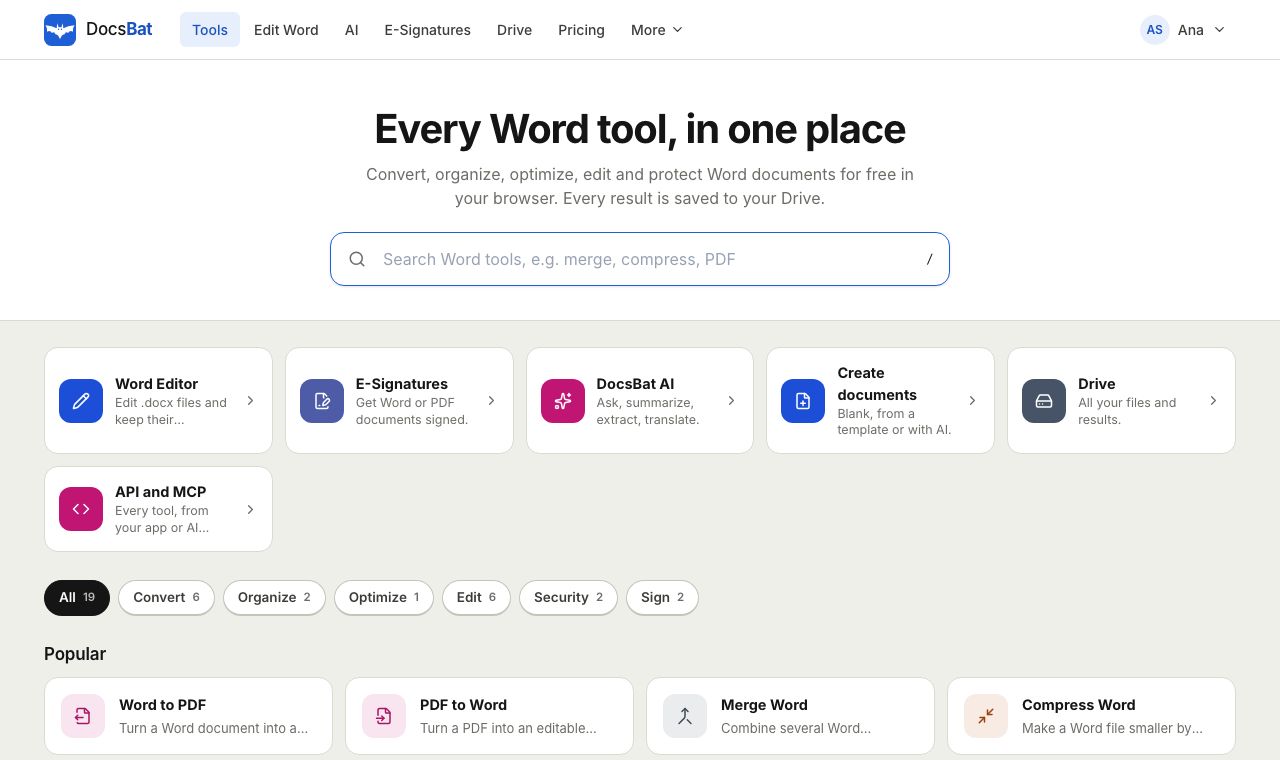
The Word jobs you do every week, without opening Word
Most document chores are small: turn a .docx into a PDF for a portal, combine chapters into one file, cut an attachment down to size, change a name everywhere, or add a password before sending. DocsBat gives each of those jobs its own focused tool, with the options that matter and nothing else.
Every tool runs in the browser on Windows, Mac, Linux, Chromebook, iPhone, iPad and Android. The work happens on the DocsBat server, so a phone can merge or convert a long document as easily as a laptop.
You can run a tool 3 times a day without an account. A free account raises that to 10 tasks a day, files up to 25 MB, and saves every result to your private Drive with 1 GB of space. Pro is $4 a month for unlimited tasks and files up to 100 MB.
Why use DocsBat for Word documents
Built for .docx
The tools work on the Word file itself, so formatting, pictures, lists and styles are kept, and the result opens in Word, LibreOffice and Google Docs.
Try without signing up
Run any tool 3 times a day with no account. Sign up free when you need more.
Works on your phone
Every tool runs in mobile Safari and Chrome. Nothing to download from an app store.
Results saved for you
With an account, every result lands in your Drive, ready to download again, share with a link or open in another tool.
Password protected files
Tools open a .docx that needs a password when you enter it, and Protect Word adds real encryption.
Pro for $4 a month
Unlimited tasks, files up to 100 MB, 10 GB of Drive storage and unlimited e signature envelopes.
How the tools work
- 1
Pick a tool
Choose a tool from the list, for example Word to PDF or Merge Word, and drop in your .docx file.
- 2
Set the options
Each tool shows only the options it needs, such as the split mode, the watermark text or the page number style.
- 3
Download the result
Download the new file. With an account, a copy is saved to your Drive and you can pass it straight to another tool.
All 17 Word tools
- Convert from Word
- Word to PDF, Word to JPG for JPG or PNG pages, Word to Text for plain text, HTML or Markdown, and Extract Images for the original pictures.
- Convert to Word
- PDF to Word rebuilds paragraphs, headings, lists and pictures, and Text to Word turns plain text, Markdown or HTML into a formatted .docx.
- Organize
- Merge Word combines documents in the order you choose, and Split Word cuts one at headings, page breaks or into equal parts.
- Optimize
- Compress Word shrinks the pictures inside a document to the size they are shown at, without touching the text.
- Edit
- Find and Replace, Watermark, Header and Footer, Page Numbers, Accept Changes and Remove Comments and Edit Word Properties.
- Security
- Protect Word adds a password to open or restricts editing, and Unlock Word removes a password you know or lifts editing restrictions.
- Beyond the tools
- The Word editor, E-Signatures for Word and PDF documents, and AI for documents are part of the same account.
- Accepted files
- Word tools accept .docx, .docm and .dotx. PDF to Word takes a PDF and Text to Word takes .txt, .md or .html. Old .doc files need to be saved as .docx first.
Free plan and Pro
- Without an account: run any tool 3 times a day.
- Free account: 10 tool tasks a day, files up to 25 MB, 1 GB of Drive storage and 3 signature envelopes a month. No credit card.
- Pro, $4 a month: unlimited tool tasks, files up to 100 MB, 10 GB of storage, unlimited envelopes and 4,000 AI credits a month.
Popular combinations
- Ready to send: Accept all changes, then convert to PDF.
- One report from many parts: merge the chapters, then add page numbers.
- Too big to email: compress the pictures, then protect it with a password.
- Before sharing outside the company: remove personal information and add a CONFIDENTIAL watermark.
- A PDF you need to change: convert it to Word, then open it in the Word editor.
Frequently asked questions
Are the Word tools really free?
Yes. Every tool runs on the free plan. Without an account you get 3 runs a day, and a free account gives you 10 tasks a day with files up to 25 MB. Pro removes the daily limit for $4 a month.
Do I need to create an account?
Not to try a tool: you can run tools 3 times a day without one. A free account gives you more tasks and saves every result to your Drive. The Word editor and e signatures need an account.
Can I use .doc files?
No. The tools work with .docx, the format Word has used since 2007. Open an old .doc in Word or LibreOffice, save it as .docx and try again.
Do the tools work on a phone?
Yes. They run in Safari, Chrome and other mobile browsers on iPhone, iPad and Android, with nothing to install.
What happens to my files?
Files travel over HTTPS. With an account, results are saved to your private Drive, which only you can see unless you share a link.
Will the formatting of my document change?
The tools edit the Word file directly, so formatting, pictures, lists and styles are kept. Conversions such as PDF to Word rebuild the document, so check complex layouts afterwards.
What does Pro add?
Unlimited tool tasks, files up to 100 MB instead of 25 MB, 10 GB of storage, unlimited e signature envelopes and 4,000 AI credits a month, for $4 a month.
Related features and tools
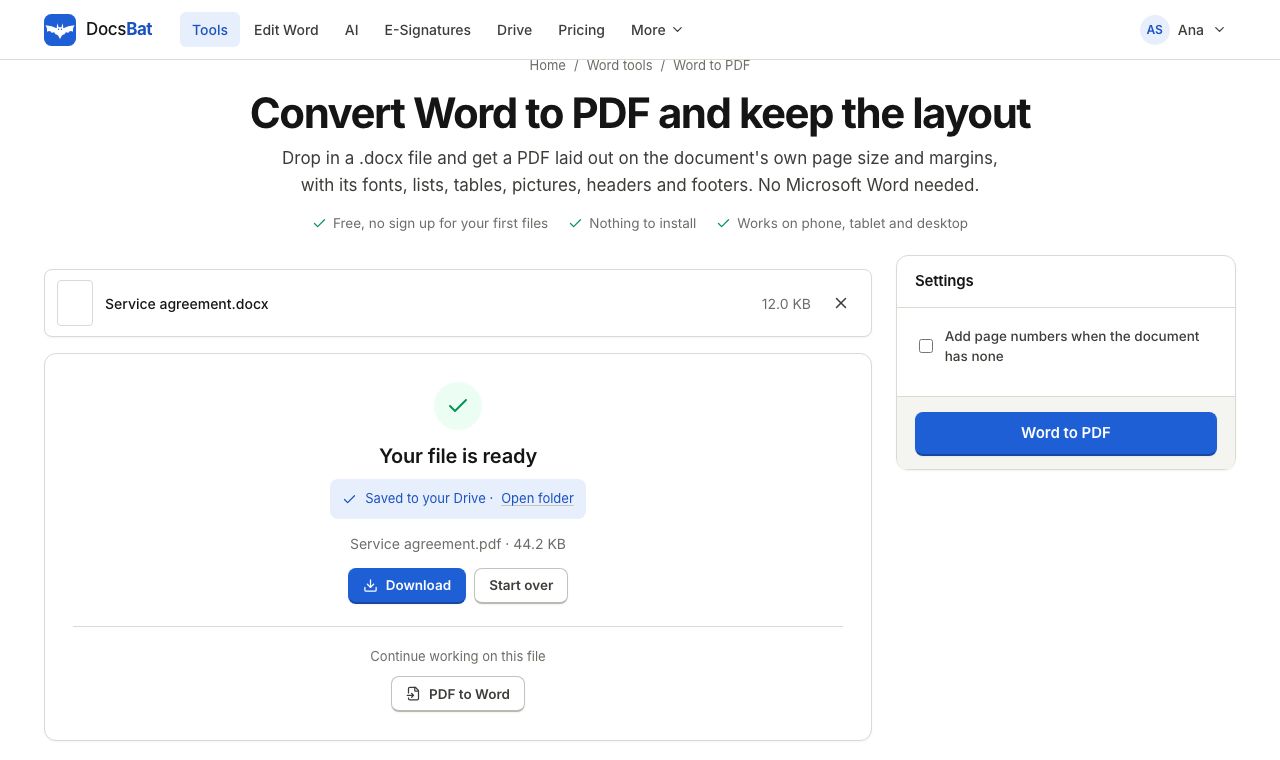 Word to PDFTurn a .docx into a PDF that keeps its fonts, lists, tables, pictures, headers, footers and page numbers.
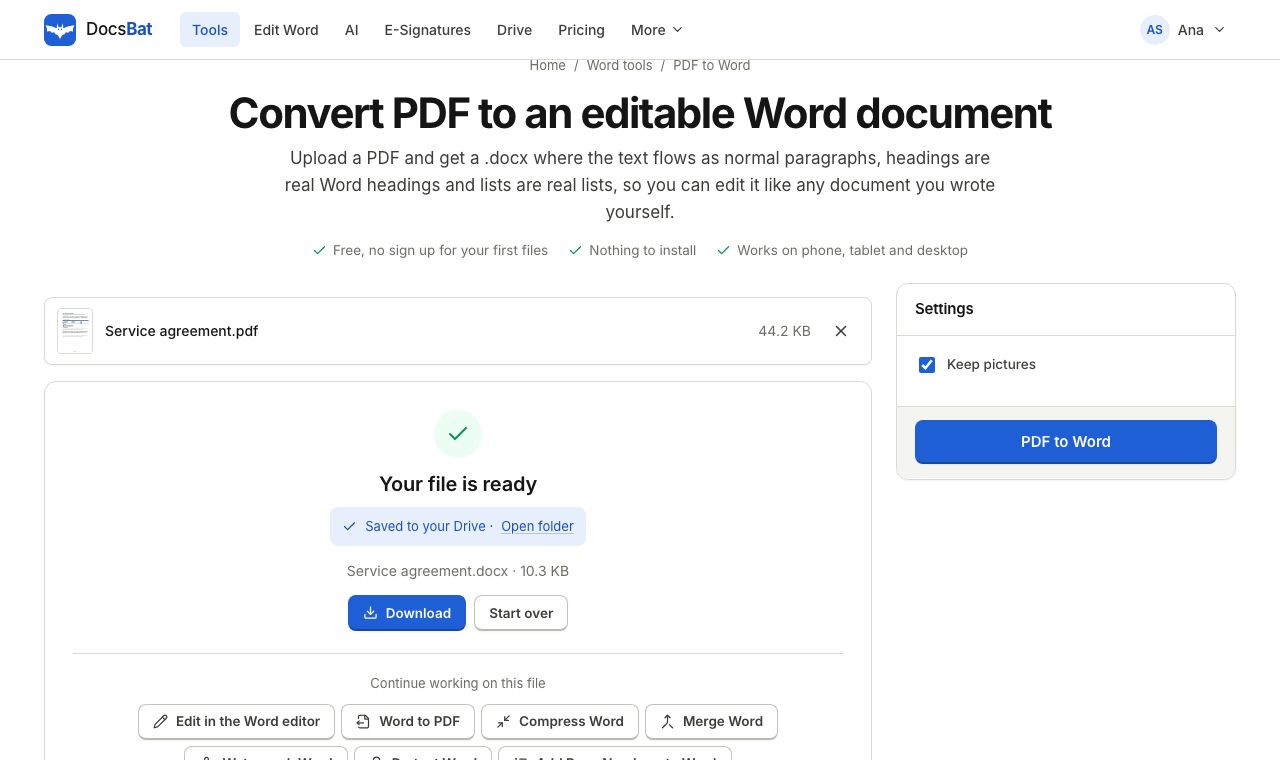 PDF to WordTurn a PDF into an editable .docx with paragraphs, headings, lists and pictures rebuilt.
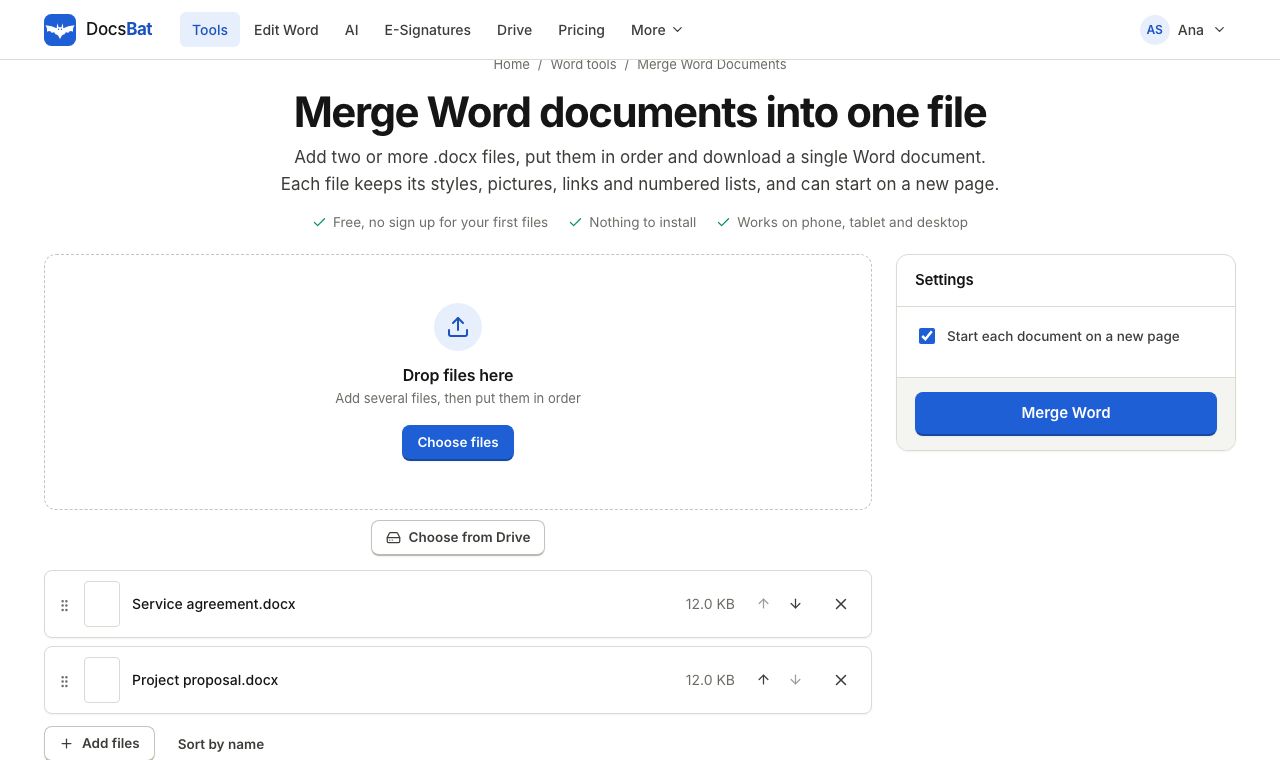 Merge Word DocumentsCombine several Word documents into one .docx in the order you choose, keeping formatting, pictures and lists.
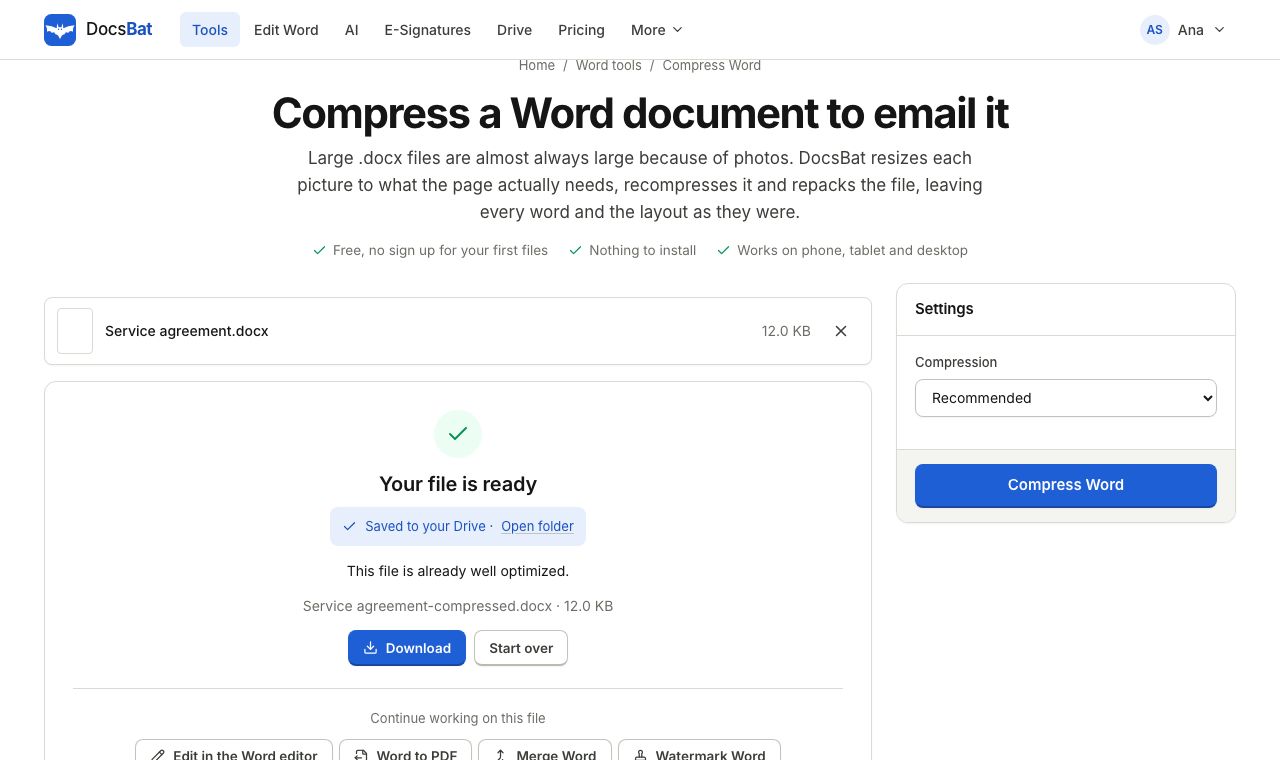 Compress WordMake a Word file smaller by shrinking its pictures to the size they are shown at, without touching the text.
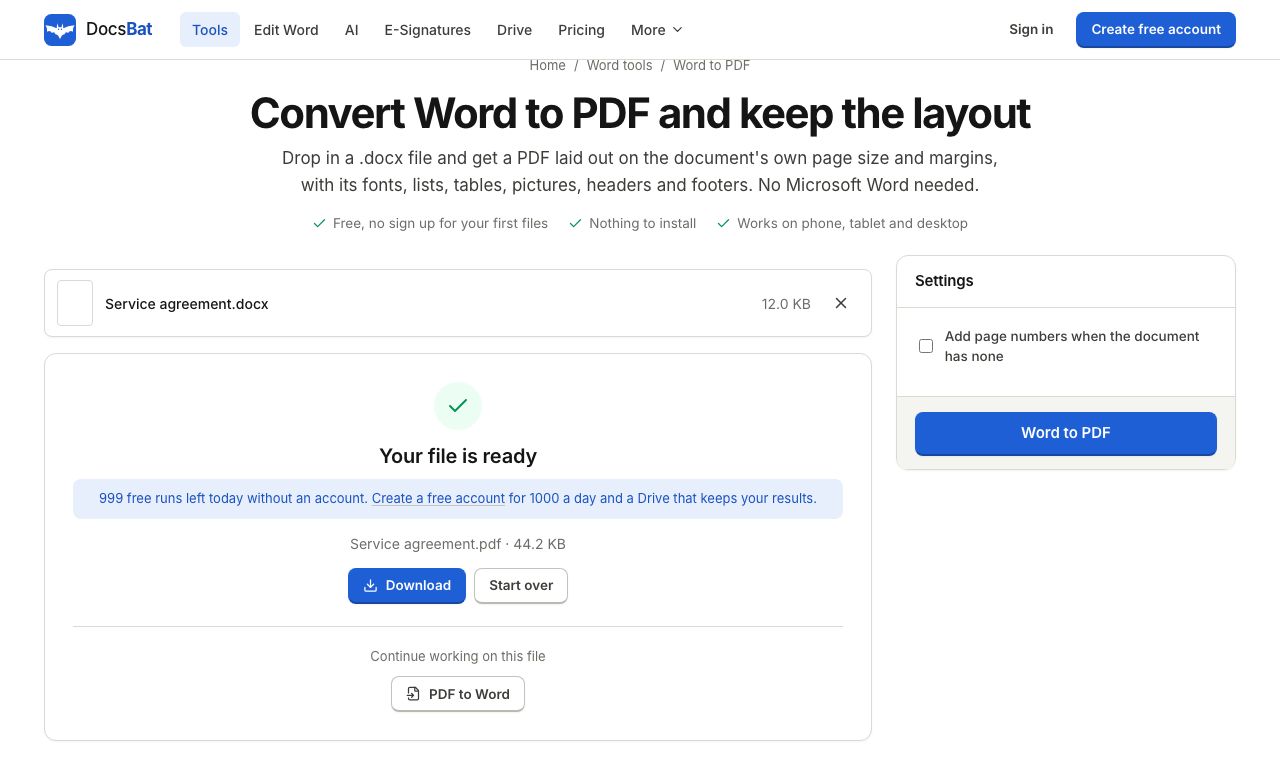 Free Word tools without sign upConvert, merge, compress and protect Word files 3 times a day with no account. A free account unlocks the editor and 10 tasks a day.
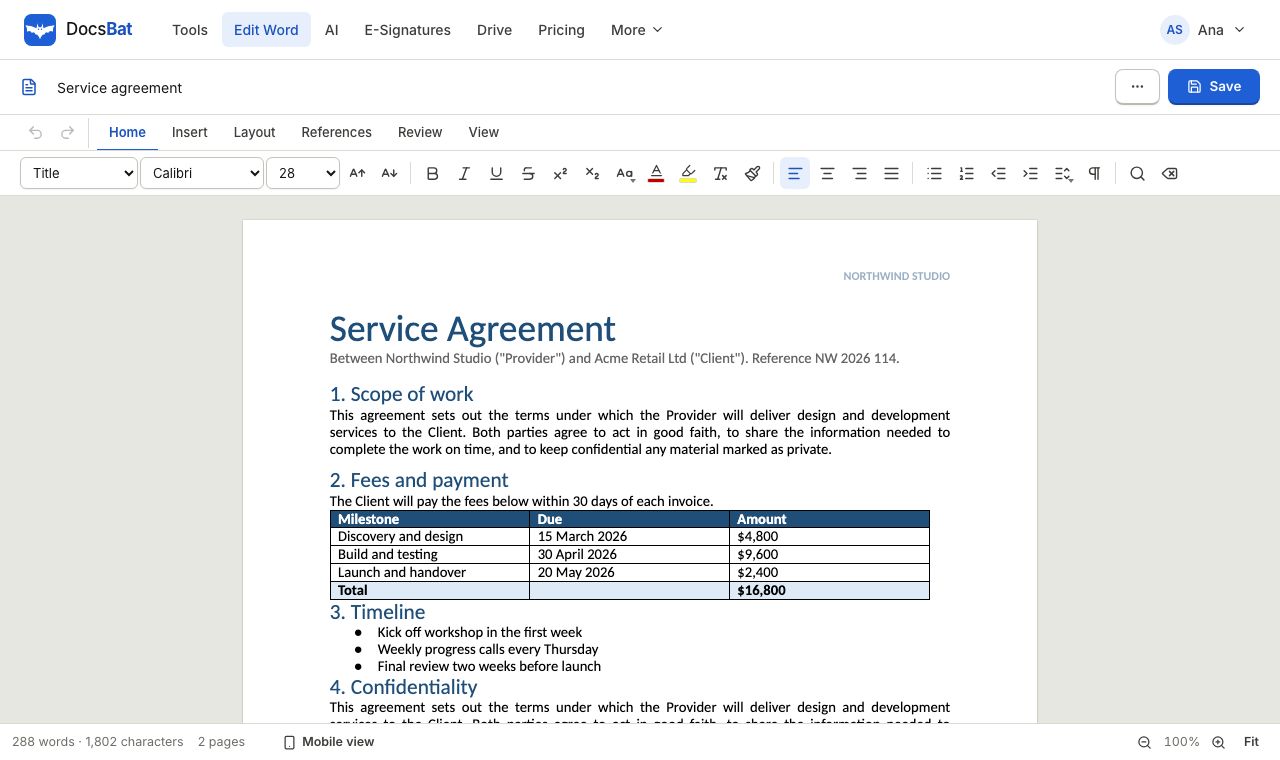 Word EditorOpen a .docx in your browser, edit text, lists, tables and pictures, and save it back as Word or PDF.
Try the Word tools free
Run any tool 3 times a day without an account, or sign up free for 10 tasks a day and a Drive for every result.