Cloud storage for your Word documents and the work you do with them
Every document you edit, convert, merge or sign lands in your private Drive automatically. Organize it in folders, share it with a link that expires, and open it in the Word editor or any DocsBat tool with one click.
- 1 GB free, no credit card
- 10 GB with Pro
- Add 10 GB for $2.99/mo
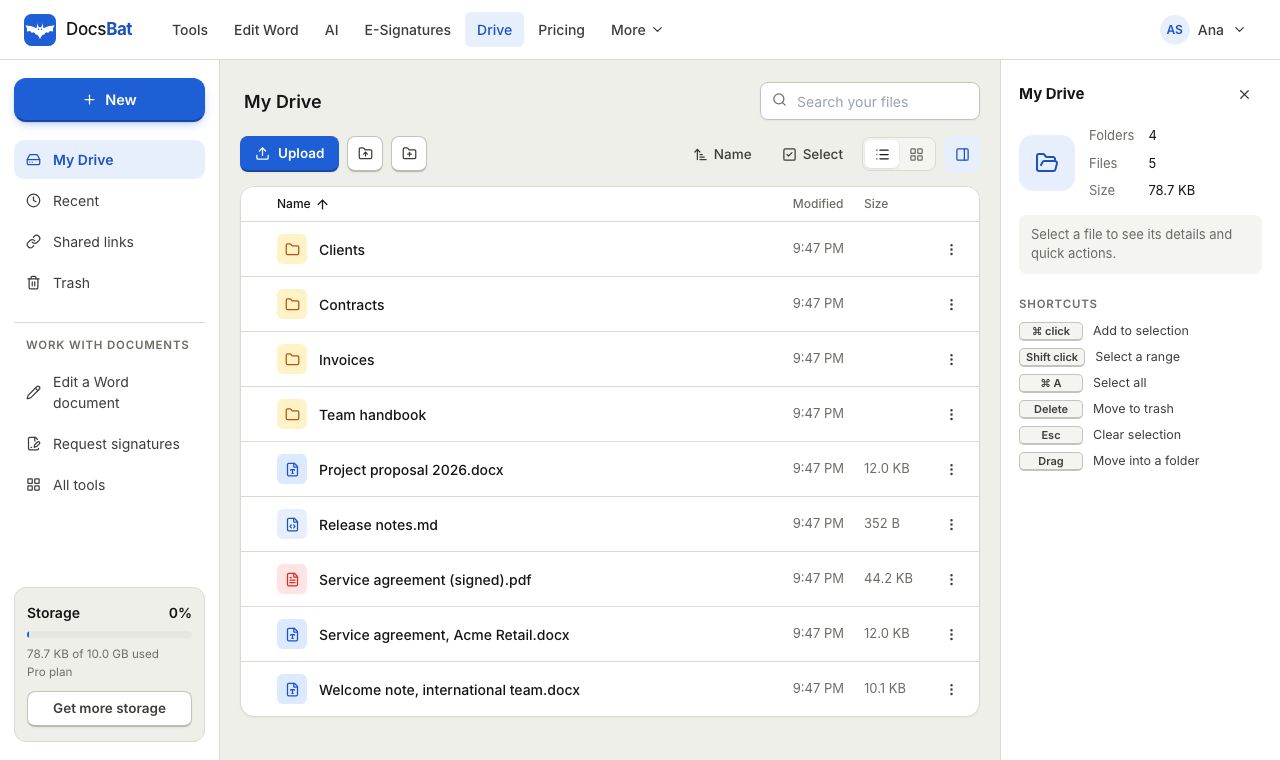
Your documents, in one place, ready for the next step
Most people juggle Word files across a downloads folder, email attachments and a general purpose cloud service. Each time you want to convert, compress or sign a document you download it, upload it to a tool, then download the result and upload it somewhere else. DocsBat Drive removes those steps.
Drive is part of your DocsBat account. Upload files once, keep them organized in folders, and open them in the Word editor or run any of the Word tools on them directly. When a tool finishes, the result is saved to your Drive, so nothing gets lost in a downloads folder and you always know which version is the latest.
Files travel over HTTPS and stay private to your account. Nobody else can see them unless you create a share link, and you decide how long that link works.
Why keep your documents in DocsBat Drive
Every result saved automatically
Merged, compressed, converted, edited and signed files are stored in Drive the moment a job finishes. Download them again any time.
Open in any tool
Open a .docx in the Word editor, send a document for signature or run any of the 17 Word tools straight from Drive, without uploading again.
Folders that match your work
Create folders for clients, projects or tax years. Drag and drop files, or upload a whole folder from your computer at once.
Share links that expire
Share a file with anyone through a link that lasts 1 day, 7 days, 30 days or 1 year. Turn it off whenever you like.
A safety net for mistakes
Deleted items go to the trash first. Restore them with one click, or let them be removed for good after 30 days.
Room to grow
1 GB free, 10 GB with Pro for $4 a month, and extra 10 GB blocks for $2.99 a month when you need more.
How DocsBat Drive works
- 1
Create a free account
Sign up free with no credit card. Your Drive is ready immediately with 1 GB of space.
- 2
Upload or create files
Drag files or whole folders into Drive, or just use any DocsBat tool. Results are saved for you without an extra step.
- 3
Organize, open and share
Sort into folders, open a file in the editor or a tool, and send a share link to anyone who needs a copy.
Everything in DocsBat Drive
- Folders and subfolders
- Create as many folders as you need, nest them, rename them and move files between them.
- Drag and drop upload
- Drop single files, many files or an entire folder from your computer. The folder structure is kept as it was.
- Automatic saving of tool results
- Every DocsBat tool, the Word editor and finished e signature envelopes save their output to Drive, in folders such as Edited documents and Signed.
- Open with any tool
- Open a Word document in the editor, send a file for signature, or pick any Word tool to run on it.
- Preview
- Look at a file before you open it in a tool, without downloading it first.
- Share links with expiry
- Create a download link that expires after 1 day, 7 days, 30 days or 1 year, and see how many times it was downloaded.
- Shared links view
- See every file you have shared in one list and switch links off when they are no longer needed.
- Search, recent and sorting
- Find files by name, jump to recently used files, and sort by name, size or date in list or grid layout.
- Multi select and bulk actions
- Select many items with Ctrl or Shift click and move, trash or restore them together.
- Trash with 30 day recovery
- Restore deleted files and folders, or empty the trash yourself. Items are removed for good after 30 days.
- Storage meter and alerts
- DocsBat shows how much space you use and warns you before your Drive is full.
- Drive API
- List, upload, download, move, trash and share files from your own code with the DocsBat API, and use Drive files as input for any tool.
Storage plans
Drive space is shared by everything in your account: uploads, tool results and signed documents.
- Free: 1 GB of storage, included with every account. No credit card needed.
- Pro, $4 a month: 10 GB of storage, plus unlimited tool tasks, unlimited signature envelopes and files up to 100 MB.
- Extra storage, $2.99 a month per 10 GB: add as many blocks as you need on top of your plan.
If your Drive fills up, tools keep working and you can still download every result. New results simply are not saved to Drive until you free up space or add storage.
Who uses DocsBat Drive
- Freelancers and small businesses keep proposals, contracts, invoices and signed agreements per client, and share finished files with a link instead of a large attachment.
- Students and job seekers keep their CV and cover letters as .docx for editing, plus a PDF copy ready for the next upload portal.
- Writers and editors keep each draft of a manuscript, then merge chapters or accept all changes when it is final.
- Developers use the Drive endpoints of the API to save processed documents where their team can open them in the browser.
Word documents and PDFs side by side
A typical document has two lives: the editable .docx you keep changing and the PDF you send. Drive keeps both. Convert with Word to PDF and the PDF is saved next to your other results, while the original .docx stays untouched for the next round of edits.
If you receive a PDF that you need to change, PDF to Word turns it into a .docx you can open in the editor, and both files stay in your Drive.
DocsBat Drive compared with Dropbox
Dropbox is a general purpose cloud drive. DocsBat Drive is smaller by default but is built around document work.
| Feature | DocsBat Drive | Dropbox |
|---|---|---|
| Free storage | 1 GB | 2 GB on Dropbox Basic |
| Paid plan | Pro $4/mo with 10 GB | Paid plans with more storage |
| Extra storage add on | $2.99/mo per 10 GB | Upgrade to a larger plan |
| Folders, drag and drop, share links | Yes | Yes |
| Results of Word tools saved automatically | Yes | No |
| Word editor, Word tools and e signatures in the same account | Yes | Separate products and integrations |
Competitor details are based on their public plan pages in 2026. Check their sites for current terms.
Frequently asked questions
How much storage do I get for free?
Every free account includes 1 GB. Pro includes 10 GB, and you can add 10 GB blocks for $2.99 a month each.
Are my files private?
Yes. Files travel over HTTPS and are only visible to your account. Other people can only download a file if you create a share link for it.
How long do share links last?
You choose 1 day, 7 days, 30 days or 1 year when you create the link. You can switch a link off at any time, and Drive shows how often it was downloaded.
Can I upload a whole folder?
Yes. Drag a folder from your computer into Drive, or use the folder upload option, and DocsBat keeps the folder structure.
What happens when I delete a file?
It moves to the trash, where you can restore it. Items in the trash are deleted forever after 30 days, or sooner if you empty the trash.
What happens if my Drive is full?
Tools still work and you can download every result, but new results are not saved to Drive until you free up space or add storage.
Can I store files that are not Word documents?
Yes. You can upload PDFs and other files too. Word specific actions, such as opening in the editor or running a Word tool, appear for .docx files.
Can I access Drive from my own app?
Yes. The DocsBat API has endpoints to list, upload, download, move, trash and share Drive files.
Related features and tools
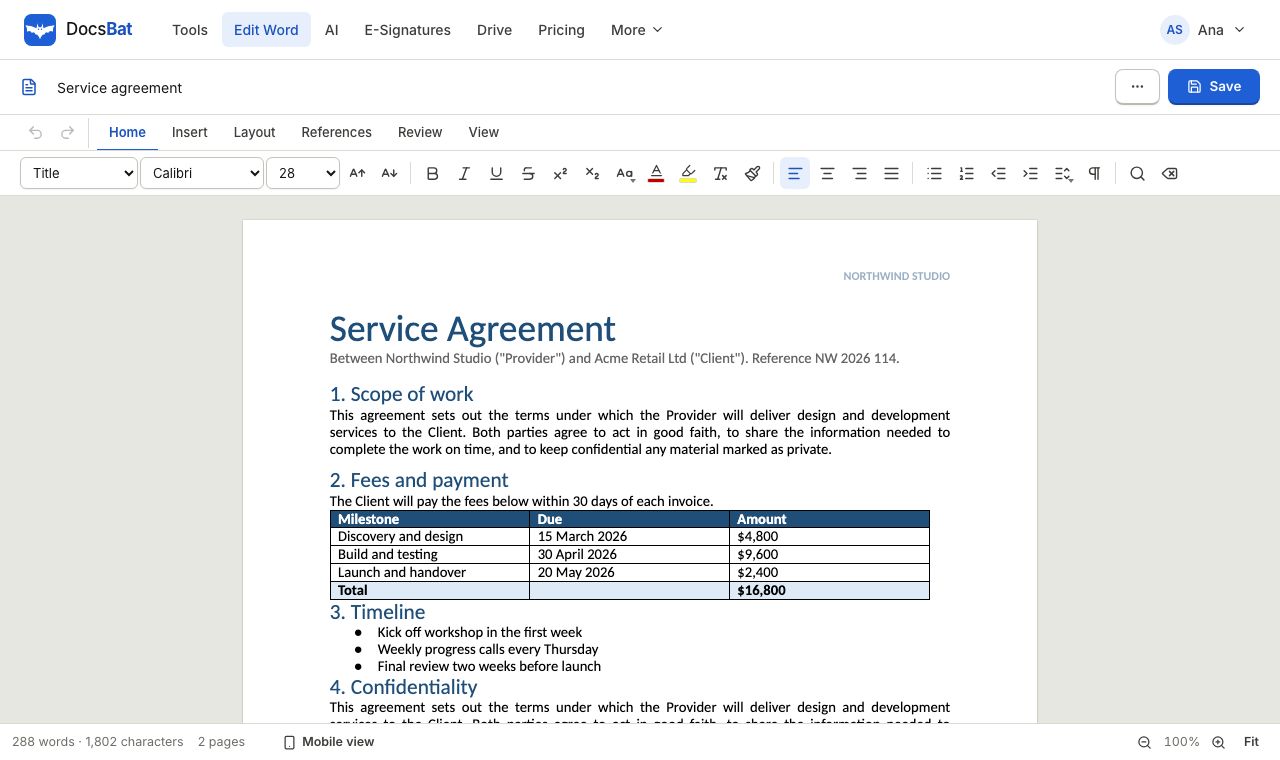 Word EditorOpen a .docx in your browser, edit text, lists, tables and pictures, and save it back as Word or PDF.
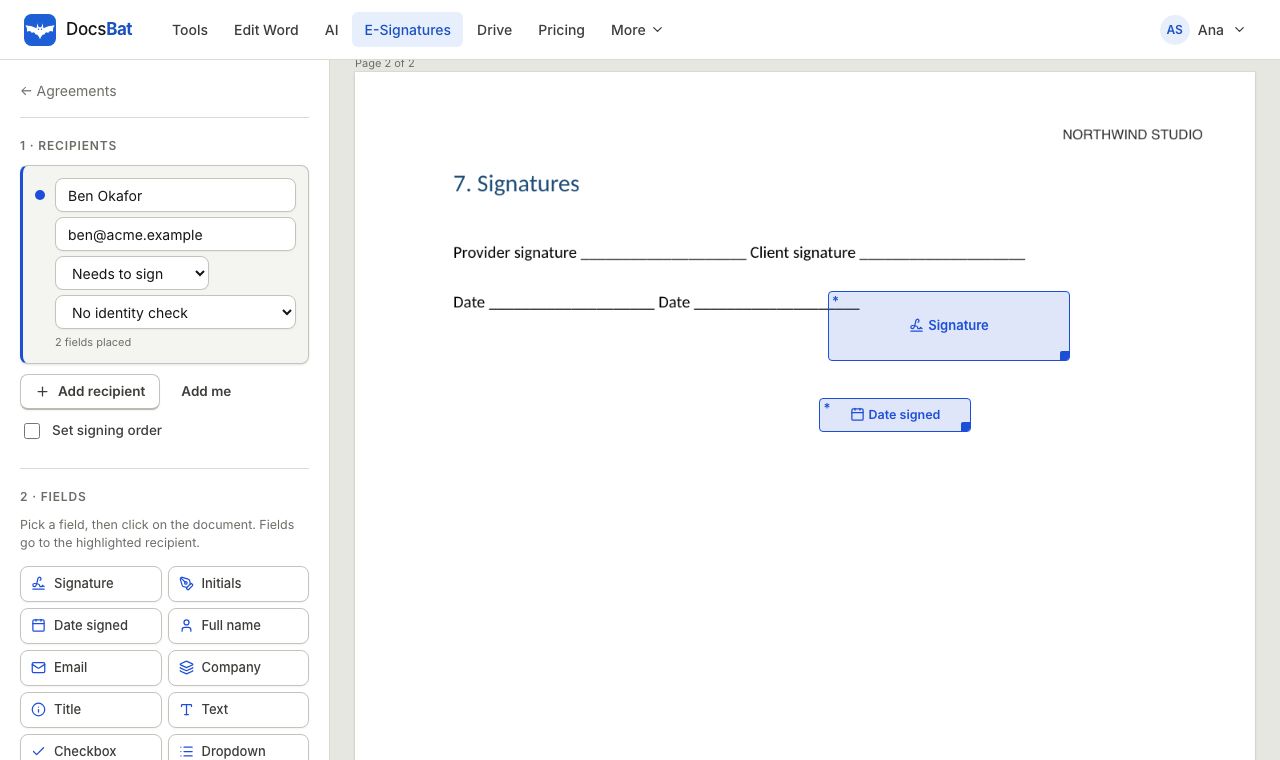 E-SignaturesSend Word and PDF documents for legally binding e signatures with signing order, identity checks, reminders and a sealed final PDF.
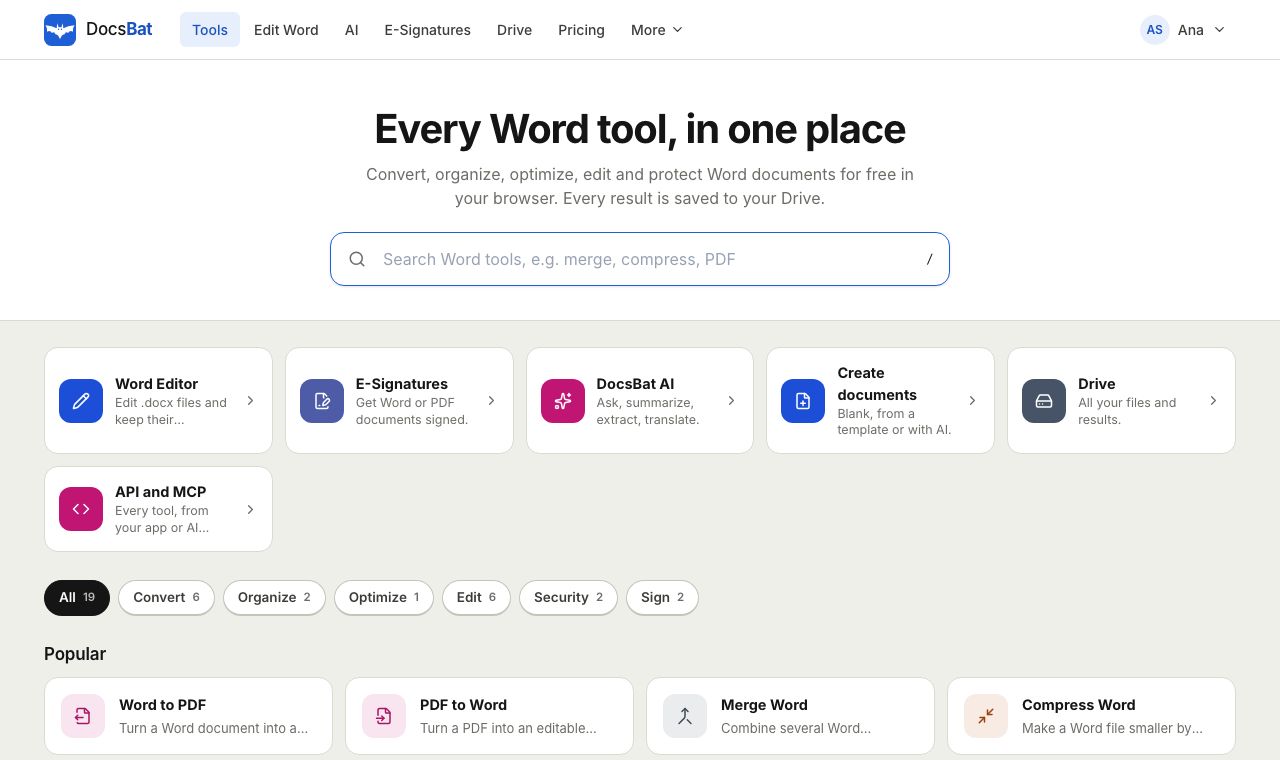 Free Word Tools17 free tools to convert, merge, split, compress, edit and protect Word documents in your browser.
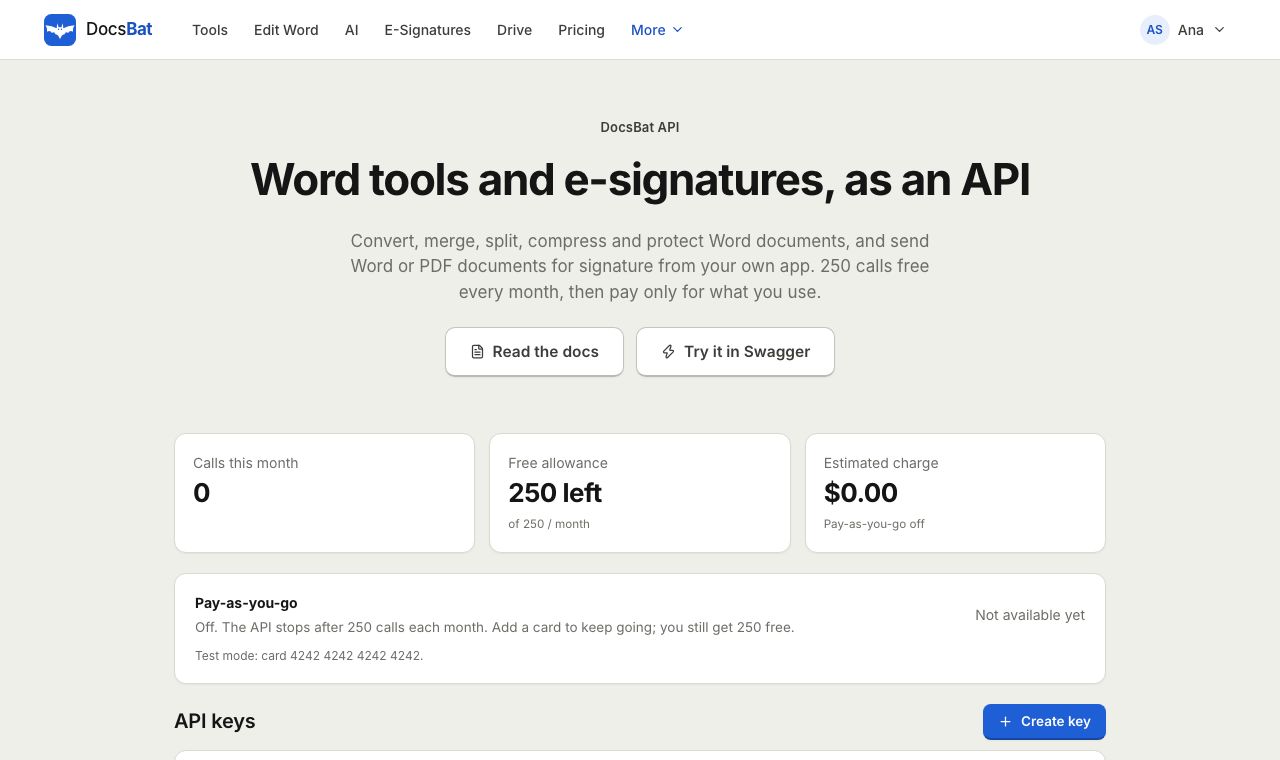 Word APIA REST API for every Word tool, e signatures, templates, Drive, AI and webhooks. 250 free calls a month.
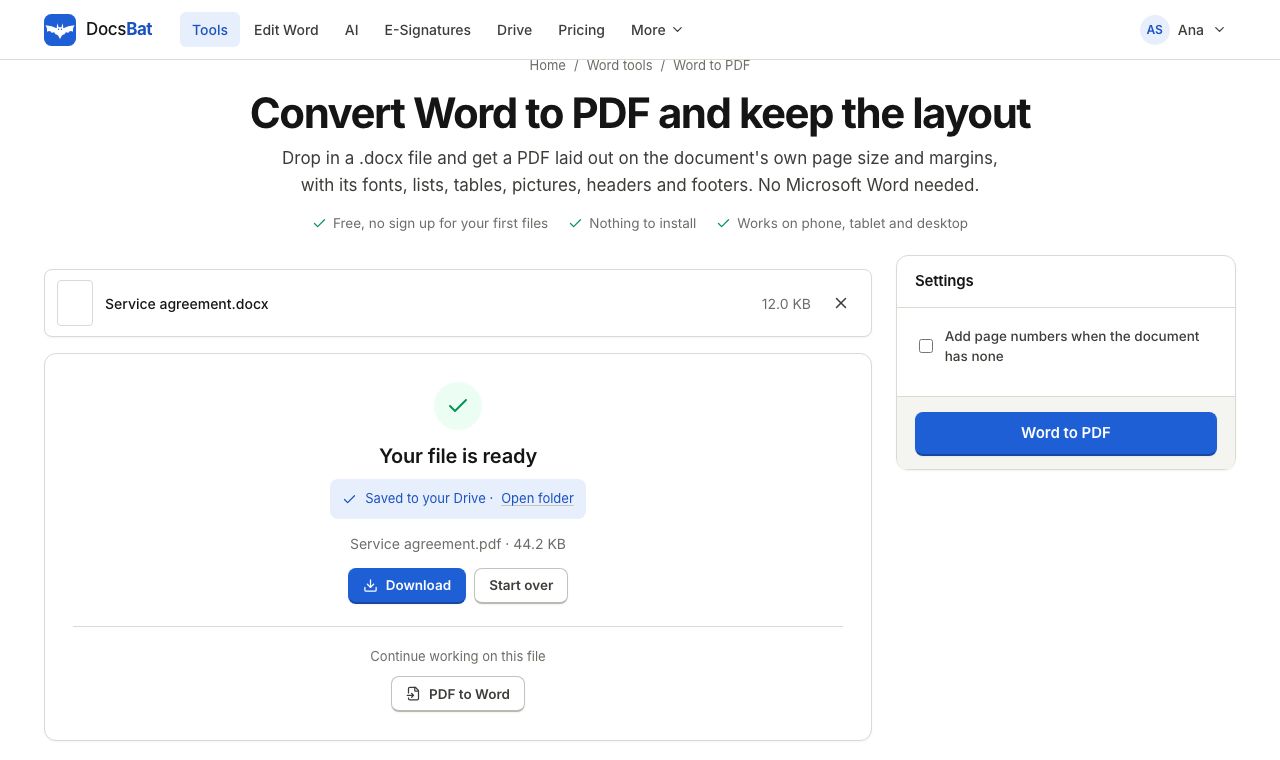 Word to PDFTurn a .docx into a PDF that keeps its fonts, lists, tables, pictures, headers, footers and page numbers.
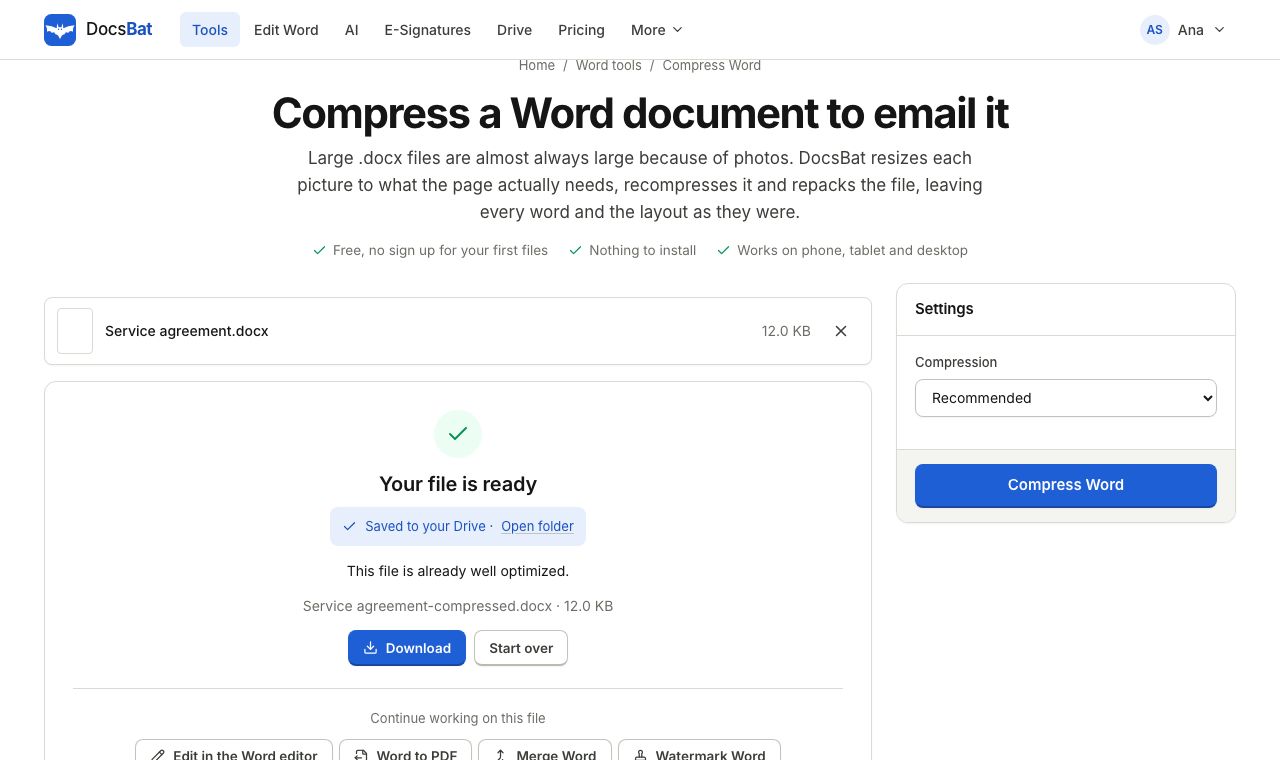 Compress WordMake a Word file smaller by shrinking its pictures to the size they are shown at, without touching the text.
Get 1 GB of document storage free
Create your account in seconds. Every tool result is saved to your Drive from the first file.