Split a Word document into separate files
Cut a long .docx into chapters at each heading, at its page breaks or into parts of equal length. Every part is a complete Word file with the original styles, headers and footers.
- Free, no sign up for your first files
- Nothing to install
- Works on phone, tablet and desktop
Smaller files, each one ready to use
Long documents are hard to share and review. A handbook where each team needs one chapter, a manuscript an editor wants chapter by chapter, a pack of letters typed one per page, a report too big for an email: all of these are easier as separate files.
Split Word copies the document once for each part and keeps only that part's content, so every file has the same styles, page setup, headers and footers as the original. Parts are named in order with the first words of their content, for example handbook-02-Leave-policy.docx, and delivered together in a zip.
Why split with DocsBat
At chapter headings
Start a new file at every Heading 1, or at every Heading 1 and Heading 2.
At page breaks
Split wherever the document has a manual page break, perfect for one letter or form per page.
Equal parts
Divide a document into 2 to 50 parts of roughly the same length.
Formatting kept
Each part keeps the original styles, lists, pictures, headers and footers.
Named and zipped
Parts are numbered and named after their first words, then zipped together.
How it works
- 1
Choose a Word file
Drop a .docx onto the page or pick it from Drive. Password protected files ask for the password.
- 2
Pick how to split
Set Split to At each heading, At page breaks or Into parts of equal length, then the heading level or number of parts.
- 3
Download the parts
Get a zip of separate .docx files. It is also saved to your Drive.
Split options explained
- At each heading
- The default. A new part starts at each heading. Choose Heading level: Heading 1 for chapters, or Heading 1 and 2 to split at sections too. Headings are found from Word's heading styles and outline levels.
- At page breaks
- A new part starts after each manual page break or at a paragraph set to start on a new page. Page breaks created only by text running onto the next page do not count.
- Into parts of equal length
- Set Number of parts from 2 to 50. DocsBat divides the content by amount of text, cutting between paragraphs and tables, never in the middle of one.
- No blank last pages
- A page break left at the end of a part is removed, so parts do not end with an empty page.
- Clear messages
- If a document has no headings or no page breaks to split at, DocsBat tells you and suggests another mode.
Tips
- Splitting at headings needs real Word heading styles. If chapters are only bold text, use At page breaks or Into parts of equal length instead.
- Want one PDF per chapter? Split here, then convert the parts with Word to PDF.
- Joined the wrong files? Merge Word puts parts back together.
- Old .doc files must be saved as .docx first.
Common uses
- Send each chapter of a manuscript to a different reviewer.
- Break a mail merge output into one letter per file.
- Share only the relevant section of a policy handbook.
- Keep each part of a large report under an email attachment limit.
Frequently asked questions
How do I split a Word document into separate files?
Open Split Word, upload the .docx, choose to split at each heading, at page breaks or into equal parts, and download the zip of separate files.
Can I split a Word document by chapter?
Yes. Choose At each heading with Heading 1. Each chapter that starts with a Heading 1 becomes its own file.
Can I split at every page?
Split works at manual page breaks, not at every page Word fills automatically. If your pages end with page breaks, choose At page breaks.
Does each part keep the formatting?
Yes. Every part keeps the original styles, lists, pictures, page setup, headers and footers.
Why does it say no headings were found?
The document does not use Word heading styles. Apply Heading 1 to your chapter titles or choose another split mode.
Is it free?
Yes. 3 runs a day without an account, 10 tasks a day with a free account and unlimited tasks on Pro for $4 a month.
Related features and tools
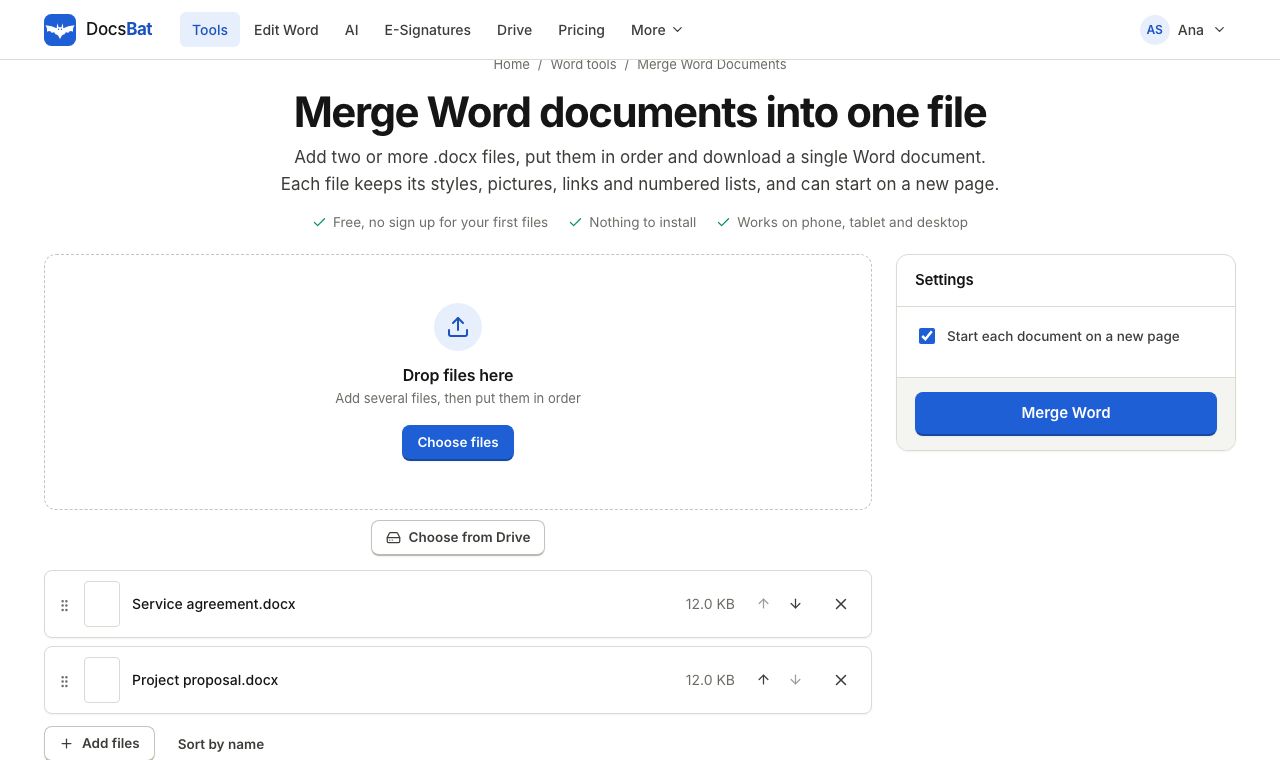 Merge Word DocumentsCombine several Word documents into one .docx in the order you choose, keeping formatting, pictures and lists.
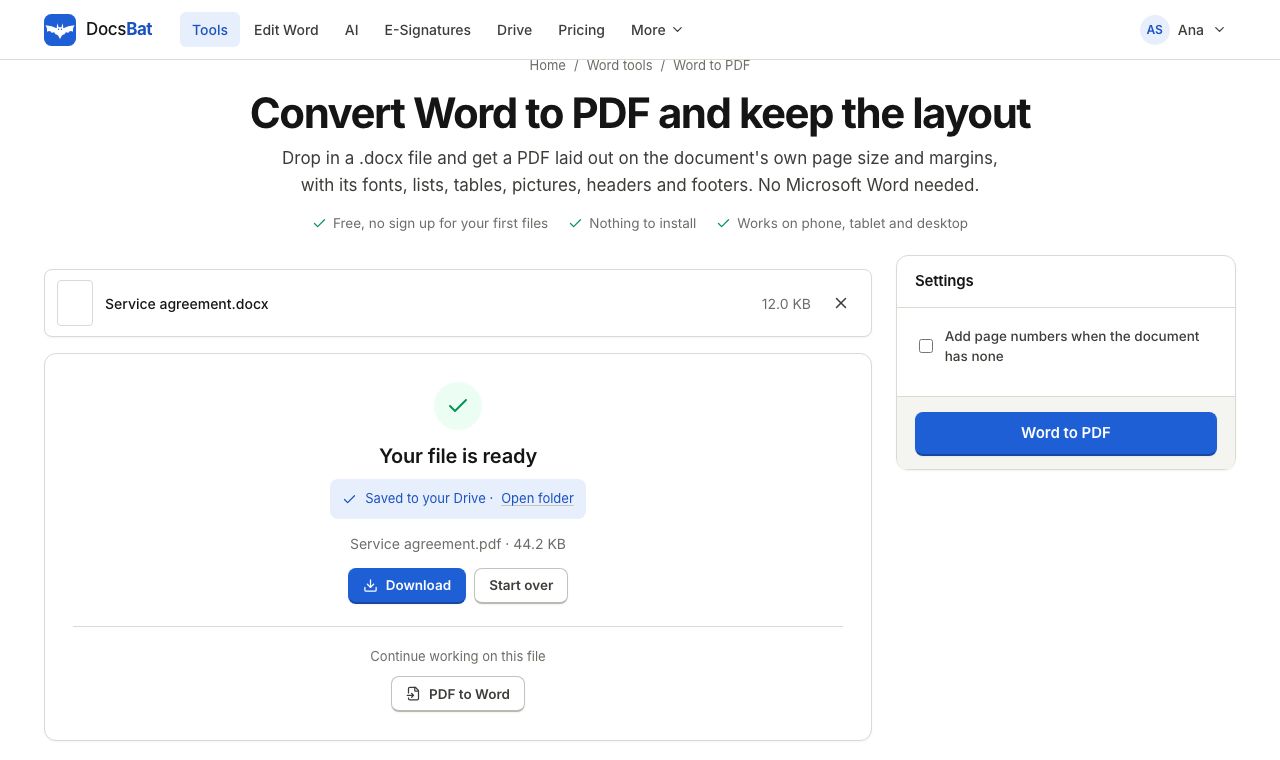 Word to PDFTurn a .docx into a PDF that keeps its fonts, lists, tables, pictures, headers, footers and page numbers.
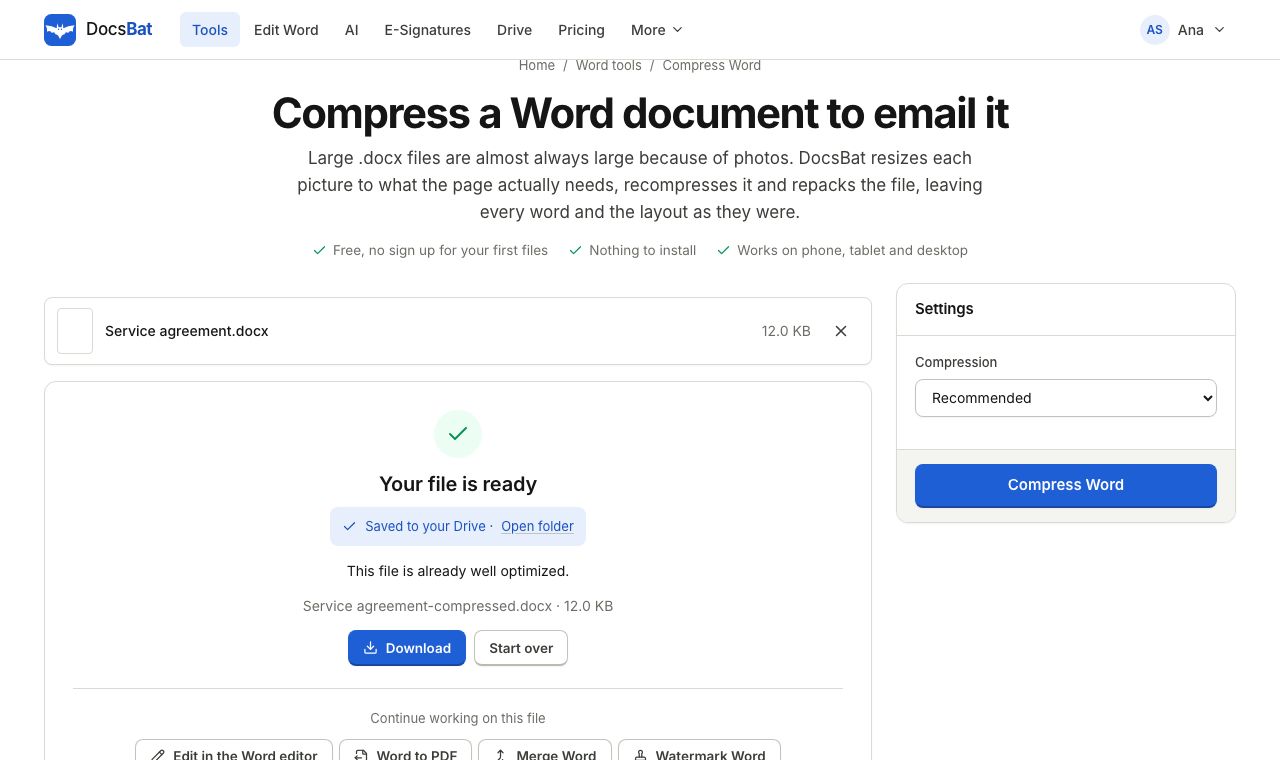 Compress WordMake a Word file smaller by shrinking its pictures to the size they are shown at, without touching the text.
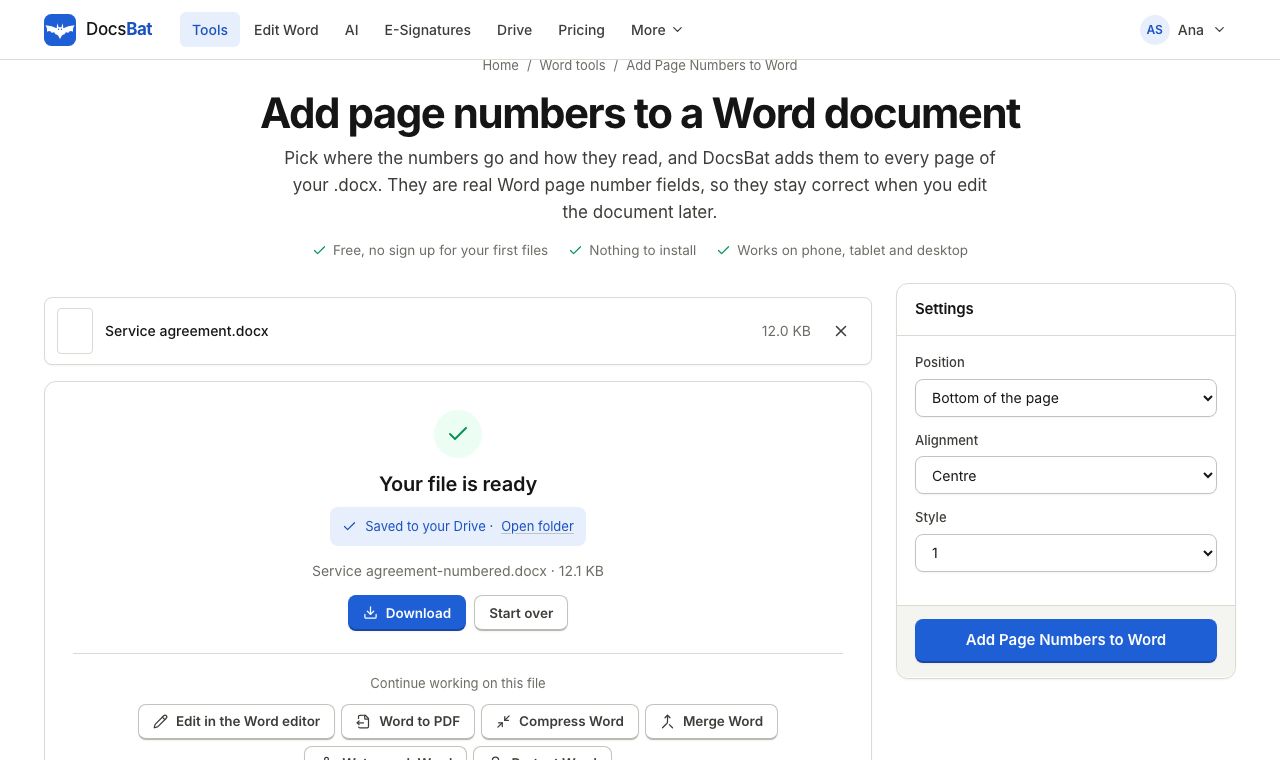 Add Page Numbers to WordNumber the pages of a Word document with real page number fields, top or bottom, left, centre or right.
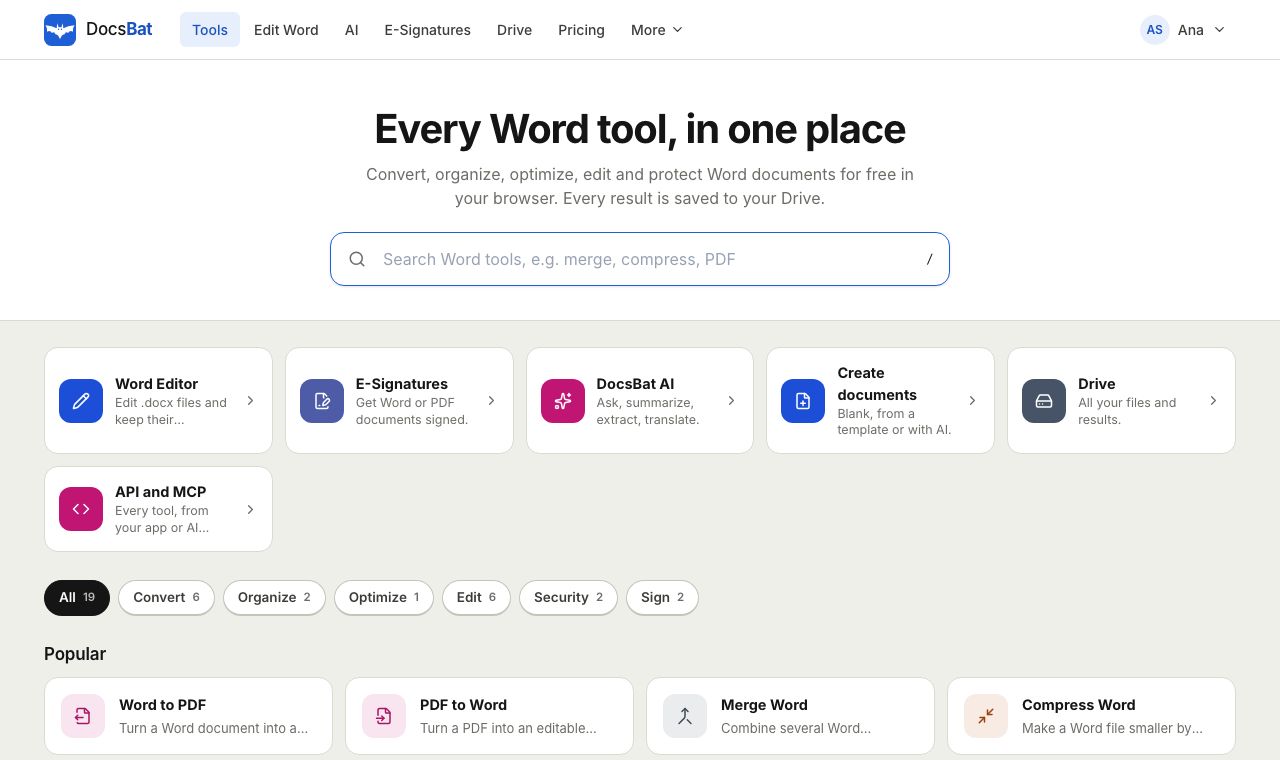 Free Word Tools17 free tools to convert, merge, split, compress, edit and protect Word documents in your browser.
Ready? Your file is one click away
Free, in your browser. Create a free account to get 10 tasks a day and keep every result in your own Drive.