Convert text, Markdown or HTML to Word
Upload a .txt, .md or .html file and get a .docx with real Word headings, lists, tables and links, ready to edit, share or turn into a PDF.
- Free, no sign up for your first files
- Nothing to install
- Works on phone, tablet and desktop
From notes and drafts to a proper document
Lots of writing starts outside Word: notes apps, code editors, wikis, chat assistants, websites and README files. When it is time to send that text to a client, a teacher or a manager, they usually want a Word document. Text to Word builds one for you.
Markdown and HTML structure becomes real Word structure. A # heading becomes Heading 1, a list becomes a Word list with proper bullets or numbers, a table becomes a Word table with a header row, and links stay clickable. Plain text files keep their lines exactly as written.
Why convert with DocsBat
Real Word headings
Headings use Word's heading styles, so the navigation pane and tables of contents work.
Nested lists
Bulleted and numbered lists keep their nesting levels.
Tables
Markdown and HTML tables become Word tables with the first row as the header.
Auto detect
The format is picked from the file name, or you can set it yourself.
How it works
- 1
Choose a text file
Upload a .txt, .md, .markdown, .html or .htm file.
- 2
Confirm the format
Leave The file is on Detect from the file name, or choose Markdown, Plain text or Web page (HTML).
- 3
Convert and download
Get a .docx, saved to your Drive as well, ready for Word or the DocsBat editor.
What gets converted
- Markdown
- Headings, paragraphs, bold, italic, strikethrough, inline code, code blocks, links, bulleted and numbered lists with nesting, tables, block quotes and horizontal rules.
- Web page (HTML)
- The page is converted through the same rules as Markdown. Scripts, styles, navigation menus and footers are removed so you get the main content.
- Plain text
- Each line becomes its own paragraph, and blank lines are kept as spacing, so the document matches the file line by line.
- Document title
- The first top level heading in Markdown, or the page title in HTML, is used as the Word document's title.
- Images
- Images are not downloaded or embedded. An image in Markdown becomes its alt text in square brackets so you know where to insert the picture.
Who uses Text to Word
- Writers and students who draft in Markdown or a notes app and must submit a .docx.
- Developers turning a README or documentation page into a Word document for non technical colleagues.
- Anyone using an AI chat assistant, which usually answers in Markdown, and needs the result as a Word file.
- Marketers saving a web page as an editable document for review.
Tips
- Files must be text. Word, PDF and image files are rejected with a clear message.
- Save files as UTF 8 so every language converts correctly.
- After converting, add a header and footer or page numbers, or convert it to PDF.
- Need the reverse? Word to Text exports a .docx as text, HTML or Markdown.
Frequently asked questions
How do I convert Markdown to Word?
Open Text to Word, upload your .md file and convert. Headings, lists, tables, links and text styles become real Word formatting.
Can I convert a web page to Word?
Yes, if you save the page as an .html file first. DocsBat keeps the main content and removes scripts, menus and footers.
Are images included?
No. Images are referenced by address in Markdown and HTML and are not fetched. Their alt text appears in square brackets so you can insert the pictures afterwards.
What happens to a plain .txt file?
Each line becomes a paragraph and blank lines are kept, so the layout of your text stays the same.
Can I paste text instead of uploading?
The tool takes a file. Paste your text into any text editor, save it as .txt or .md, and upload that.
Is it free?
Yes. 3 runs a day without an account, 10 tasks a day with a free account and unlimited tasks on Pro for $4 a month.
Related features and tools
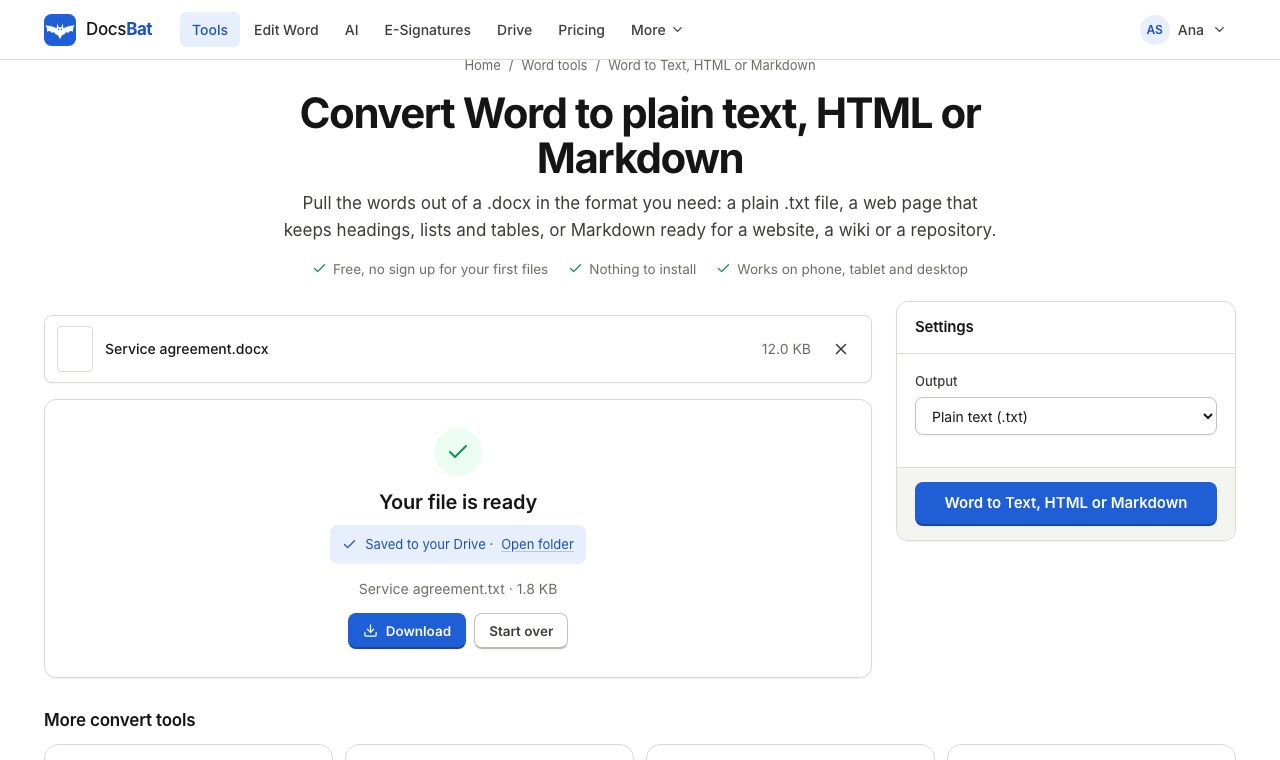 Word to Text, HTML or MarkdownGet the text of a Word document as plain text, a web page or Markdown.
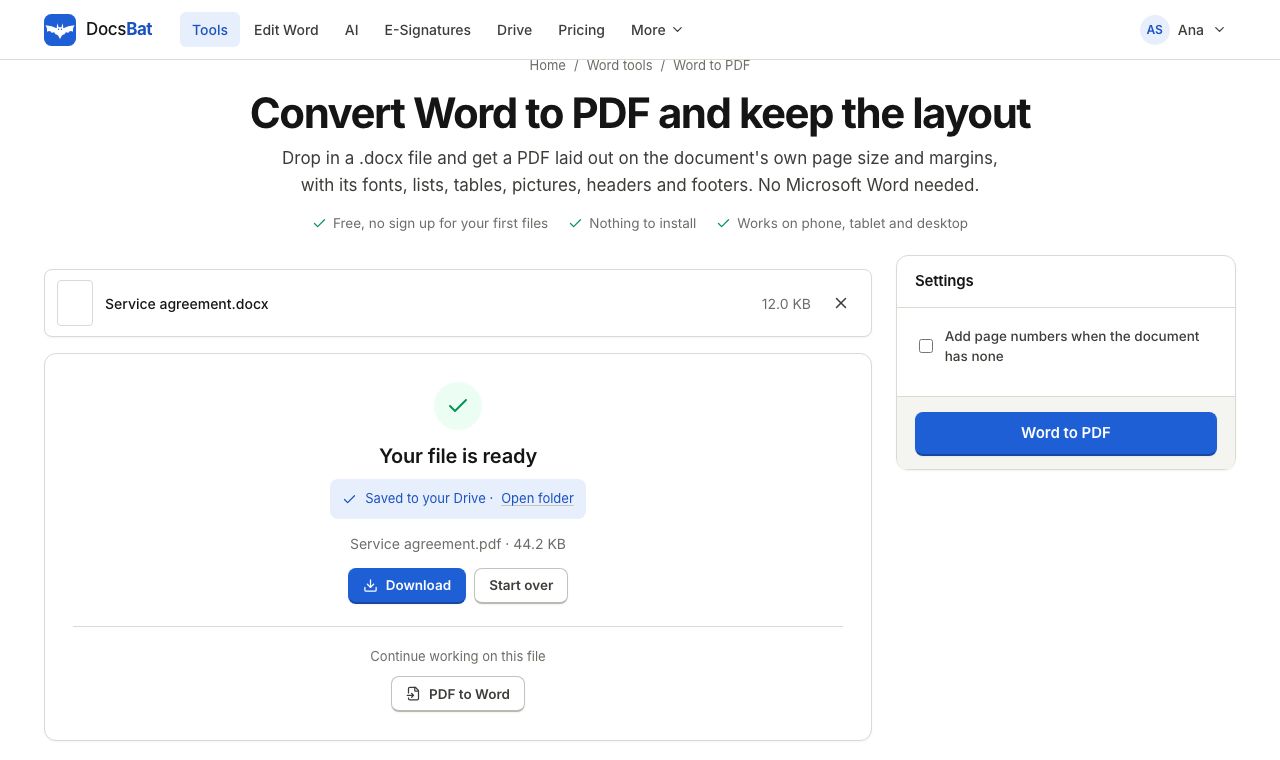 Word to PDFTurn a .docx into a PDF that keeps its fonts, lists, tables, pictures, headers, footers and page numbers.
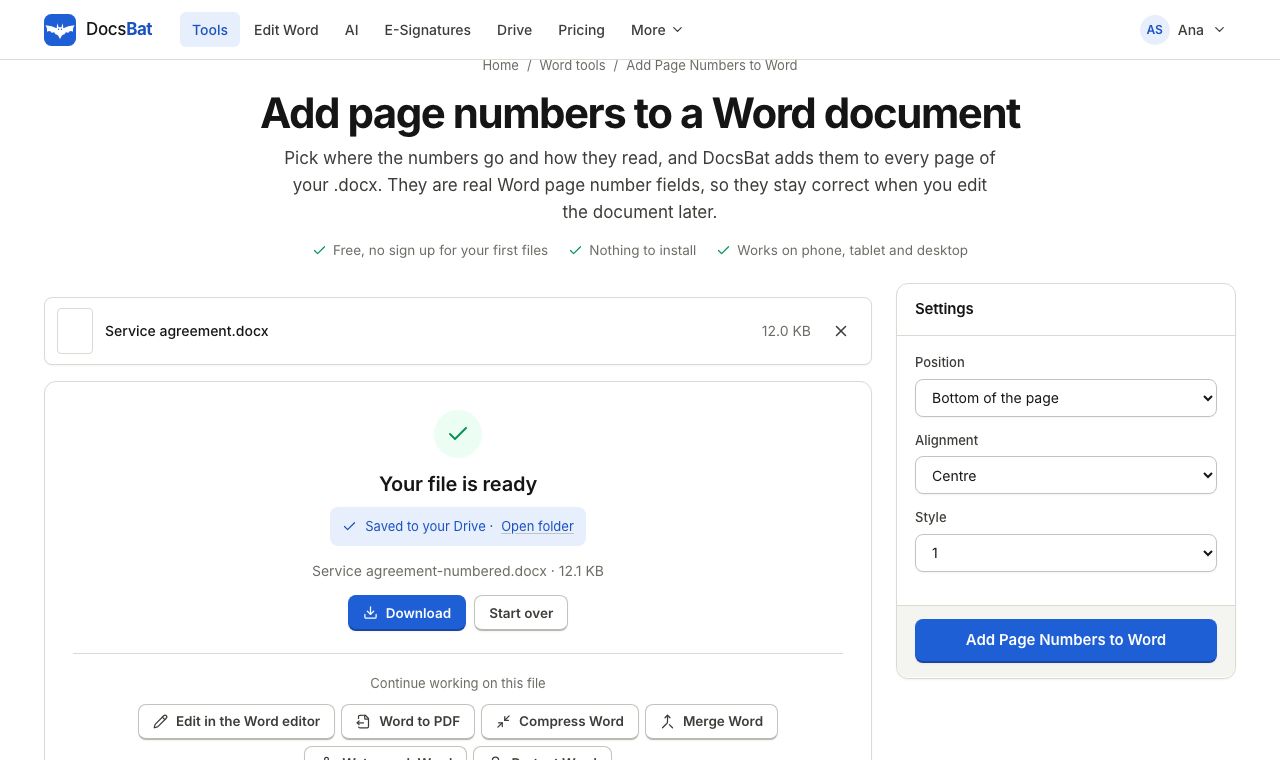 Add Page Numbers to WordNumber the pages of a Word document with real page number fields, top or bottom, left, centre or right.
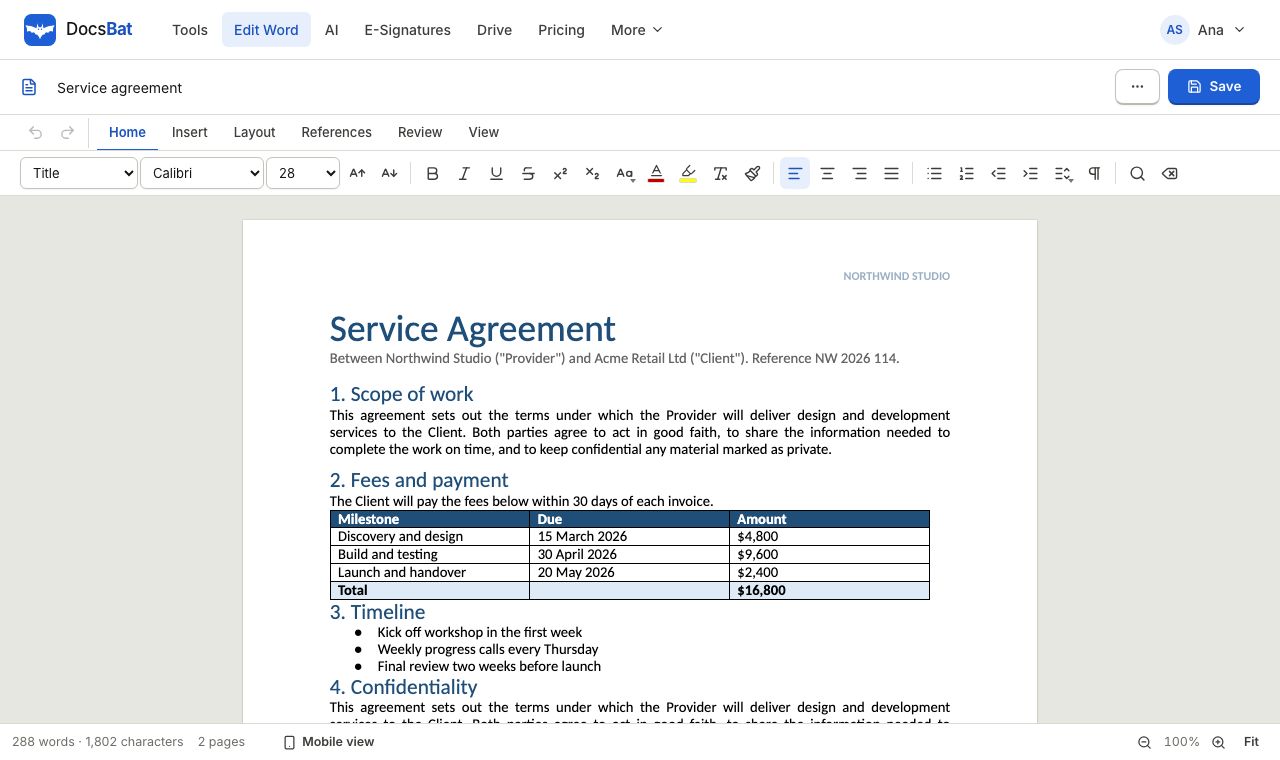 Word EditorOpen a .docx in your browser, edit text, lists, tables and pictures, and save it back as Word or PDF.
 PDF to WordTurn a PDF into an editable .docx with paragraphs, headings, lists and pictures rebuilt.
Ready? Your file is one click away
Free, in your browser. Create a free account to get 10 tasks a day and keep every result in your own Drive.