Free Word tools you can use without signing up
Convert a Word file to PDF, merge documents, shrink a .docx or add a password without creating an account. Here is exactly what works without signing up, and what a free account adds.
- 3 runs a day with no account
- No credit card
- Nothing to install
Straight answers about what is free without an account
Many sites promise a free Word editor with no sign up and then ask for an email address the moment you press download. We would rather be clear from the start.
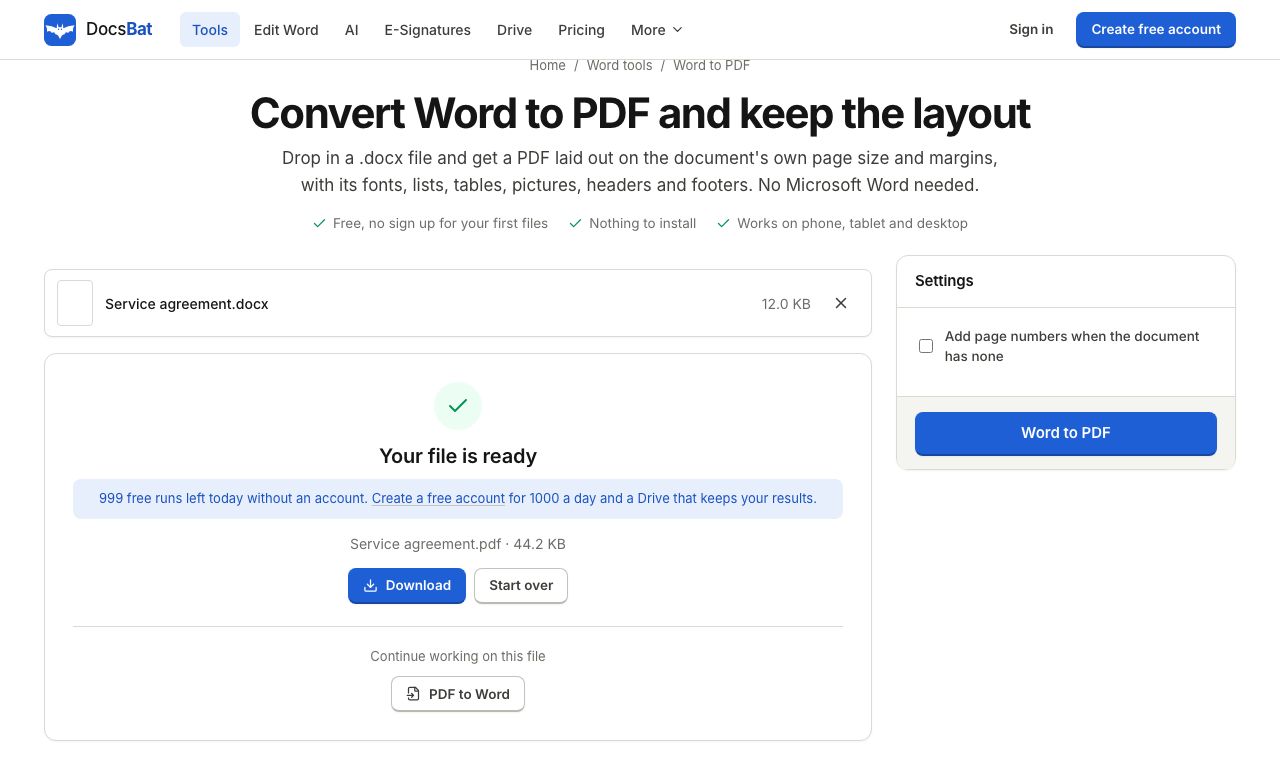
Without an account, you can run any of the 17 DocsBat Word tools up to 3 times a day. That includes Word to PDF, PDF to Word, Merge Word, Compress Word, Find and Replace, Protect Word and the rest. You upload a file, choose the options, and download the result. No email, no card.
The Word editor needs a free account. Editing a document means saving it somewhere you can come back to, so the editor saves to your own private Drive. The same goes for Drive storage and sending documents for e signature. A free account takes a username and a password, nothing more, and raises the tools to 10 tasks a day.
Why start with DocsBat
No account for quick jobs
Run any Word tool up to 3 times a day without signing up. Good for a one off conversion.
Free account, no card
Sign up with a username and password to get the editor, 10 tasks a day and 1 GB of Drive.
No watermark
Files from the free tools are not stamped with a DocsBat logo or banner.
Nothing to install
Everything runs in your browser on Windows, Mac, Chromebook, iPhone and Android.
Pro when you need more
Pro is $4 a month for unlimited tasks, files up to 100 MB and 10 GB of storage.
Use a Word tool without signing up
- 1
Pick a tool
Open the tools page and choose what you need, for example Word to PDF or Merge Word.
- 2
Upload and set options
Drop in your .docx file (up to 25 MB) and pick the options the tool offers.
- 3
Download the result
Run the tool and download the file. After 3 runs in a day, sign up free to keep going.
Without an account vs with a free account
- Word tools
- No account: 3 runs a day. Free account: 10 tasks a day. Pro: unlimited.
- Word editor
- Needs a free account. Open a .docx in the browser, edit it and save as Word or PDF.
- Drive storage
- Needs a free account. 1 GB free to keep results and edited files, 10 GB on Pro.
- E signatures
- Sending needs a free account, with 3 envelopes a month free. Signers never need an account.
- AI for documents
- Needs an account and AI credits. See AI for documents for how credits work.
- File size
- Up to 25 MB per file without an account and on Free, up to 100 MB on Pro.
The 17 Word tools you can try right now
- Convert: Word to PDF, PDF to Word, Word to JPG, Word to Text, HTML or Markdown, Text to Word, Extract Images from Word.
- Organize: Merge Word documents, Split a Word document.
- Optimize: Compress Word.
- Edit: Find and Replace, Watermark, Add Header and Footer, Add Page Numbers, Accept Changes and Remove Comments, Edit Word Properties.
- Security: Protect Word with a password, Unlock Word.
See them all with details on the free Word tools page.
Why the editor asks you to sign up
A tool run is a single step: file in, file out. Editing is different. You might open a document, make changes, and come back to it tomorrow on another device. To do that safely, DocsBat saves the document to a Drive that only you can open, and that needs an account to know whose Drive it is.
We keep sign up as light as possible: a username and a password. No phone number and no credit card. If you only need to change a word throughout a file, Find and Replace in Word works without an account and may be all you need.
Limits worth knowing
- DocsBat works with .docx, .docm and .dotx files. Old .doc files need to be saved as .docx first.
- The 3 free runs without an account are counted per network each day.
- Without an account, results are not saved to a Drive, so download them before you close the page.
Frequently asked questions
Can I edit a Word document online without signing up?
Not in the editor: it needs a free account so it can save your document to your Drive. Without an account you can use the Word tools, such as Find and Replace, Watermark or Add Page Numbers, 3 times a day.
Which tools work without an account?
All 17 Word tools, up to 3 runs a day: conversions, merge, split, compress, find and replace, watermark, headers and footers, page numbers, accept changes, properties, protect and unlock.
What does a free account cost?
Nothing. Sign up with a username and password, no credit card. You get the editor, 10 tool tasks a day, 3 signature envelopes a month and 1 GB of Drive.
Is there a watermark on free files?
No. DocsBat does not add its own watermark to files from the free tools.
What happens after 3 runs without an account?
You are asked to create a free account to continue, which gives you 10 tasks a day. Or come back the next day.
Do I need to install anything?
No. DocsBat runs in your browser on any computer, tablet or phone.
Related features and tools
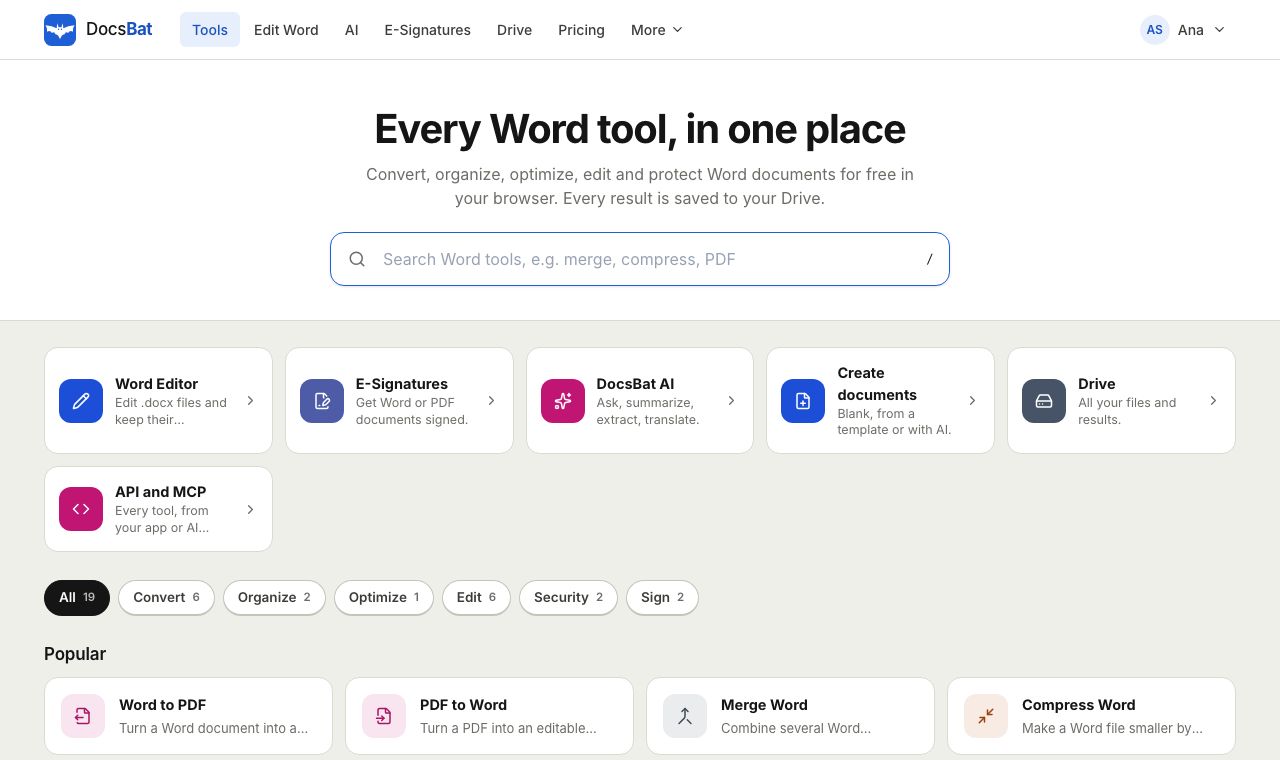 Free Word Tools17 free tools to convert, merge, split, compress, edit and protect Word documents in your browser.
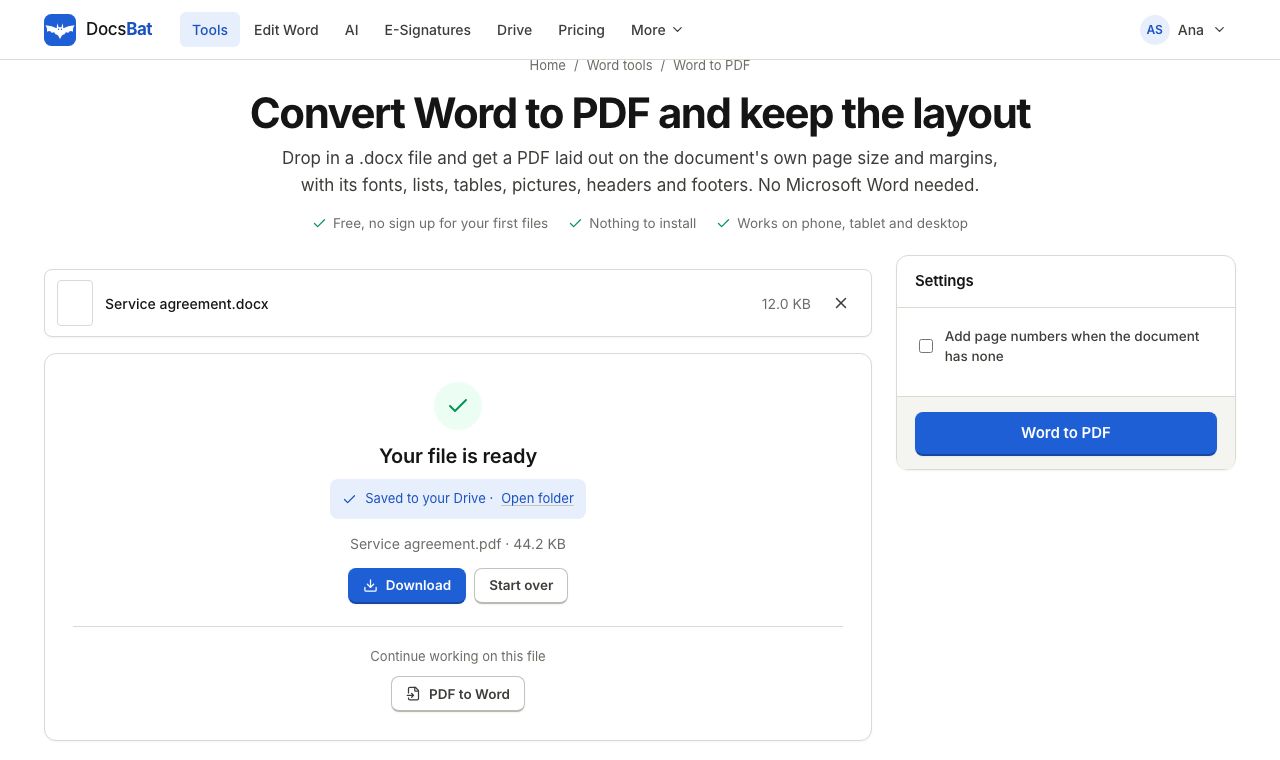 Word to PDFTurn a .docx into a PDF that keeps its fonts, lists, tables, pictures, headers, footers and page numbers.
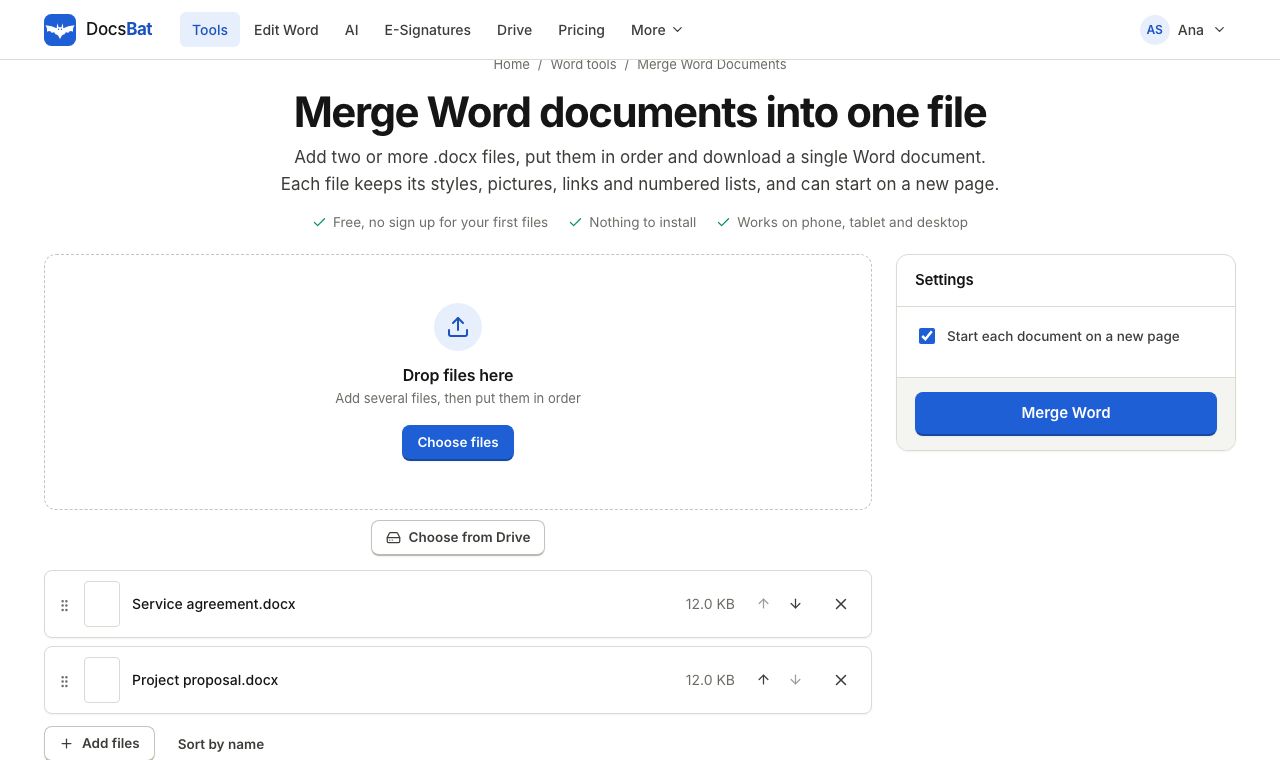 Merge Word DocumentsCombine several Word documents into one .docx in the order you choose, keeping formatting, pictures and lists.
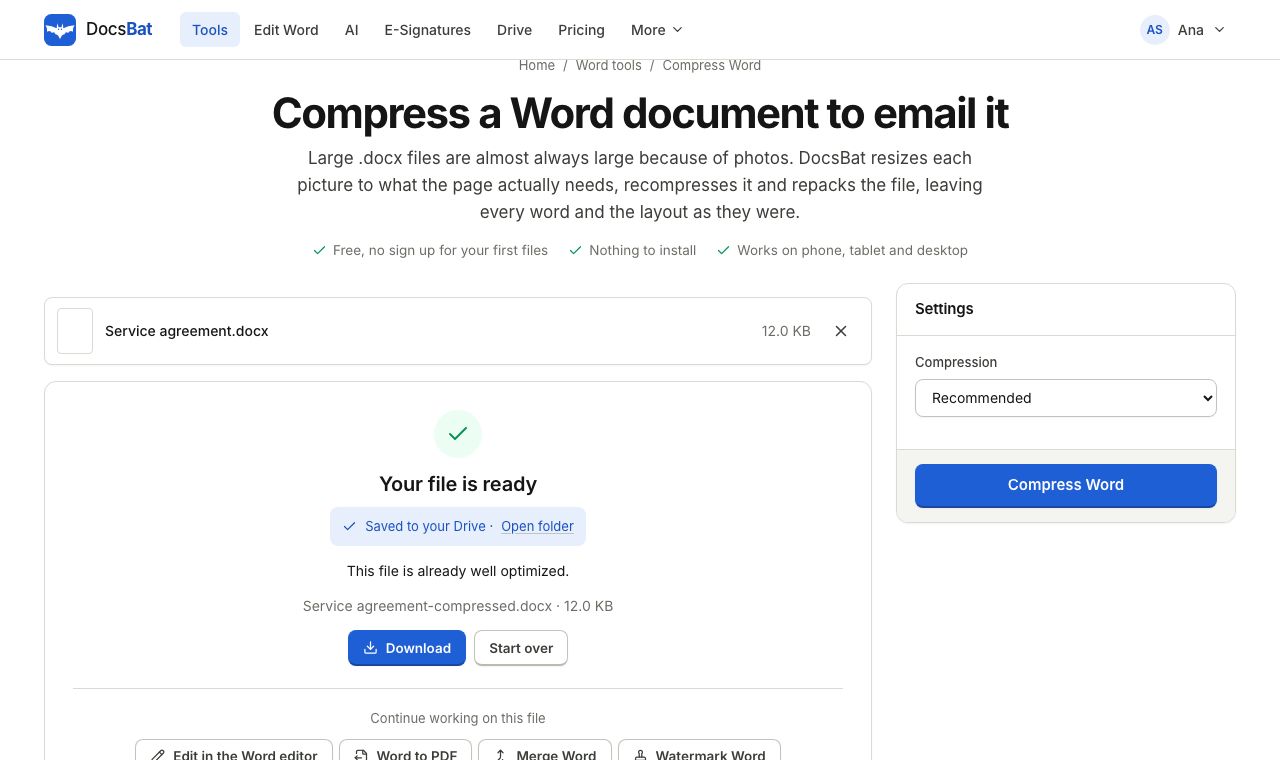 Compress WordMake a Word file smaller by shrinking its pictures to the size they are shown at, without touching the text.
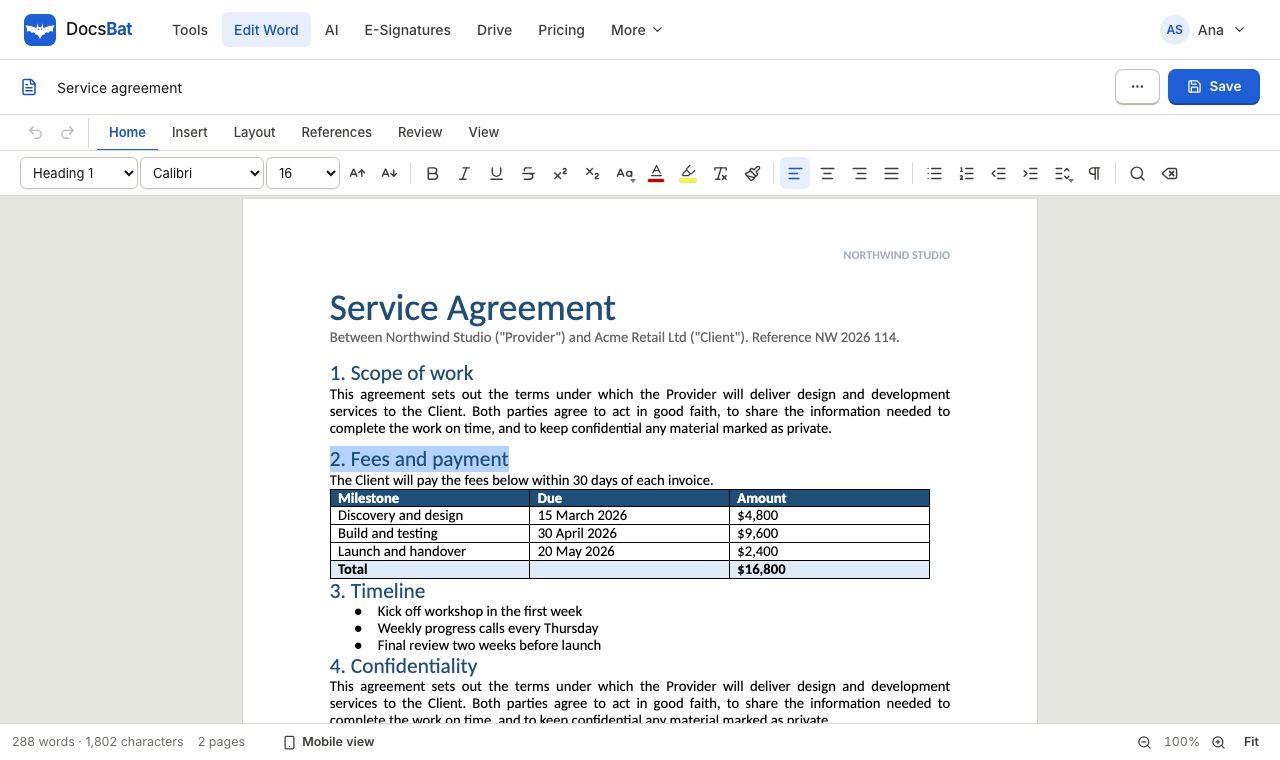 Edit Word online freeOpen a .docx in your browser, change the text, tables and pictures, and save it back as a Word file or a PDF.
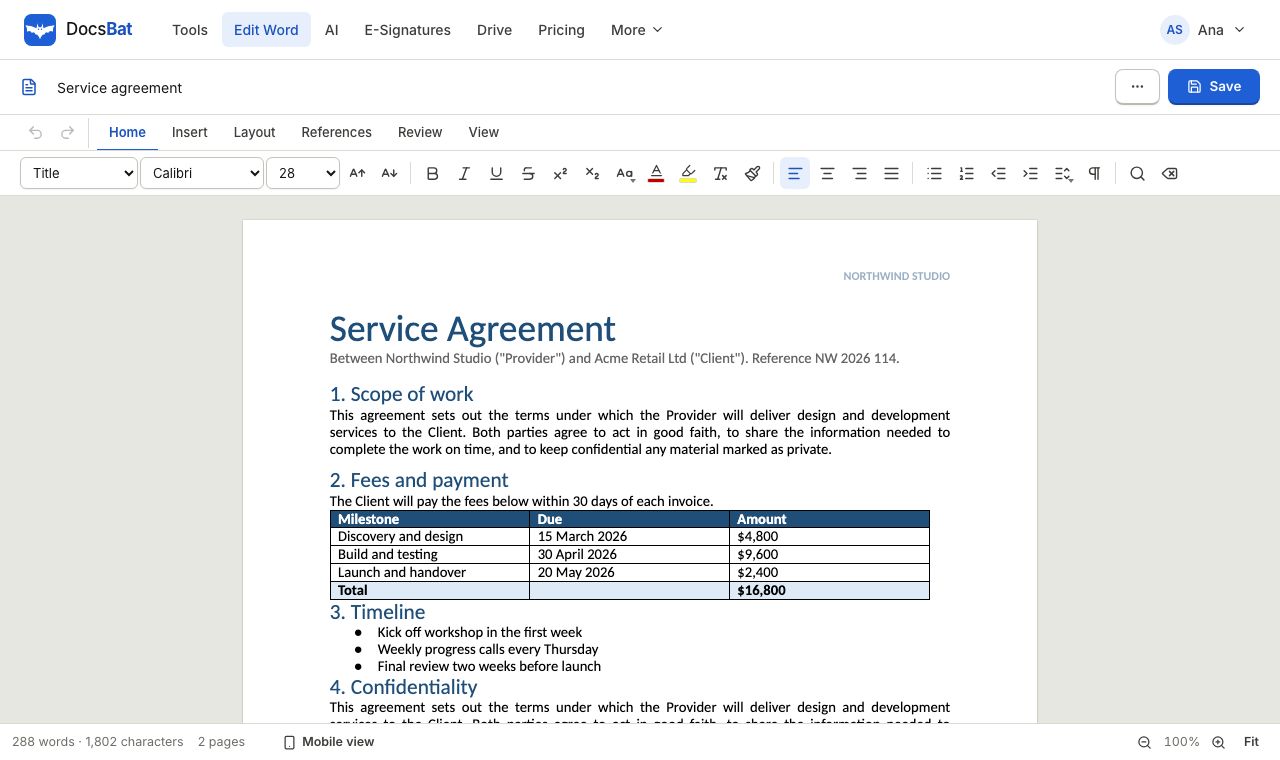 Word EditorOpen a .docx in your browser, edit text, lists, tables and pictures, and save it back as Word or PDF.
Try a Word tool now
No account needed for your first 3 runs today. Create a free account when you want the editor and more tasks.