Convert Word to plain text, HTML or Markdown
Pull the words out of a .docx in the format you need: a plain .txt file, a web page that keeps headings, lists and tables, or Markdown ready for a website, a wiki or a repository.
- Free, no sign up for your first files
- Nothing to install
- Works on phone, tablet and desktop
The content without the Word file around it
Pasting from Word into a website editor, an email, a content system or a notes app often brings hidden formatting with it, or loses the structure completely. Word to Text gives you a clean file in one of three formats, so the content lands exactly where you need it.
Plain text is the simplest: paragraphs on their own lines and table cells separated by tabs, so tables paste neatly into a spreadsheet. HTML gives you a standalone web page with headings, lists, tables, links and pictures styled like the document. Markdown keeps headings, lists, bold, italic and links in the lightweight format used by static site builders, documentation tools and code hosting.
Why convert with DocsBat
Three formats
Plain text (.txt), Web page (.html) or Markdown (.md), from the same tool.
Tables that paste
In plain text, each table row is one line with cells separated by tabs, which spreadsheets split into columns.
Clean Markdown
Headings use # marks, lists use dashes and numbers, and page breaks become horizontal rules.
No tracked deletions
Text that was deleted with Track Changes is left out, so you get the current wording only.
How it works
- 1
Choose a Word file
Drop a .docx, .docm or .dotx onto the page or pick it from your Drive.
- 2
Pick the output
Set Output to Plain text (.txt), Web page (.html) or Markdown (.md).
- 3
Convert and use it
Download the file, open it in any editor and paste or publish it. A copy is saved to your Drive.
What each output contains
- Plain text (.txt)
- The default. Body paragraphs in order, one per line, with table rows on single lines and cells separated by tabs. Headers and footers are not included. Saved as UTF 8, so every language is kept.
- Web page (.html)
- A complete HTML file with the document title, styles for headings, lists, tables and text formatting, and pictures included. Page breaks become horizontal lines.
- Markdown (.md)
- Headings, paragraphs, bulleted and numbered lists, bold, italic, links and tables in Markdown. Pictures are left out, since Markdown points to image files rather than holding them.
- Password protected files
- Enter the password when asked and the text is extracted as normal.
Common uses
- Publishing: turn an article written in Word into Markdown for a blog or documentation site.
- Web content: get HTML for a content management system without Word's messy paste formatting.
- Data: copy a table out of a Word report into a spreadsheet using the tab separated plain text.
- AI and search tools: feed plain text to tools that accept only .txt files.
- Archiving: keep a lightweight, future proof text copy of important documents.
Tips
- To keep pictures from the document as files, run Extract Images from Word alongside the Markdown export.
- Clean up review marks first with Accept Changes and Remove Comments if you want certain the text is final.
- Going the other way? Text to Word turns .txt, Markdown or HTML back into a formatted .docx.
Frequently asked questions
How do I convert a Word document to plain text?
Open Word to Text, choose the .docx, leave Output on Plain text (.txt) and convert. You get a .txt file with each paragraph on its own line.
Can I convert Word to Markdown?
Yes. Set Output to Markdown (.md). Headings, lists, bold, italic, links and tables are converted. Pictures are not included.
Does the HTML keep my formatting?
Mostly. Headings, lists, tables, links, pictures and text styles are kept in a standalone web page. Page layout details such as headers and footers are not part of a web page.
Are tables kept in plain text?
Their content is. Each row becomes a line with tab separated cells, which pastes into Excel or Google Sheets as columns.
Does it work with old .doc files?
No. Save the file as .docx in Word, LibreOffice or Google Docs first.
Is it free?
Yes. 3 runs a day without an account, 10 tasks a day with a free account and unlimited tasks on Pro for $4 a month.
Related features and tools
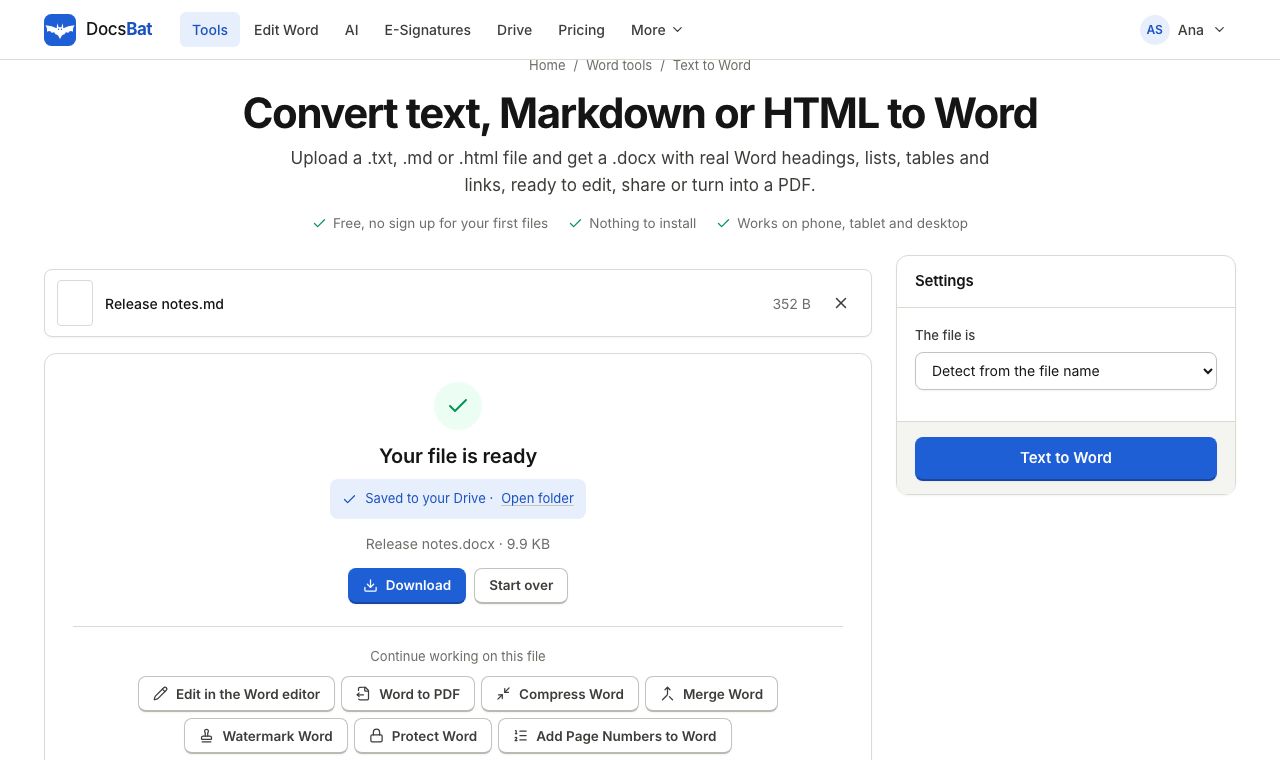 Text to WordTurn plain text, Markdown or an HTML page into a formatted Word document.
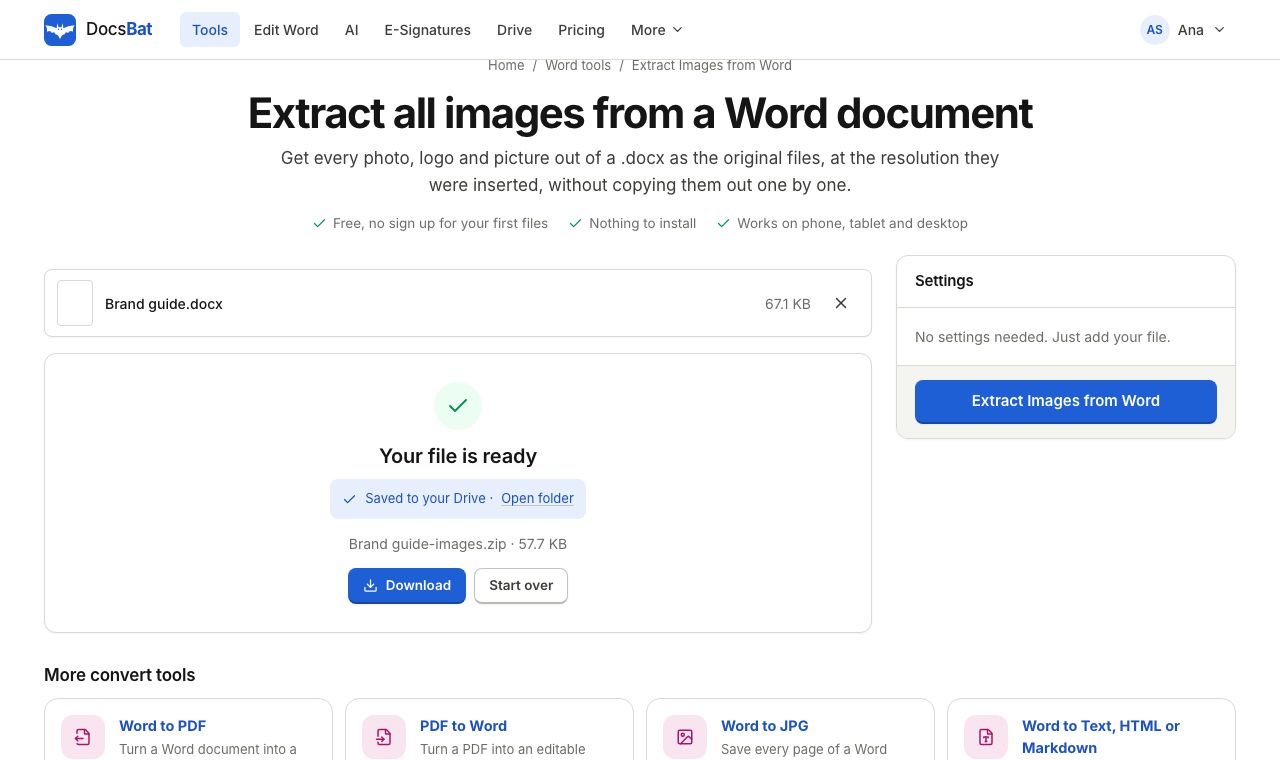 Extract Images from WordSave every picture in a Word document as its original image file, at full quality.
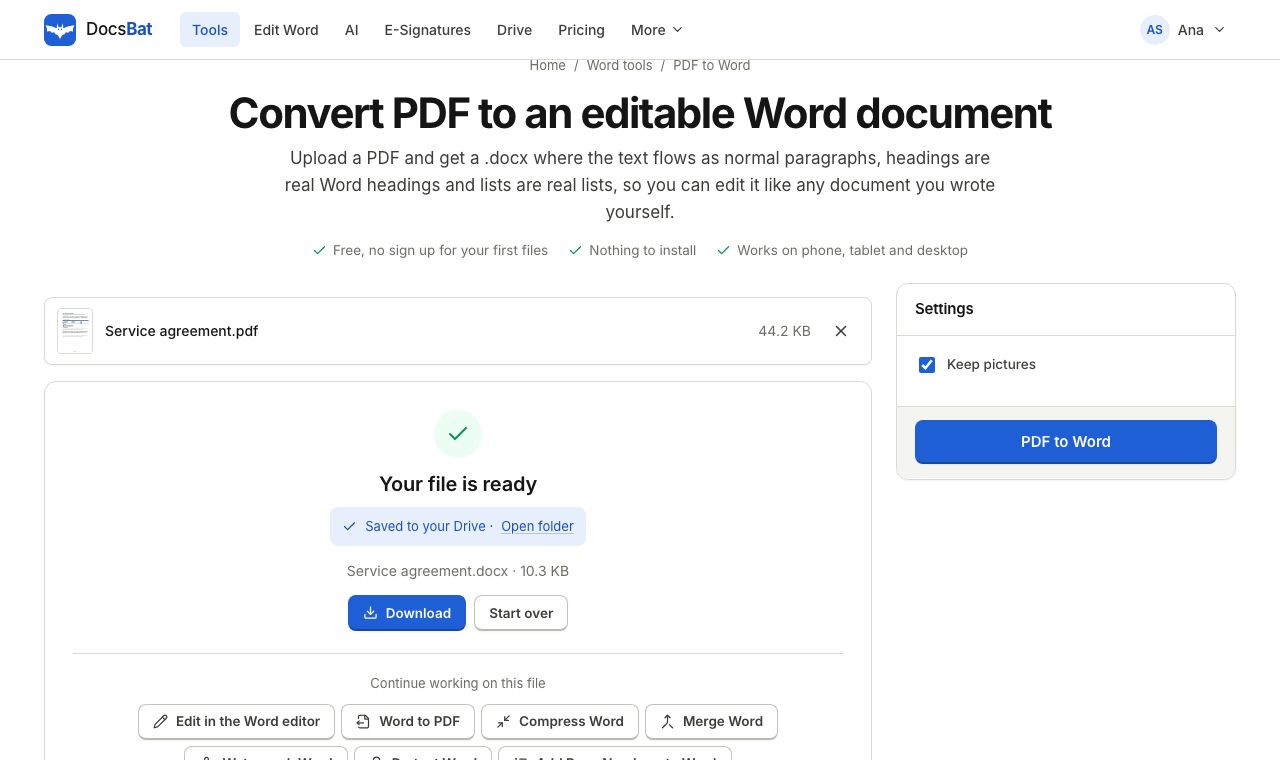 PDF to WordTurn a PDF into an editable .docx with paragraphs, headings, lists and pictures rebuilt.
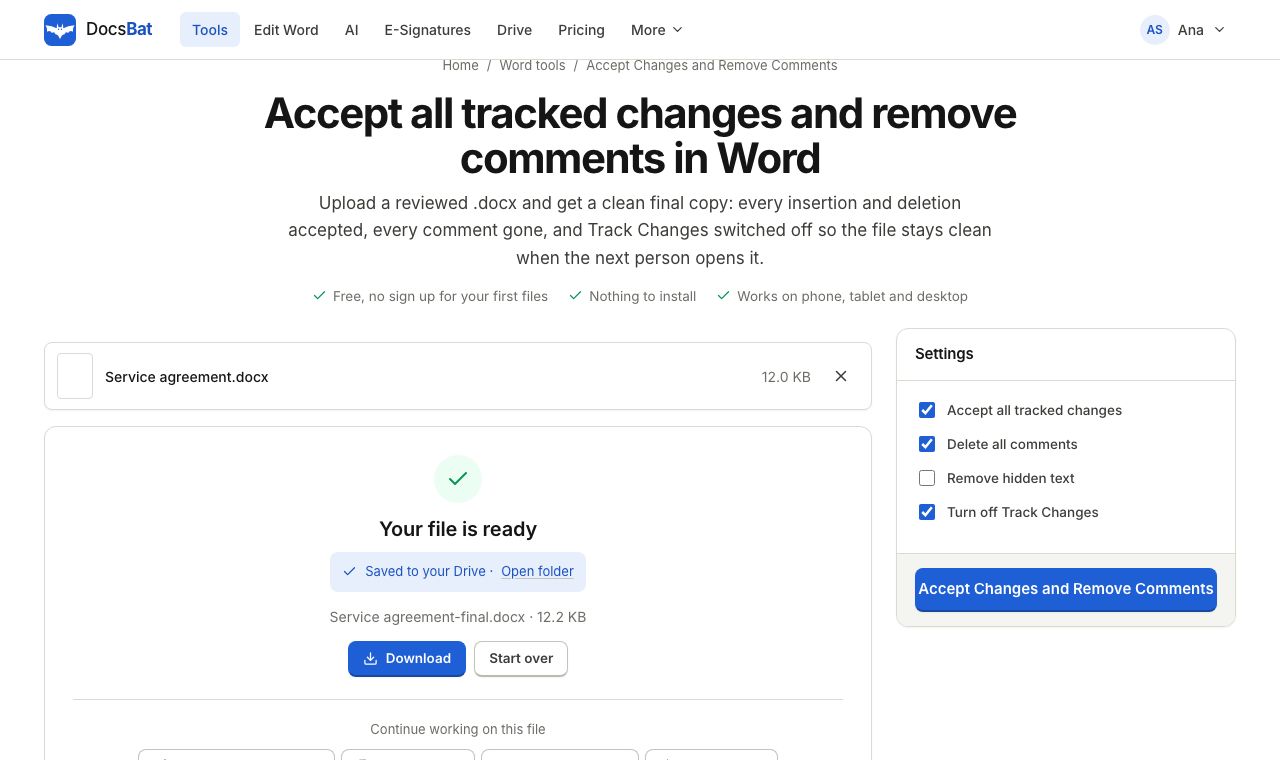 Accept Changes and Remove CommentsFinalise a Word document: accept every tracked change, delete all comments and remove hidden text in one go.
 Word to PDFTurn a .docx into a PDF that keeps its fonts, lists, tables, pictures, headers, footers and page numbers.
Ready? Your file is one click away
Free, in your browser. Create a free account to get 10 tasks a day and keep every result in your own Drive.