AI that reads your Word documents for you
Upload a .docx or a PDF and ask it anything. Get a summary, answers that point to the page, the key data as a spreadsheet, a contract review or a translation, and help rewriting your own text.
- Works on .docx and PDF
- Answers cite the page
- Pay only for what you use
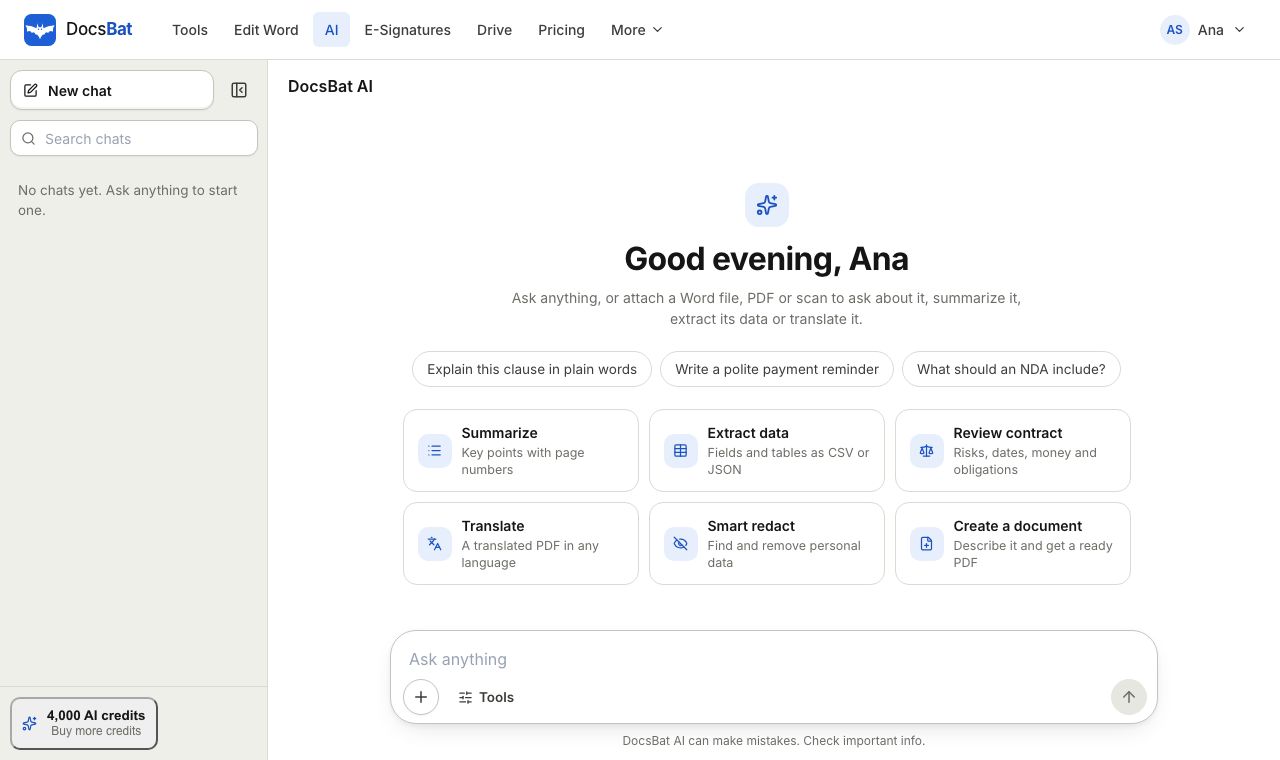
Stop scrolling through fifty pages to find one answer
Contracts, reports, proposals, policies and theses hide the detail you need somewhere in the middle. DocsBat AI reads the whole document once, then lets you work with it in plain language: ask questions, get a summary, pull out the numbers, or check a contract before you sign.
It works on Word documents and PDFs. A .docx is laid out into pages first, with the same engine as Word to PDF, so answers can cite the page they came from, written like [p. 4]. You can check the source instead of trusting a guess.
DocsBat AI needs a DocsBat account and runs on AI credits. Each action is charged by the real size of the job, so a short question costs little and a long review costs more. Pro includes 4,000 AI credits a month, and credit packs that never expire are available from $5.
What DocsBat AI does for you
Ask, with page citations
Ask follow up questions in any language. Each fact in the answer cites the page so you can verify it in seconds.
Summaries at any length
Turn a long report into short bullet points, an overview with key points, or a detailed summary with a section for each part.
Extract data to JSON or CSV
Pull fields and tables out of invoices, statements, forms and reports, ready for a spreadsheet or your code.
Contract review
See parties, key dates, amounts, obligations, renewal and termination terms, and possible risks, with the page they appear on.
Translate a document
Translate every page into the language you choose, keeping numbers, names, dates, lists and line breaks.
Writing help
Rewrite, shorten, expand, fix grammar, change the tone of a passage, or draft new text from a short description.
How it works
- 1
Upload a document
Drop a Word document or a PDF, or pick one from your Drive. Documents of up to 300 pages can be opened.
- 2
Pick an action
Ask a question, summarize, extract data, review a contract or translate. Each action is charged in credits by the real size of the job.
- 3
Use the result
Read answers with page citations, copy a summary, or download extracted data as JSON or CSV.
Every AI action explained
- Ask the document
- Ask questions and keep the conversation going. Answers are concise, quote short phrases when useful, and cite the page for every fact. Answers come in the language of your question.
- Summarize
- Choose short, medium or detailed, and an output language if you want the summary in a language other than the document's. Summaries cite pages too.
- Extract data
- Ask for specific fields, such as invoice number, due date and total, or let DocsBat choose the key fields and tables. Download the result as JSON or CSV for Excel and Google Sheets.
- Contract review
- Lists parties, key dates, money, obligations, term, renewal, termination and governing law, flags possible risks with suggestions, and notes missing clauses. You can review from one party's point of view.
- Translate
- Translates the text of every page into the language you type, keeping numbers, names, dates, line breaks and lists.
- Smart redact
- Choose what to find, such as names, addresses, emails, phone numbers, ID numbers or financial details. DocsBat removes the matches from a PDF copy of the document. Your .docx is not changed.
- Writing help
- Select text and ask DocsBat to fix it, shorten it, expand it or change its tone, or describe what you need and get a first draft.
- Come back later
- Documents you open in DocsBat AI stay attached to your chats for 30 days, so you can return to a long review and ask more questions without uploading again.
- Clear credit costs
- Each action is charged by its real size in credits, never a flat fee. Your balance and the credits each action used are shown in DocsBat AI.
Ways people use AI on their documents
- Freelancers and founders run a contract review before signing, then send the final version with DocsBat e signatures.
- Students and researchers summarize papers and theses and ask follow up questions with page references for their notes.
- Finance teams extract invoice numbers, dates, totals and line items and import the CSV into their accounting software.
- Teams working across countries translate letters, policies and manuals for readers in another language.
- Anyone writing in Word tidies a paragraph, shortens a summary or drafts a polite reply with writing help.
Good to know
- AI can make mistakes. Page citations exist so you can check important answers against the source.
- Contract review is for information only and is not legal advice.
- AI reads the text of the document. Pictures and the visual design are not analysed.
- Translation gives you an editable Word document with the translated text, page by page and paragraph by paragraph. It does not copy the fonts, tables or pictures of the original.
- Old .doc files are not supported. Save them as .docx first.
AI credits and pricing
AI is not part of the free tool allowance. It needs a DocsBat account and uses AI credits, charged by how much text is read and written.
- Pro, $4 a month: 4,000 AI credits every month, plus unlimited Word tool tasks, unlimited signature envelopes, 10 GB of storage and files up to 100 MB.
- Credit packs: $5 for 5,000 credits, $10 for 12,000 or $25 for 32,000. Purchased credits never expire and are used after your monthly credits.
Frequently asked questions
Is DocsBat AI free?
AI actions use AI credits and need a DocsBat account. A free account gets 200 credits a month to try it, Pro includes 4,000 credits a month for $4, and credit packs start at $5 for 5,000 credits. The Word tools themselves run on the free plan.
Does it work with Word documents?
Yes. Upload a .docx or a PDF. Word files are laid out into pages first, so answers and summaries can cite the page.
How many AI credits does an action use?
It depends on how much text is read and written. A short question uses a few credits, while translating or reviewing a long document uses more. Your balance and the credits each action used are shown in DocsBat AI.
How do I know an answer is correct?
Answers cite the page for every fact, for example [p. 4]. Open that page to check the source, especially for anything important.
Which languages does it understand?
You can ask in your own language and get answers in that language, whatever language the document is written in. Translation accepts any language name you type.
Is the contract review legal advice?
No. It highlights terms, dates and possible risks to help you read faster, but it is not a replacement for a lawyer.
What happens to my document?
It travels over HTTPS and stays private to your account. Documents attached to AI chats are kept for 30 days so you can come back to them, then removed.
Related features and tools
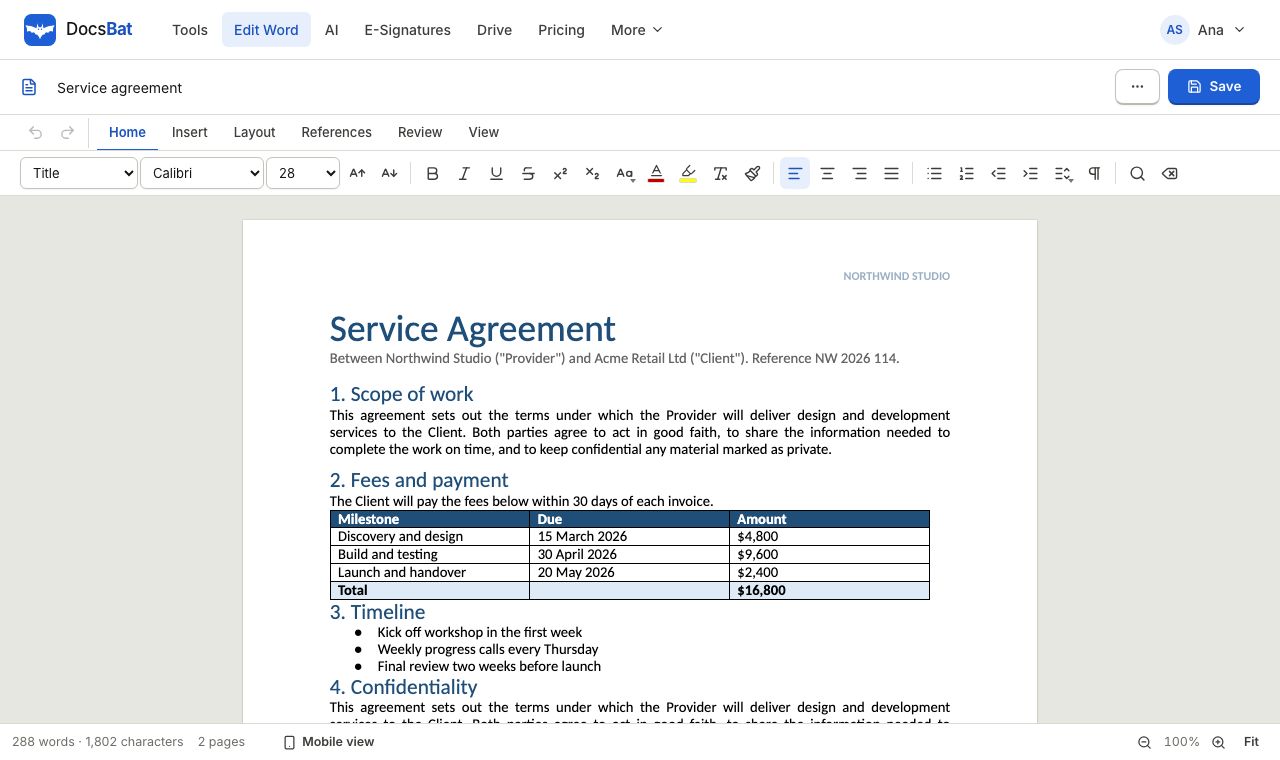 Word EditorOpen a .docx in your browser, edit text, lists, tables and pictures, and save it back as Word or PDF.
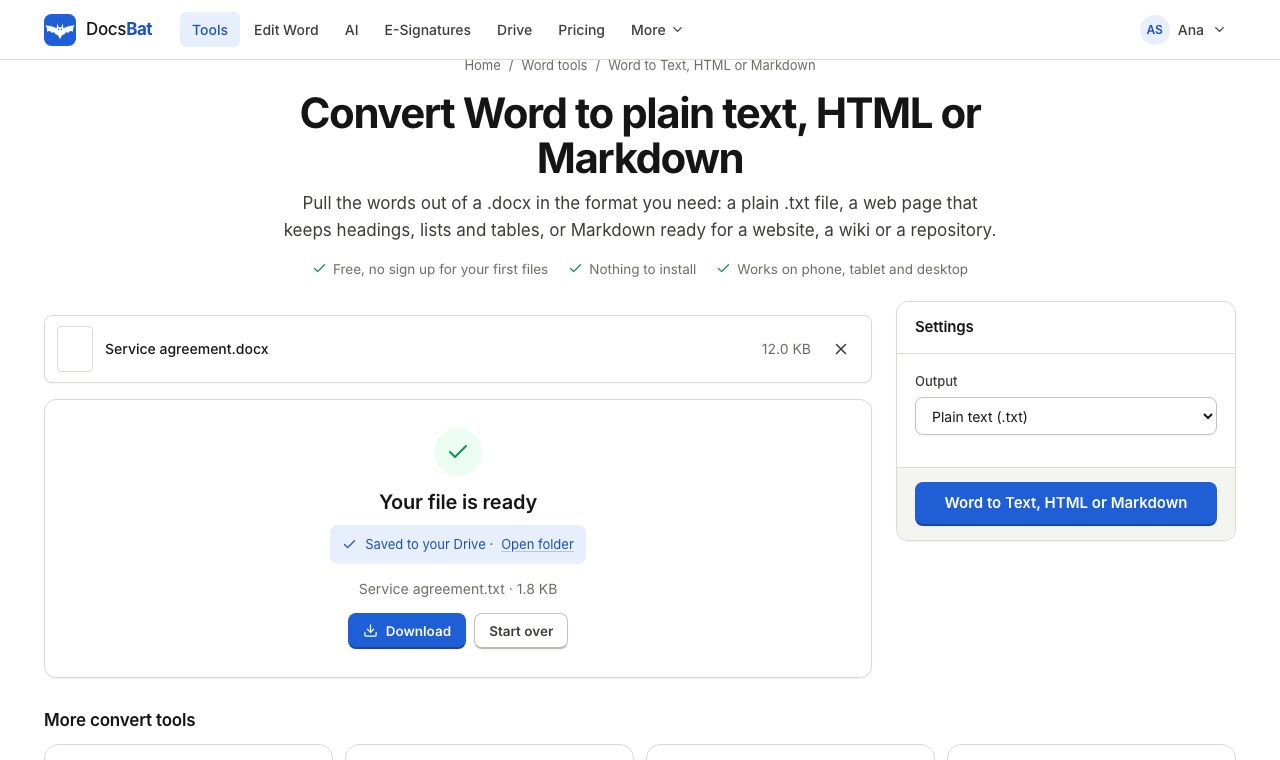 Word to Text, HTML or MarkdownGet the text of a Word document as plain text, a web page or Markdown.
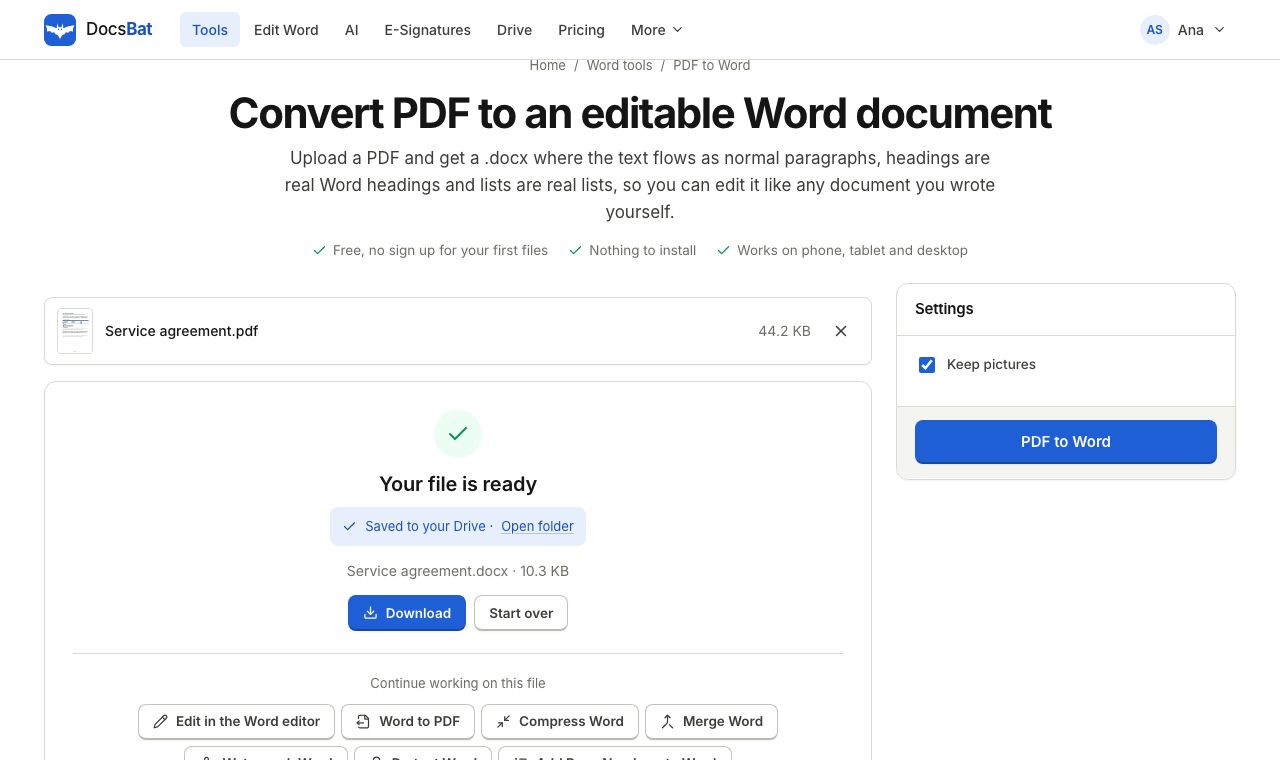 PDF to WordTurn a PDF into an editable .docx with paragraphs, headings, lists and pictures rebuilt.
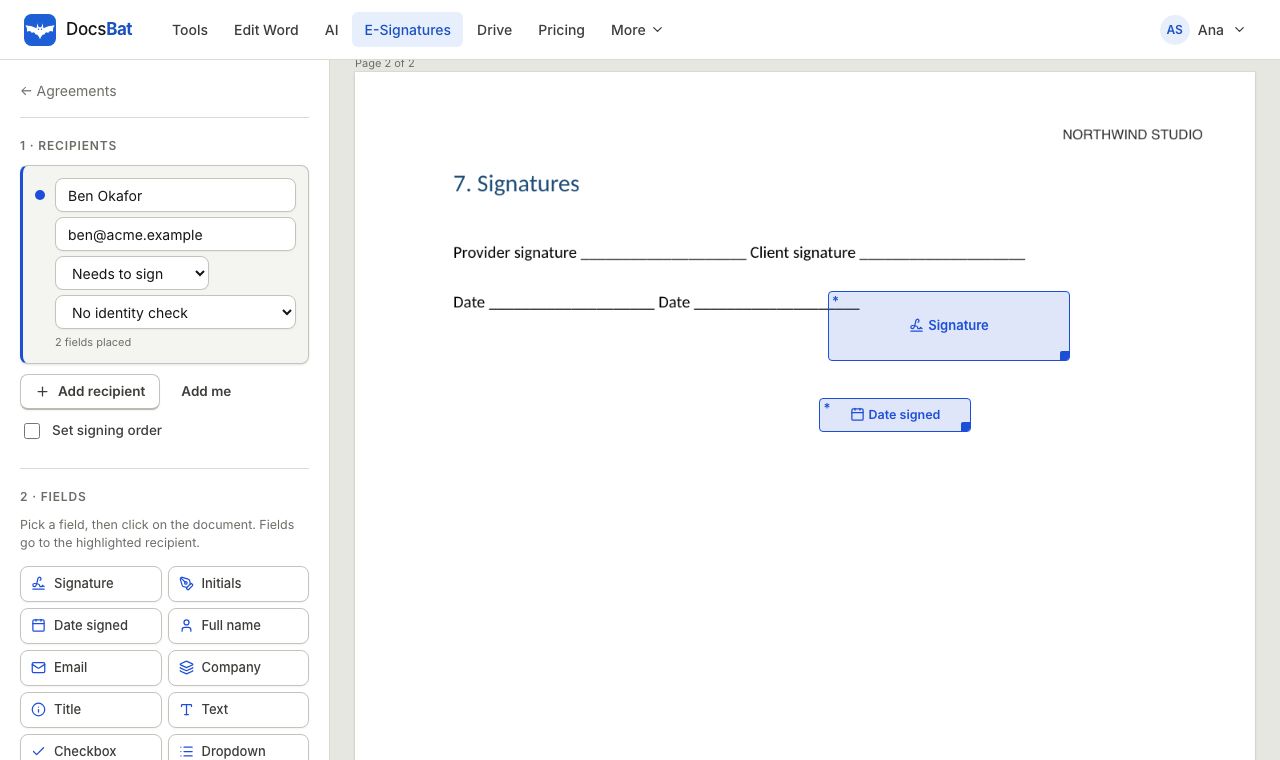 E-SignaturesSend Word and PDF documents for legally binding e signatures with signing order, identity checks, reminders and a sealed final PDF.
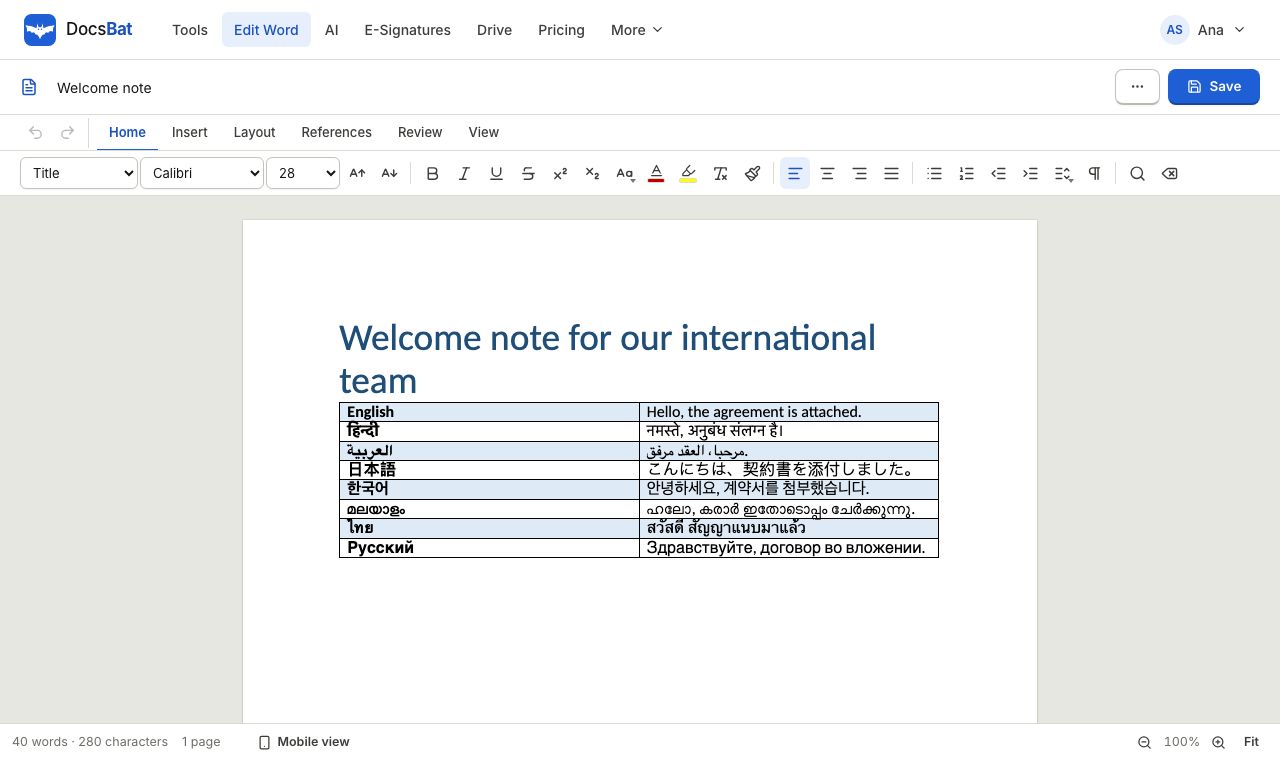 Every LanguageWord documents in Hindi, Arabic, Chinese, Tamil, Thai and more display, edit and convert to PDF with the right fonts.
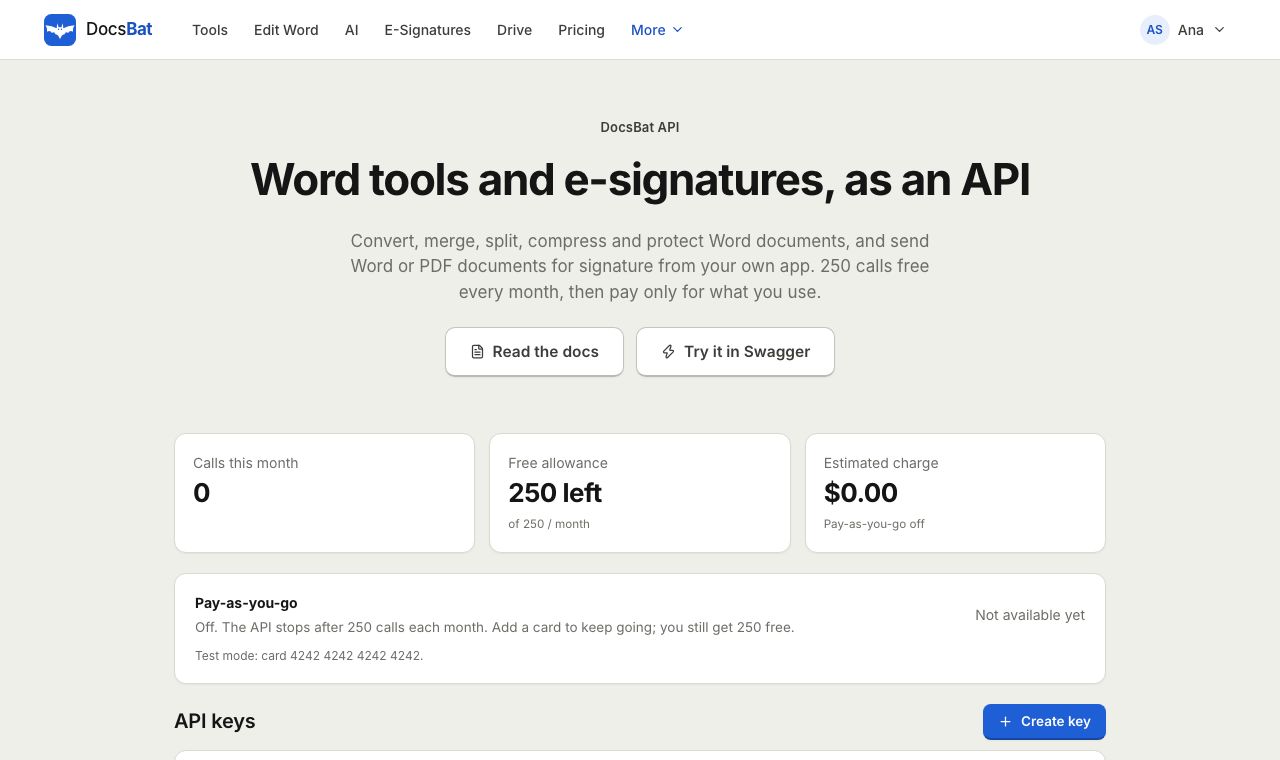 Word APIA REST API for every Word tool, e signatures, templates, Drive, AI and webhooks. 250 free calls a month.
Put AI to work on your documents
Create a DocsBat account, upload a .docx or a PDF and ask your first question. Pro includes 4,000 AI credits a month for $4.