Password protect a Word document
Choose how much to lock: full encryption so the file cannot be opened without the password, or Word's restrict editing so anyone can read or comment but only people with the password can change it.
- Free, no sign up for your first files
- Nothing to install
- Works on phone, tablet and desktop
Two kinds of protection, for two different jobs
Sometimes a document must stay private: a salary letter, a medical report, a list of client details. Then you want Password to open (encrypted). DocsBat encrypts the whole file with the ECMA-376 agile encryption used by Microsoft Word itself, with AES. Without the password the contents are unreadable, and Word, LibreOffice and other compatible apps ask for the password when the file is opened.
Other times you want everyone to read a document but nobody to change it by accident: a policy, a signed off specification, a form. Then choose Anyone can open, password to edit or Anyone can open and comment, password to edit. These use Word's restrict editing feature. The file opens normally, and Word only allows changes, or only comments, after the password is entered.
Why protect Word files with DocsBat
Real encryption
Password to open uses the same encryption scheme as Word, not a simple flag, so the content cannot be read without the password.
Read only or comments only
Share a document everyone can read, or review with comments, while edits need the password.
Opens in Word
Protected files work in Microsoft Word and other apps that support Word passwords. No special viewer is needed.
From any device
Protect a file from your phone or a borrowed laptop without installing anything.
Saved to your Drive
The protected copy goes to your private Drive; your uploaded original is not changed.
How it works
- 1
Upload the document
Drop a .docx, .docm or .dotx file or pick one from Drive. If it already has an open password, enter it when asked.
- 2
Choose a password and protection
Type a Password of at least 4 characters and pick the Protection type: Password to open (encrypted), Anyone can open, password to edit, or Anyone can open and comment, password to edit.
- 3
Download
DocsBat returns the protected .docx, with a copy saved to your Drive. Share the password separately from the file.
Options explained
- Password
- At least 4 characters. Longer passphrases with mixed words and numbers are much harder to guess.
- Password to open (encrypted)
- The default. Encrypts the whole document with ECMA-376 agile encryption. Nobody can open or read the file without the password.
- Anyone can open, password to edit
- Sets Word's restrict editing to read only, with the password stored as a salted SHA-512 hash. Word lets readers view the file and asks for the password to stop protection.
- Anyone can open and comment, password to edit
- Like read only, but readers can add comments. Useful for collecting feedback on a document that should not be rewritten.
- Works on files that are already locked
- If the uploaded file needs a password to open, DocsBat asks for it first, then applies the new protection.
Be clear about what each option protects
- Encryption protects the content. Without the open password the file cannot be read, by people or by DocsBat.
- Restrict editing is a deterrent, not encryption. The text is not encrypted, so it can still be copied, and tools exist that remove editing restrictions, including Unlock Word. Use it to prevent accidental changes, not to protect secrets.
- Want both? Run the tool once with read only, then again on the result with Password to open.
- Sending a final version? A PDF is often a better read only format, and a Word file can also be sent for e signature when it needs approval.
Do not lose the password
DocsBat does not keep a copy of your password and cannot recover it. If you forget the open password of an encrypted file, nobody can open it, so store passwords in a password manager. Keep an unprotected original somewhere safe if losing access would be a problem; your Drive is private to your account.
Frequently asked questions
How do I password protect a Word document without Word?
Upload it to Protect Word, type a password, keep Password to open (encrypted) selected and download. The file now asks for the password in Word and other apps.
How secure is the encryption?
Password to open uses ECMA-376 agile encryption with AES, the same scheme Microsoft Word uses. Security then depends on the strength of your password.
Can I make a Word document read only?
Yes. Choose Anyone can open, password to edit. Readers can view it, and Word asks for the password before allowing edits.
Can DocsBat recover a forgotten password?
No. DocsBat does not store passwords and cannot open an encrypted file without the right one.
Will the protected file open on a Mac, iPhone or in Google Docs?
Word for Mac, Windows and mobile support both kinds of protection. Some other apps, including some online viewers, cannot open encrypted Word files at all, so test with the recipient's app if unsure.
How do I remove the password later?
Use Unlock Word with the password you set.
Is it free?
Yes. 3 runs a day without an account and 10 a day with a free account. Pro is $4 a month for unlimited runs and files up to 100 MB.
Related features and tools
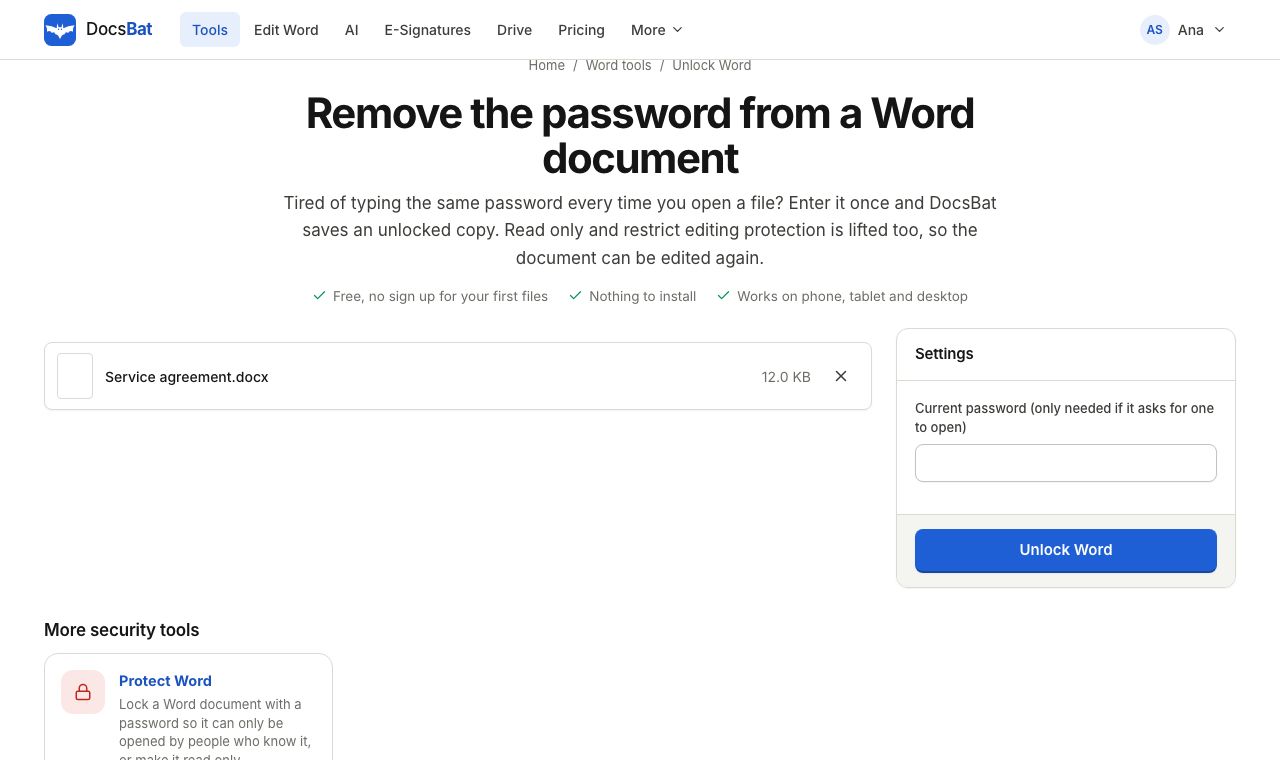 Unlock WordRemove the password from a Word document you can open, and lift read only or restrict editing so anyone can edit it.
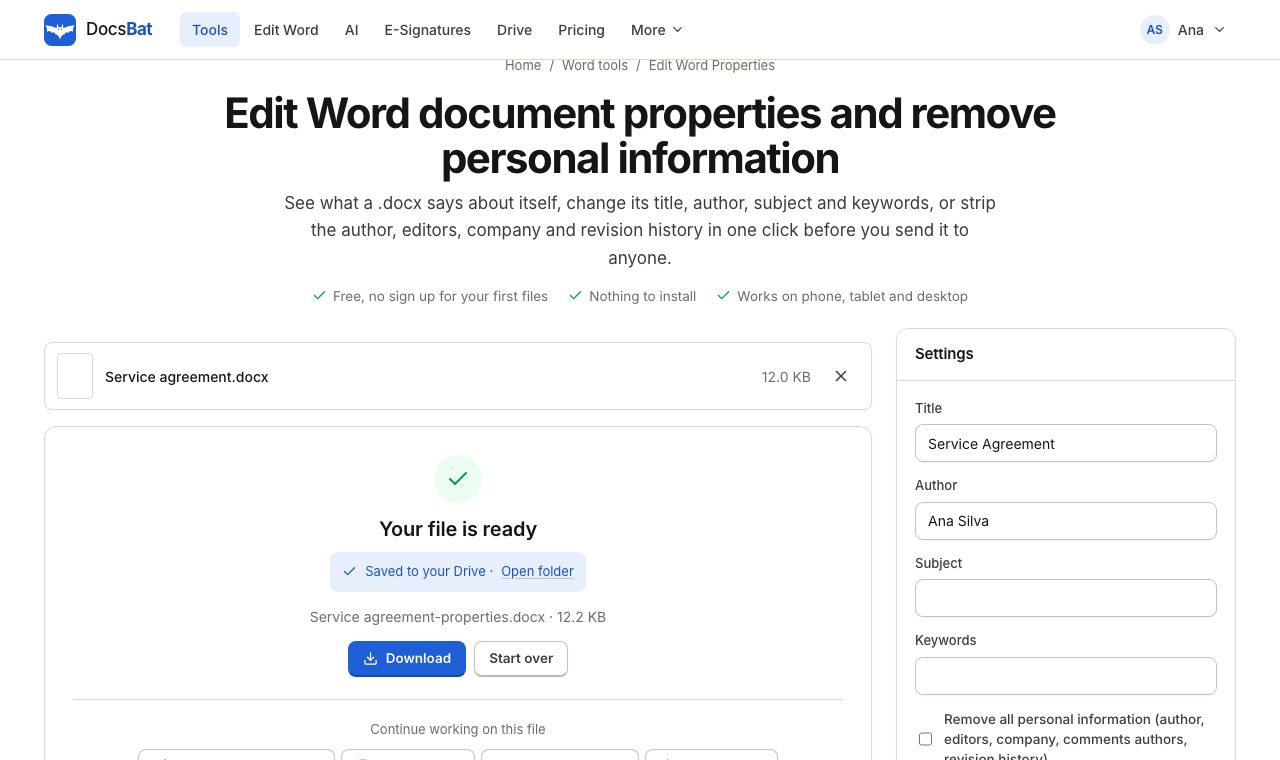 Edit Word PropertiesChange the title, author, subject and keywords of a Word file, or remove personal information before you share it.
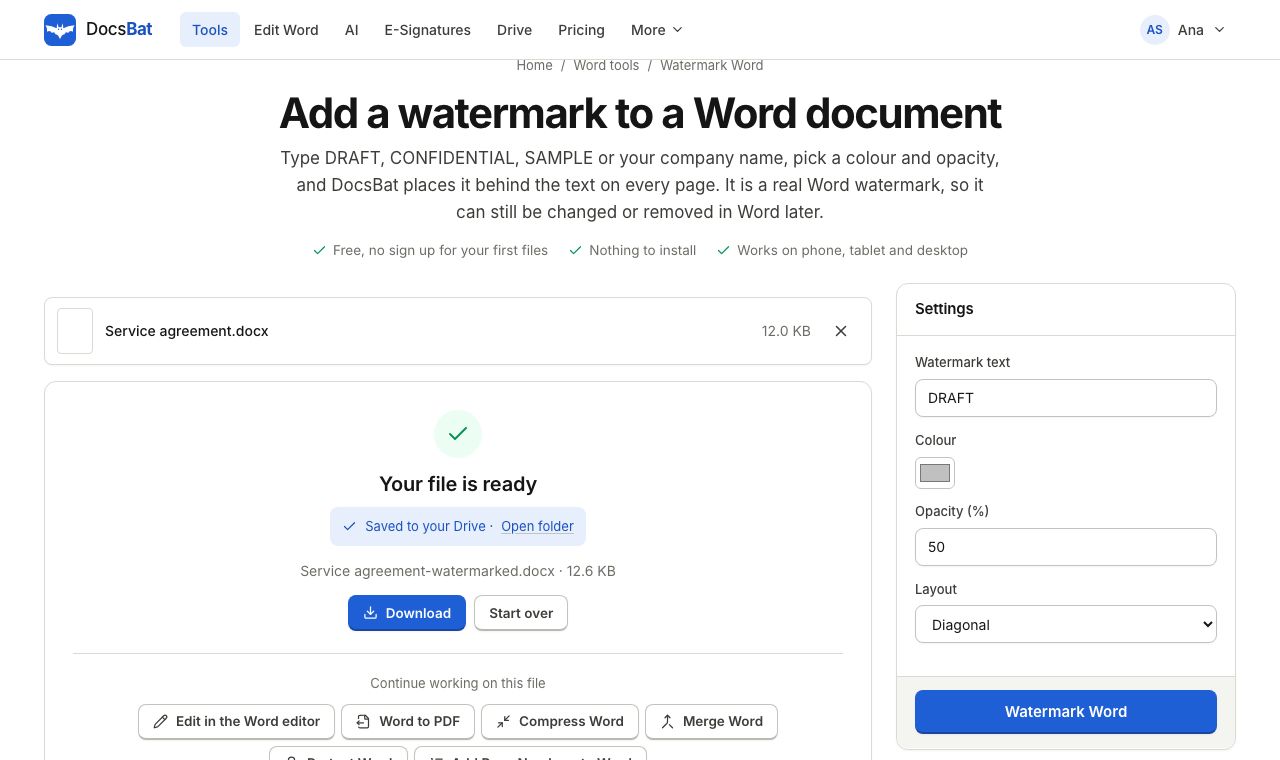 Watermark WordAdd a DRAFT or CONFIDENTIAL text watermark behind the text on every page of a Word document, the way Word does it.
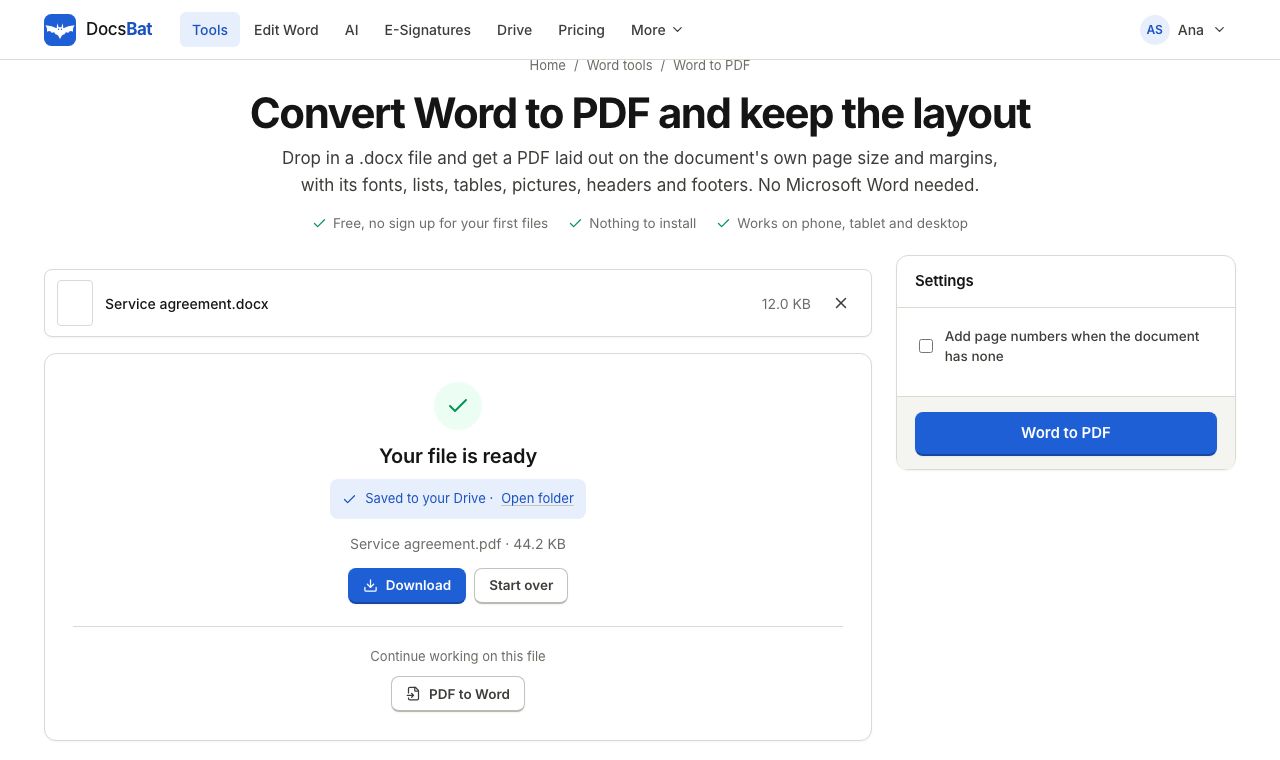 Word to PDFTurn a .docx into a PDF that keeps its fonts, lists, tables, pictures, headers, footers and page numbers.
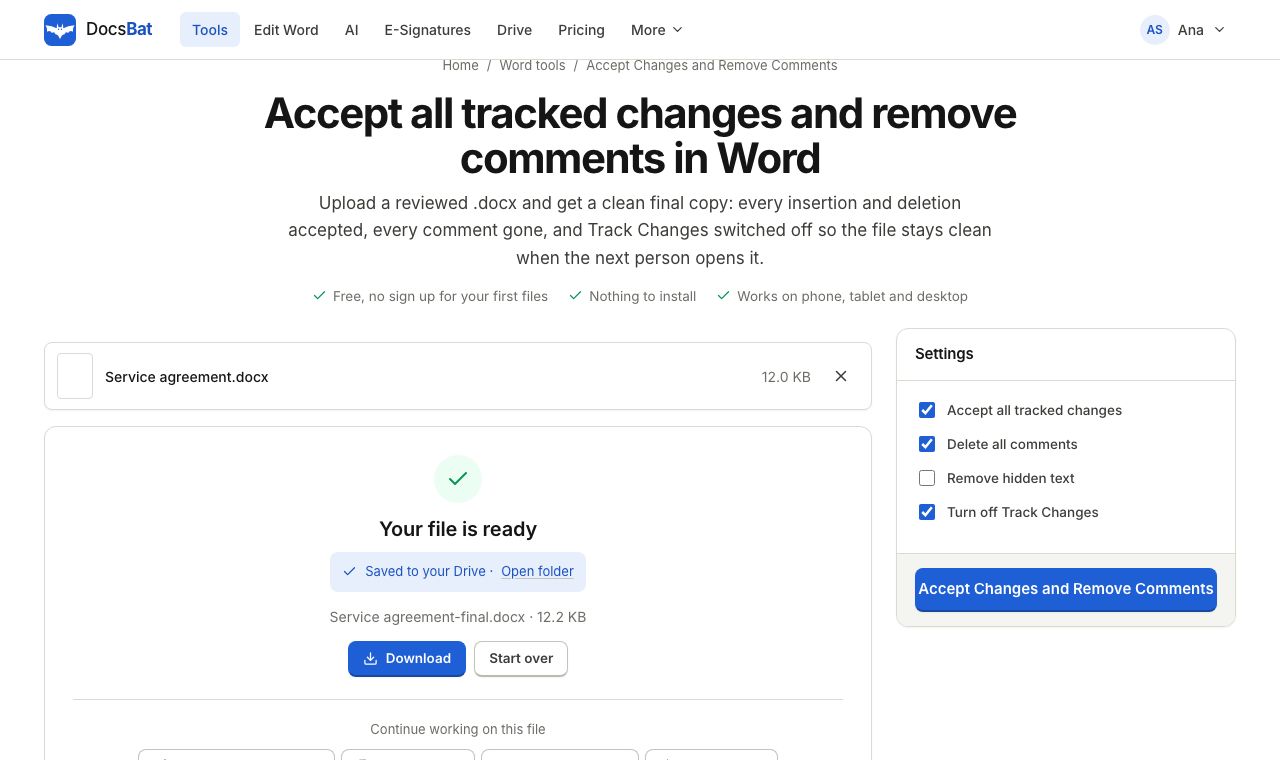 Accept Changes and Remove CommentsFinalise a Word document: accept every tracked change, delete all comments and remove hidden text in one go.
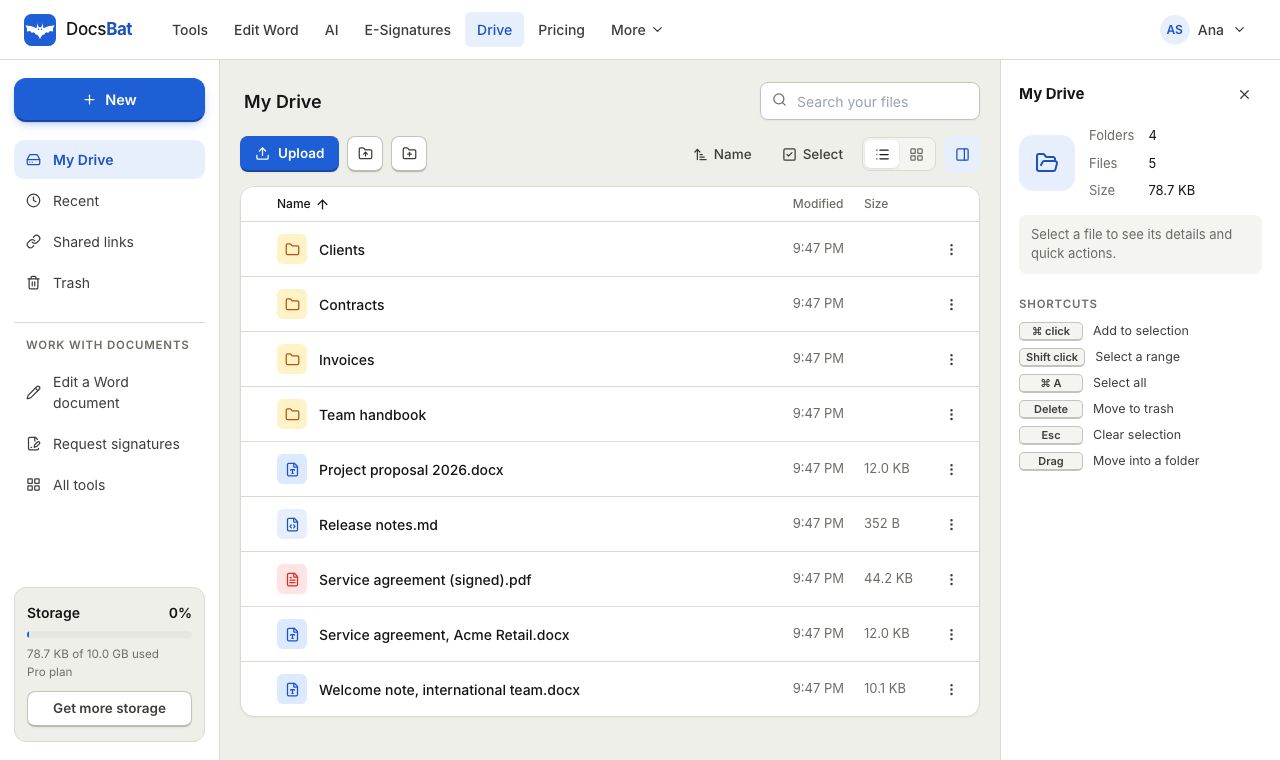 Cloud DrivePrivate cloud storage for Word documents and PDFs, with folders, share links and every tool result saved automatically.
Ready? Your file is one click away
Free, in your browser. Create a free account to get 10 tasks a day and keep every result in your own Drive.