A Word document API for every tool and signature
Convert Word to PDF, merge and split documents, replace text, add page numbers or protect a .docx, and send documents for e signature, from your own code. One API key, simple multipart requests, and 250 free calls every month.
- 250 free calls a month
- OpenAPI 3 spec and Swagger
- Pay only for successful calls
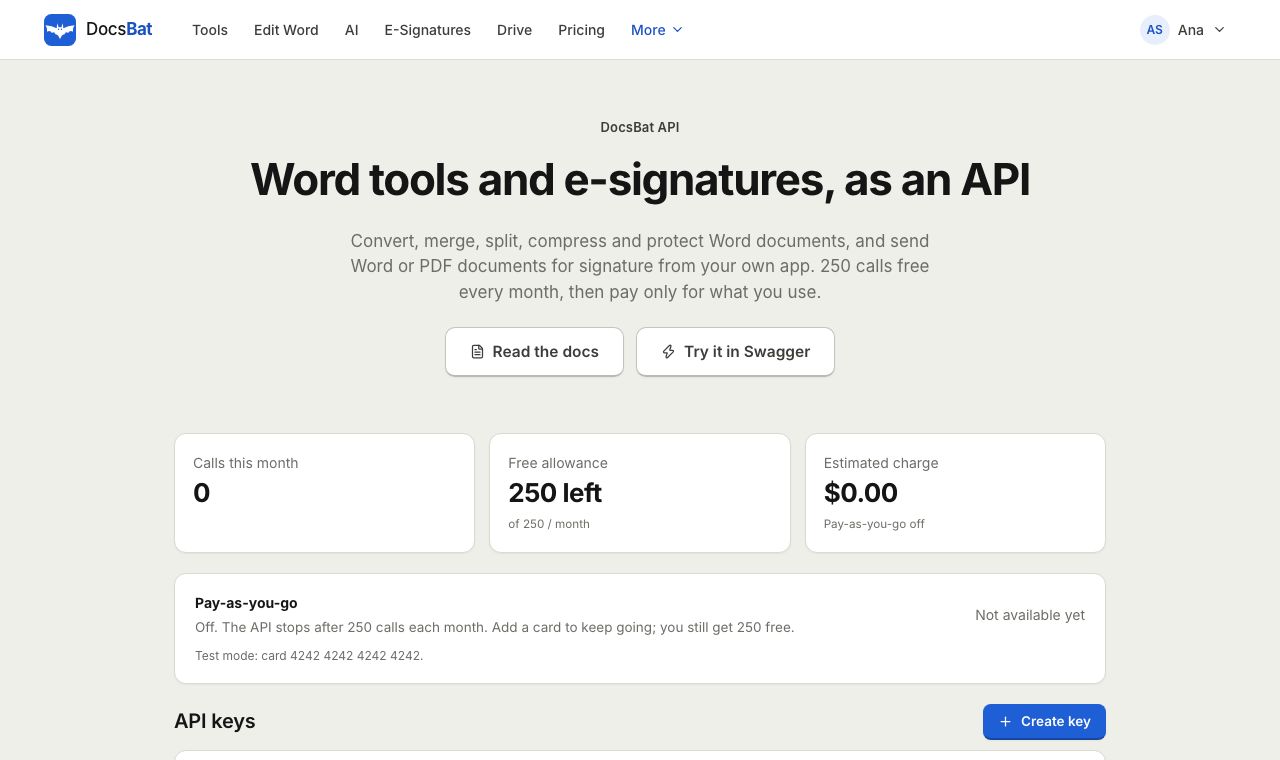
The same engine as the app, behind a clean REST API
Everything you can do in the DocsBat web app is available at https://docsbat.com/api/v1. All 17 Word tools, e signature envelopes, templates and bulk send, your Drive, DocsBat AI and webhooks use the same code that powers the app, so a result from the API matches what your users would get in the browser.
Authentication is a single header: Authorization: Bearer ppk_.... Create keys in the developer dashboard; each key is shown once and only a hash is stored. Files go up as multipart/form-data, options are plain form fields, and results come back as the file itself, ready to save or stream.
Why developers build on the DocsBat API
Every tool, one pattern
Call POST /api/v1/tools/{id} for any tool, from word-to-pdf and merge-word to find-replace-word and protect-word. Discover tools and their options with GET /api/v1/tools.
E signatures built in
Create envelopes from a Word file or a PDF, add recipients and fields, send, remind, void and download the sealed PDF without a separate e signature vendor.
Signed webhooks
Get notified when an envelope is sent, viewed, signed, declined, voided, expired or completed. Every delivery is signed with HMAC SHA-256 and retried.
Drive storage included
Upload files once and reference them by ID, or save any result straight to the user's Drive with save_to_drive=true.
Honest pricing
250 calls a month are free. After that it is $0.01 per call, and $0.005 per call above 10,000 a month. Failed calls are not billed.
Docs you can try
Full reference with curl, Node and Python examples, plus an OpenAPI specification and an interactive Swagger explorer.
Make your first call in 3 steps
- 1
Create a free account and key
Sign up, open the developer dashboard and create an API key. It starts with
ppk_and is shown only once, so store it safely. - 2
Send a request
POST a file and options to any endpoint. For example, convert a .docx to PDF with one curl command and save the result.
- 3
Go live
Use 250 free calls each month. When you need more, turn on pay as you go in the dashboard and keep going without changing code.
What the API covers
- All 17 Word tools
POST /tools/{id}runs any tool:word-to-pdf,pdf-to-word,word-to-image,word-to-text,text-to-word,extract-images-word,merge-word,split-word,compress-word,find-replace-word,watermark-word,header-footer-word,page-numbers-word,clean-word,metadata-word,protect-wordandunlock-word.- Tool discovery
GET /toolsandGET /tools/{id}describe every tool, its accepted files and each option with its type, default and choices.- Password protected input
- Send
passwordwith a request to run a tool on a .docx that needs a password to open. Old .doc files are rejected with a clear error. - E signature envelopes
- Create, update, send, remind, void, duplicate and delete envelopes, correct a recipient, start in person signing, and download the original or the sealed final document.
- Templates and bulk send
- List and manage templates, create an envelope from a template, bulk send a CSV, download a template's CSV header and switch public signing links on or off.
- Drive
- Upload files, create folders, list, rename, move, trash, restore and delete items, read storage usage, and create or remove share links.
- Use Drive files as input
- Pass
file_idsinstead of uploading to run a tool on files already in Drive. No need to send the same file twice. - AI endpoints
- Open a Word or PDF document under
/ai/documents, then summarize it, ask questions, extract data, review a contract or translate it./ai/writerewrites or drafts text. AI calls use AI credits. - Webhooks
- Register up to 10 HTTPS endpoints for events such as
envelope.completedandrecipient.signed, send a test delivery, and see recent attempts. - OpenAPI and Swagger
- The machine readable spec is at
/api/v1/openapi.json. Generate a client in your language or explore it live in Swagger.
A request looks like this
Convert a Word document to PDF and add page numbers when it has none:
curl -X POST https://docsbat.com/api/v1/tools/word-to-pdf -H "Authorization: Bearer ppk_YOUR_KEY" -F [email protected] -F pageNumbers=true -o report.pdf
Every tool follows the same shape. Send the document in the file field (or several in files for merge-word), add options as form fields using the names from GET /api/v1/tools/{id}, and read the file from the response. Tools that produce several files, such as split-word, return a ZIP.
Webhooks you can trust
DocsBat posts JSON to your endpoint whenever an e signature event happens. Each request carries a DocsBat-Event header with the event name and a DocsBat-Signature header in the form t=<unix time>,v1=<hex>, an HMAC SHA-256 of the timestamp and the raw body using your webhook secret. Verify it before trusting the payload.
If your endpoint does not answer with a 2xx status, DocsBat stores the delivery and retries after 1 minute, 5 minutes, 30 minutes, 2 hours and 12 hours. Available events:
envelope.sent,envelope.completed,envelope.declined,envelope.voided,envelope.expiredrecipient.viewed,recipient.signed,recipient.declined,recipient.reassigned,recipient.authenticated
Pricing that scales with you
Every account gets 250 free API calls each calendar month. Processing calls count, such as running a tool, creating envelopes and sending from templates. Reading envelope status, listing items, managing Drive and managing webhooks do not. AI calls use AI credits instead of API calls.
Turn on pay as you go when you need more. Calls 251 to 10,000 in a month cost $0.01 each, and every call above 10,000 costs $0.005. A call that fails is released and never billed. Without pay as you go, calls past the free allowance return a clear 402 error instead of a surprise bill.
Envelopes sent through the API also follow your plan's signing allowance: 3 a month on Free, unlimited on Pro for $4 a month.
Popular things to build
- Generate contracts in Word from your own data, convert them to PDF and send them for signature the moment a deal closes in your CRM.
- Convert user uploads from .docx to PDF before storing or printing them.
- Strip personal information and accept tracked changes before documents leave your company.
- Add a CONFIDENTIAL watermark and page numbers to every report your system produces.
- Password protect Word files before you email them to clients.
Frequently asked questions
How much does the DocsBat API cost?
The first 250 calls each month are free. After that, calls cost $0.01 each up to 10,000 a month and $0.005 each above 10,000. You only pay once you turn on pay as you go.
Which calls count toward my usage?
Processing calls: running a tool, creating envelopes and sending from templates or bulk send. Status checks, listing, Drive management and webhook management are not counted, and failed calls are never billed.
How do I authenticate?
Send your key in the Authorization: Bearer ppk_... header. Create and revoke keys in the developer dashboard. Only a hash of each key is stored, so copy it when it is shown.
Is there an OpenAPI specification?
Yes. Download it from /api/v1/openapi.json, or try every endpoint in the browser with the Swagger explorer. The API docs include curl, Node and Python examples.
How do I verify a webhook?
Read the DocsBat-Signature header, compute an HMAC SHA-256 of <t>.<raw body> with your webhook secret, and compare it with the v1 value. Reject old timestamps to block replays.
Can I use files already in my Drive?
Yes. Pass Drive file IDs in file_ids instead of uploading, and add save_to_drive=true to keep the result in Drive as well.
What file sizes does the API accept?
The same limits as your plan in the app: up to 25 MB per file on Free and up to 100 MB on Pro.
Which file types do the Word tools accept?
Word tools accept .docx, .docm and .dotx files. PDF to Word takes a PDF, and Text to Word takes .txt, .md or .html. Old .doc files are not supported.
Related features and tools
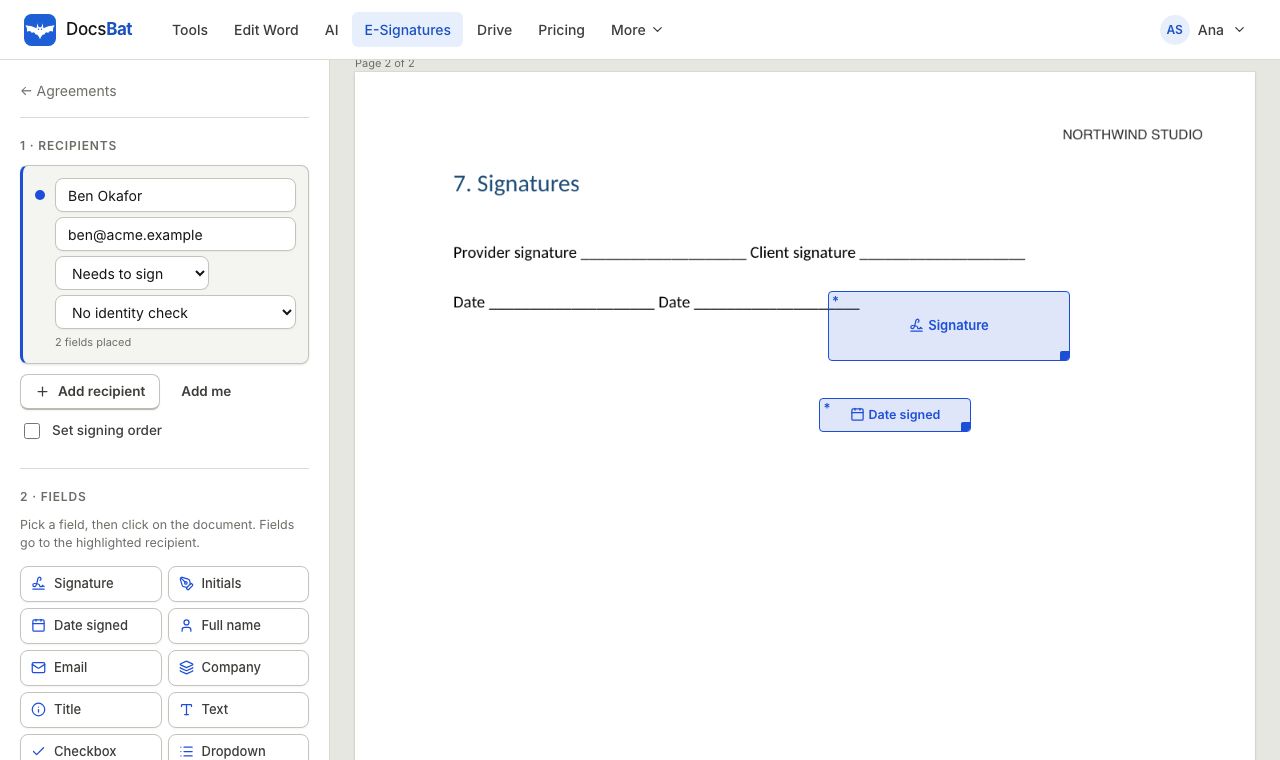 E-SignaturesSend Word and PDF documents for legally binding e signatures with signing order, identity checks, reminders and a sealed final PDF.
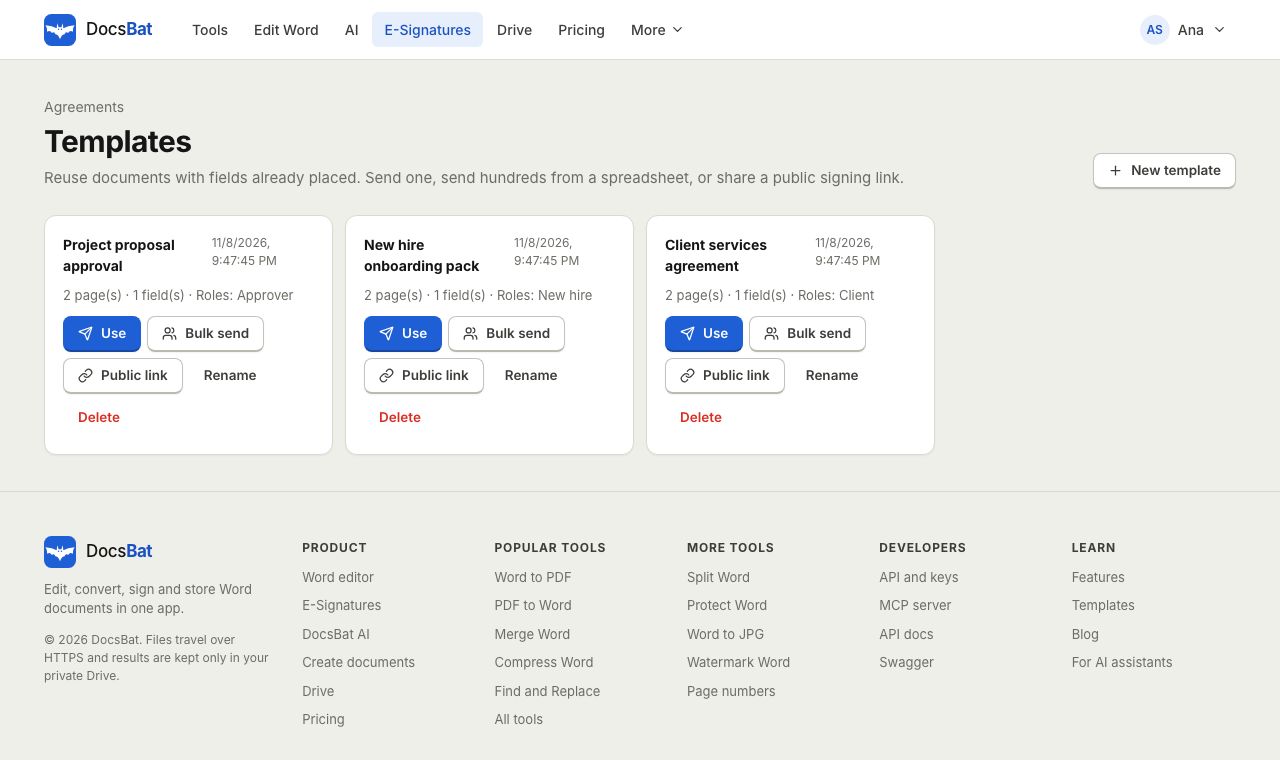 Templates and Bulk SendSave any envelope as a reusable template, send it to hundreds of people from a CSV, or publish a public signing link.
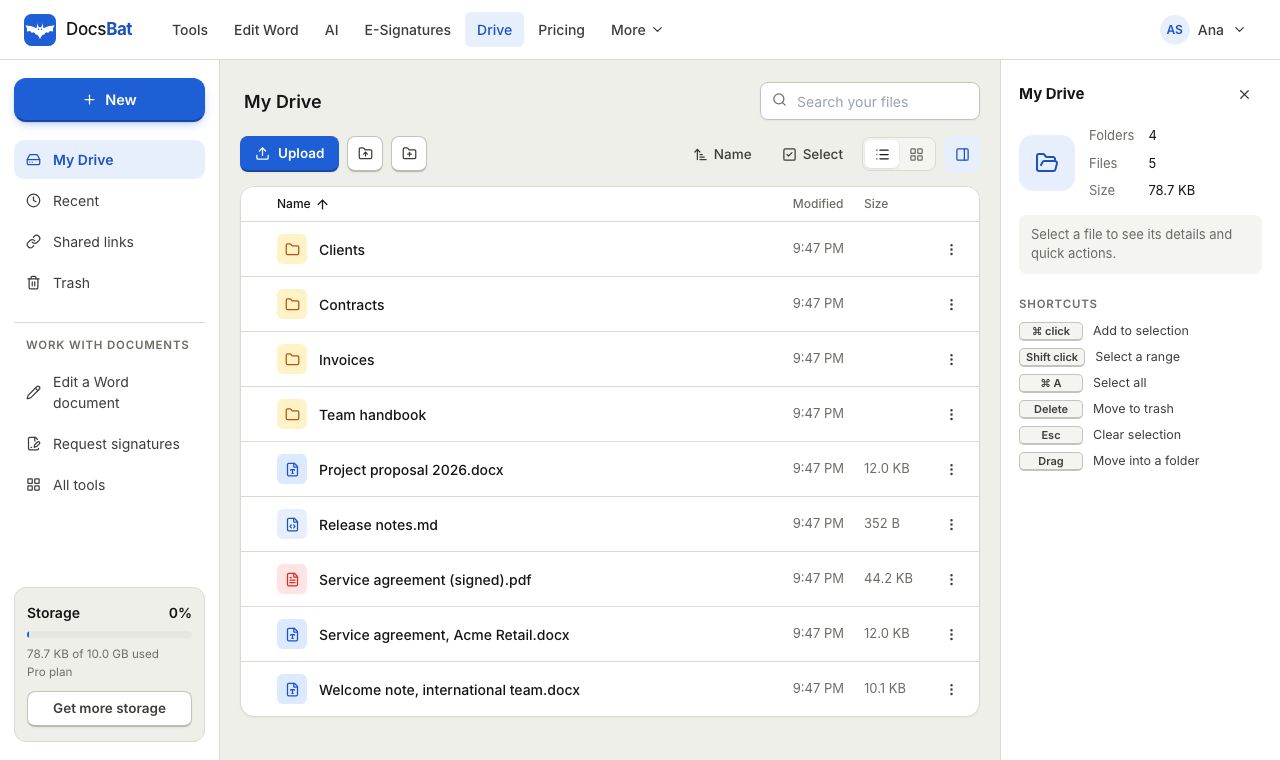 Cloud DrivePrivate cloud storage for Word documents and PDFs, with folders, share links and every tool result saved automatically.
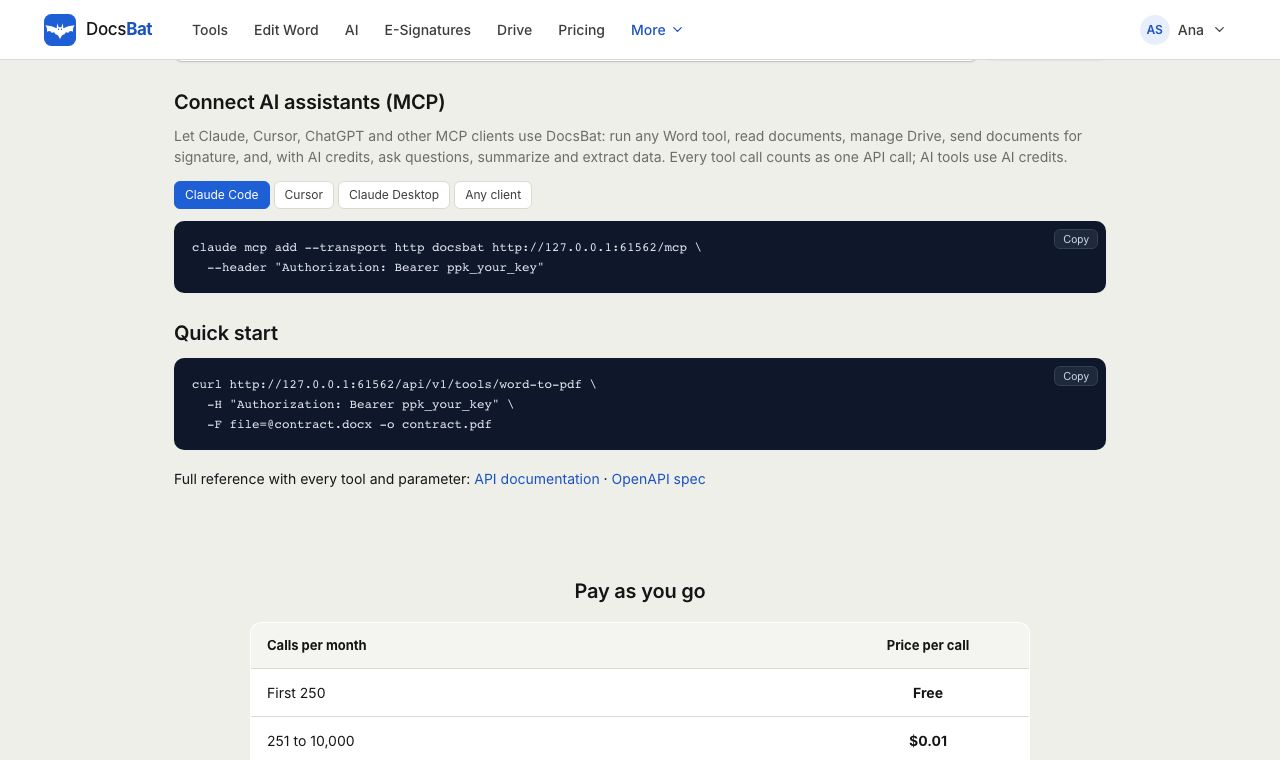 MCP serverConnect Claude, ChatGPT, Cursor and any MCP client to DocsBat so your AI assistant can run Word tools, use Drive and send documents for signature.
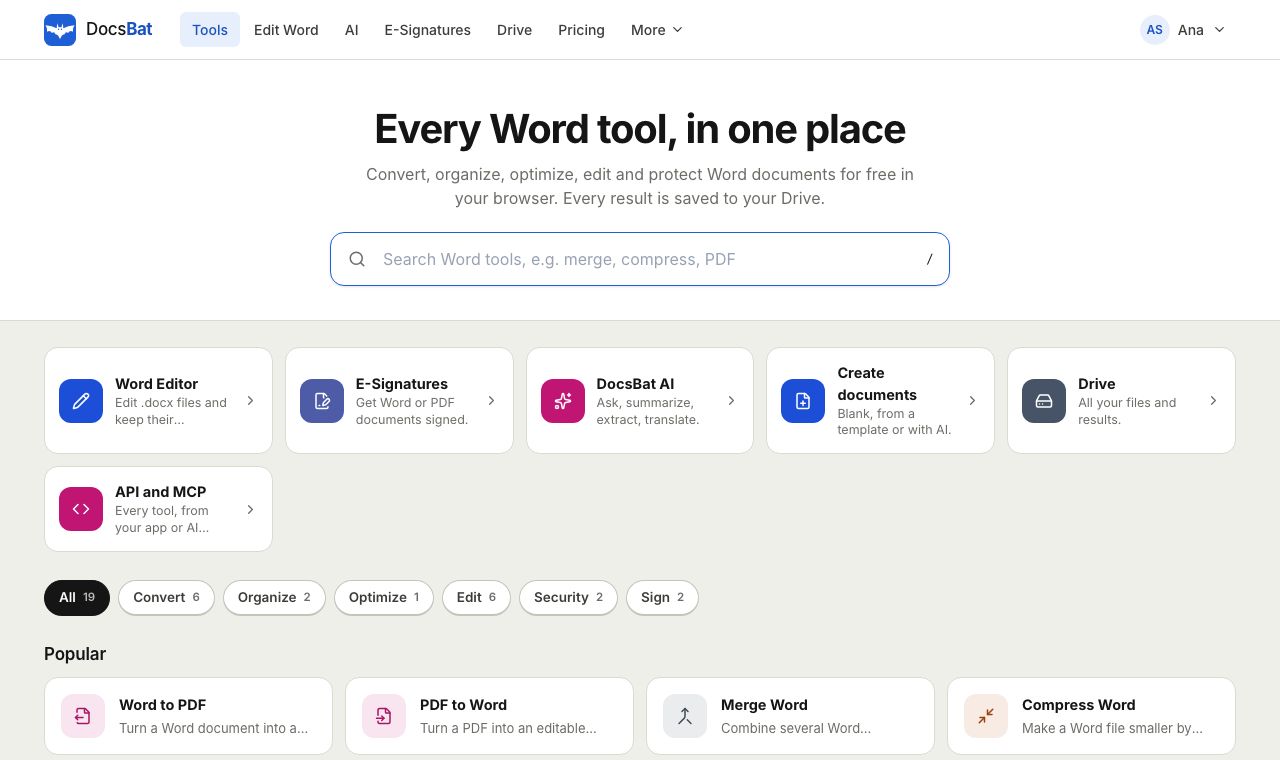 Free Word Tools17 free tools to convert, merge, split, compress, edit and protect Word documents in your browser.
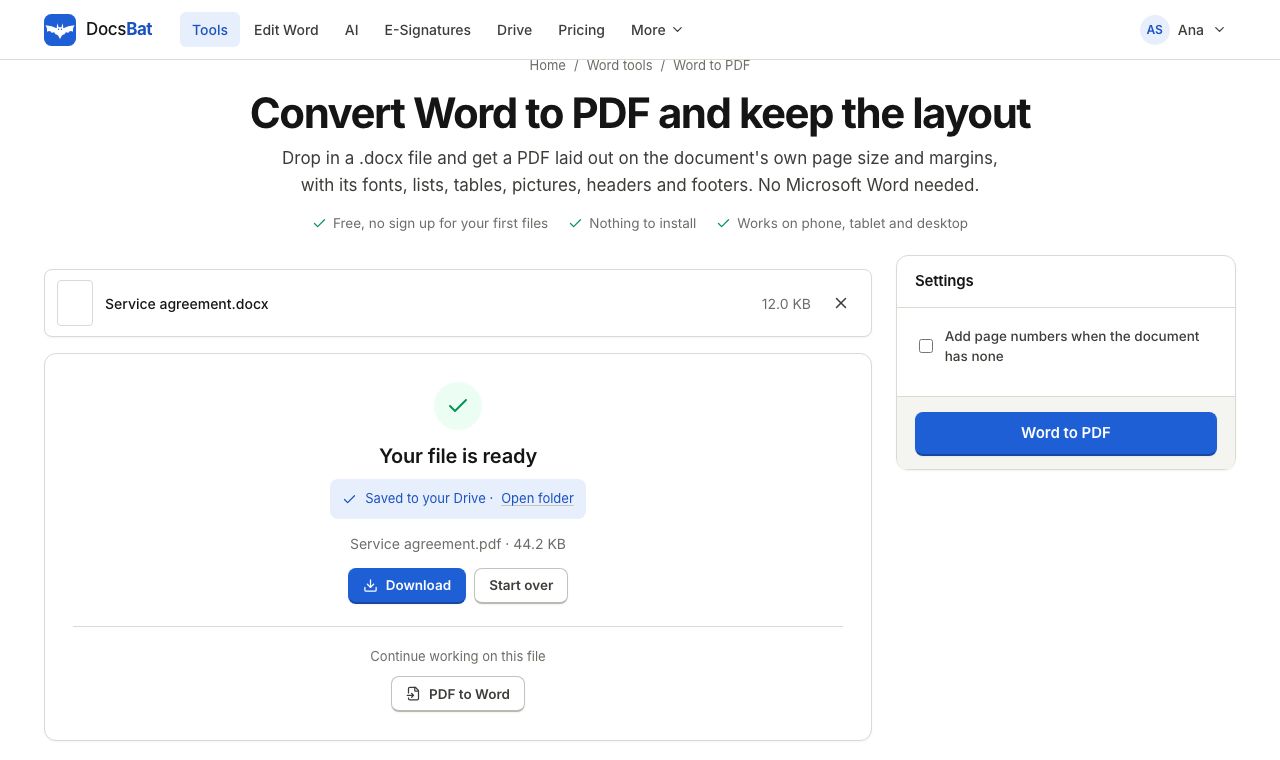 Word to PDFTurn a .docx into a PDF that keeps its fonts, lists, tables, pictures, headers, footers and page numbers.
Get your free API key
Create a free account, generate a key and make your first call in minutes. 250 calls a month are on us.