Edit a .docx on your iPhone or Android phone, no app needed
Open a Word attachment straight from your phone in Safari or Chrome, fix the text, and save it back as a Word file or a PDF. It works the same on iPad and Android tablets.
- Works in Safari and Chrome
- Free account, no credit card
- Nothing to install
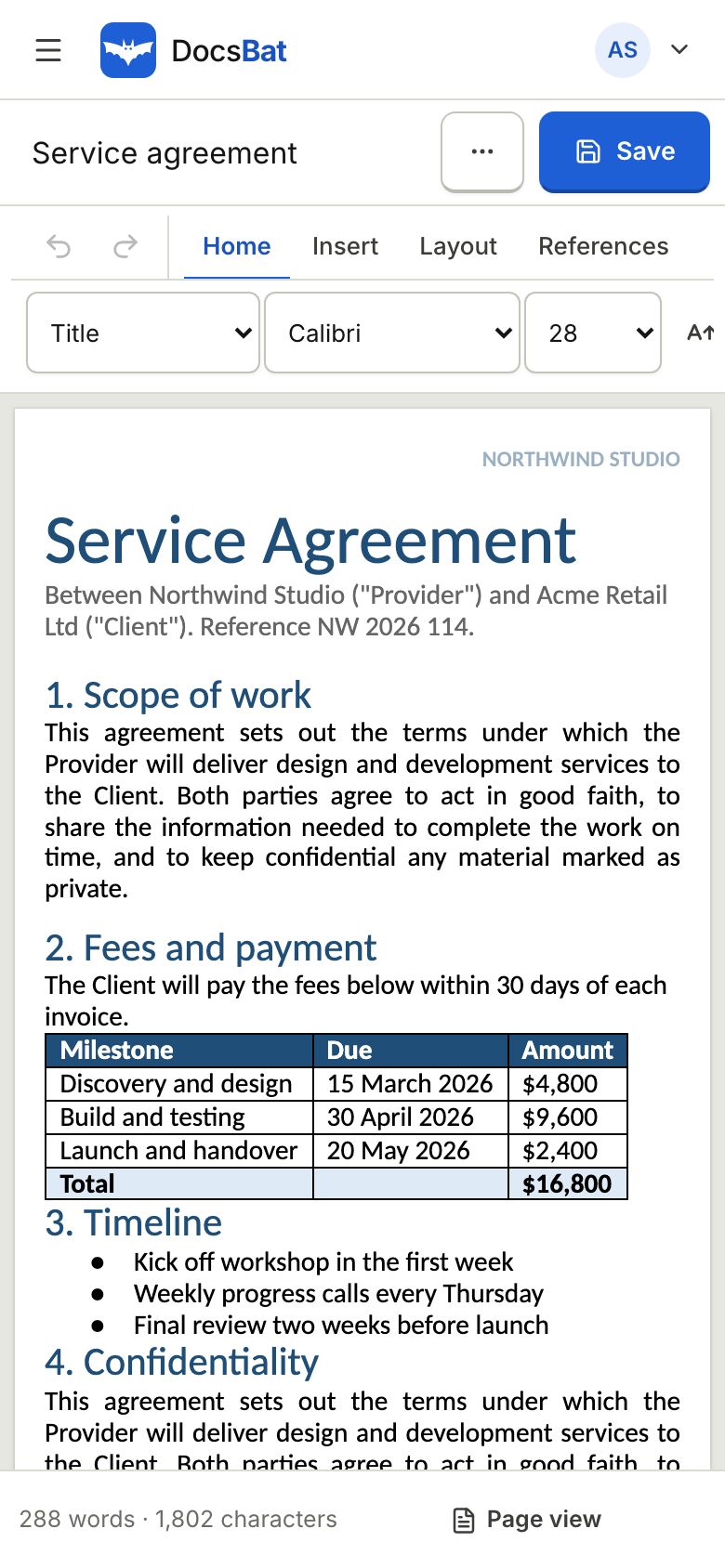
A Word file arrives and you only have your phone
A landlord sends a tenancy form, a colleague needs one figure changed in a report, or you spot a typo in your CV right before an interview. The file is a .docx and you are away from your desk. Phone office apps often want a subscription or a sign in to a specific cloud, and some only let you view the file.
DocsBat is a web app, so the Word editor runs in the browser you already have: Safari on iPhone and iPad, Chrome on Android. Save the attachment to Files or Downloads, open it in DocsBat, tap into the text and type. When you save, your changes go back into the original .docx, and everything you did not touch stays as it was.
You need a free DocsBat account for the editor, created with a username and password. Files you edit are saved to your private Drive, so you can start on the phone and finish on a computer later.
Why use DocsBat on your phone
No app to install
It runs in Safari and Chrome, so it takes no storage and needs no app store download or update.
Phone and tablet
The same editor works on iPhone, iPad, Android phones and tablets, and on any computer.
Real .docx out
Your edits are written into the Word file, so it still opens properly in Word, Pages or Google Docs.
PDF when you need it
Export the edited document as a PDF to send a version that is ready to print or sign.
Start here, finish there
Files are kept in your Drive, so a document you edit on the train is waiting on your laptop.
How to edit a Word file on a phone
- 1
Save and open the file
Save the .docx from your email or chat to Files on iPhone or Downloads on Android. Sign in to DocsBat, open the Word editor and choose the file.
- 2
Tap and type
Tap where you want to change text and type. Use the toolbar for bold, italic, lists, links and more. Turn the phone sideways for a wider page.
- 3
Save as Word or PDF
Save as .docx or export a PDF. The file downloads to your phone and a copy is stored in your Drive.
What works on a phone
- Text editing
- Change words, add or delete paragraphs and correct typos with the phone keyboard, including dictation.
- Formatting
- Bold, italic, underline, strikethrough, superscript, subscript, font, size, colour and highlight.
- Headings and lists
- Make a line a heading, or add bulleted and numbered list items.
- Tables
- Update the text in table cells while the table keeps its borders and shading.
- Pictures
- Insert a photo from your camera roll or gallery into the document.
- Password protected files
- Open a .docx that has a password to open by entering the password you already know.
- Word tools on mobile
- Every Word tool, such as Word to PDF or Compress Word, also runs in the phone browser.
Tips for editing on a small screen
- Hold the phone in landscape for longer documents so lines are easier to read.
- Pinch to zoom the page, then tap exactly where you want the cursor.
- For a word that appears many times, use Find and Replace in Word instead of fixing each one by hand.
- If the file is too big to send back by email, run Compress Word to shrink its pictures.
- On iPhone, tap the share button on an attachment and choose Save to Files so you can pick it from DocsBat.
Limits to know
- DocsBat works with .docx files (also .docm and .dotx). Old .doc files need to be saved as .docx first.
- It is a browser app, not a native app, and it needs an internet connection while you edit and save.
- You edit the body of the document. Headers, footers and comments are kept in the file. To set a new header or footer everywhere, use Add Header and Footer.
- Free files can be up to 25 MB, and Pro raises that to 100 MB for $4 a month.
Send it on from the phone
When the document is ready, you can send it for signature without leaving the browser. DocsBat turns the Word file into a PDF for signing, the signers sign on their own phones with no account, and the sealed PDF comes back to your Drive.
Frequently asked questions
Can I edit a Word document on my iPhone for free?
Yes. Open DocsBat in Safari, sign in with a free account and open the .docx in the Word editor. There is no app to buy or install.
Does it work on Android?
Yes. It runs in Chrome and other modern browsers on Android phones and tablets.
Is there a DocsBat app in the App Store or Play Store?
No. DocsBat runs in the browser, so you always have the current version without installing anything.
Will the edited file open in Word afterwards?
Yes. Your changes are written into the original .docx and the parts you did not edit stay as they were.
Can I edit offline?
No. DocsBat needs an internet connection to open and save documents.
Where are my edited files saved?
They download to your phone and a copy is saved in your private DocsBat Drive, where you can open it from any device.
Related features and tools
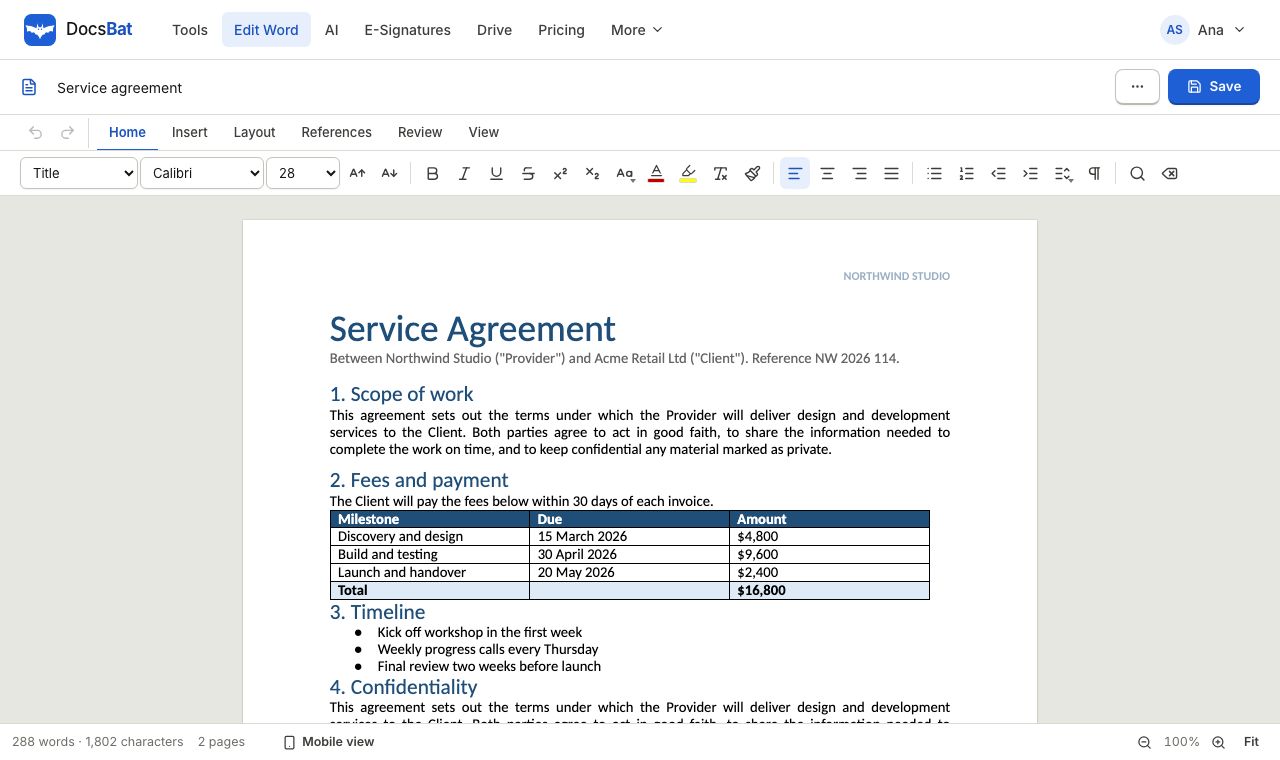 Word EditorOpen a .docx in your browser, edit text, lists, tables and pictures, and save it back as Word or PDF.
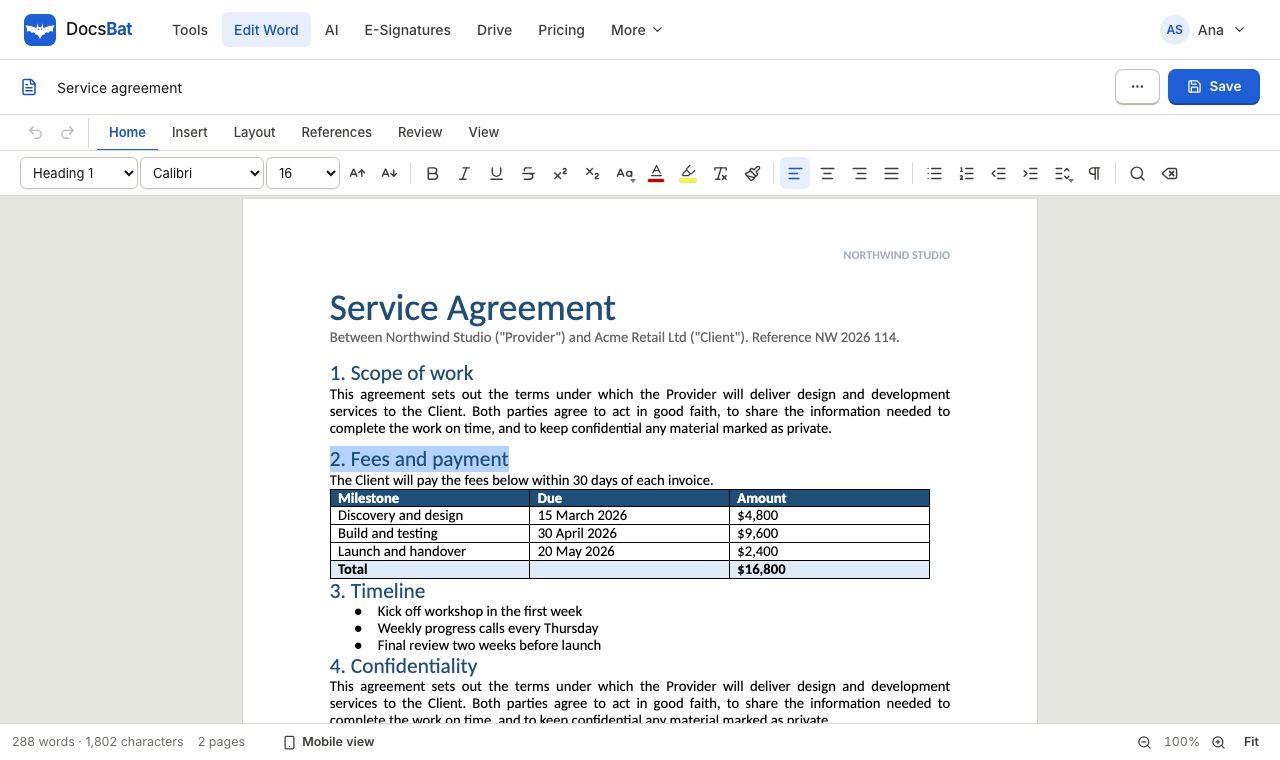 Edit Word online freeOpen a .docx in your browser, change the text, tables and pictures, and save it back as a Word file or a PDF.
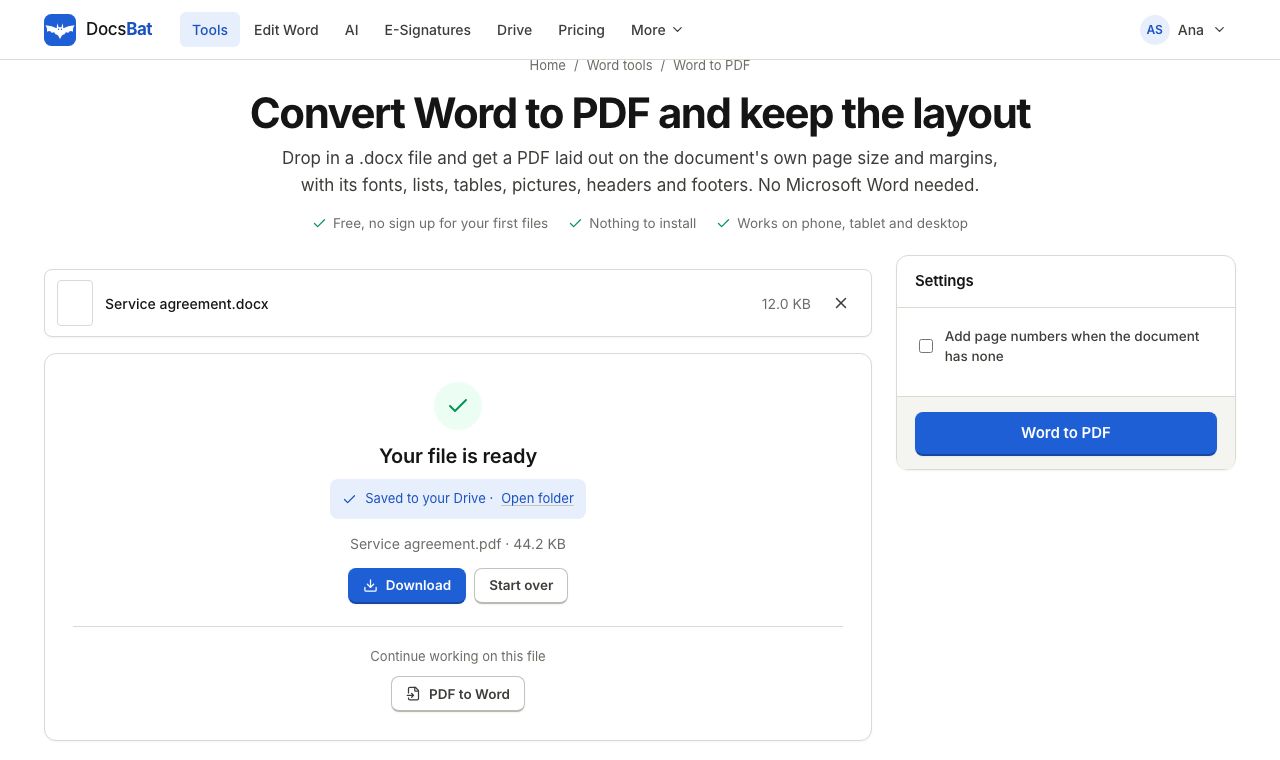 Word to PDFTurn a .docx into a PDF that keeps its fonts, lists, tables, pictures, headers, footers and page numbers.
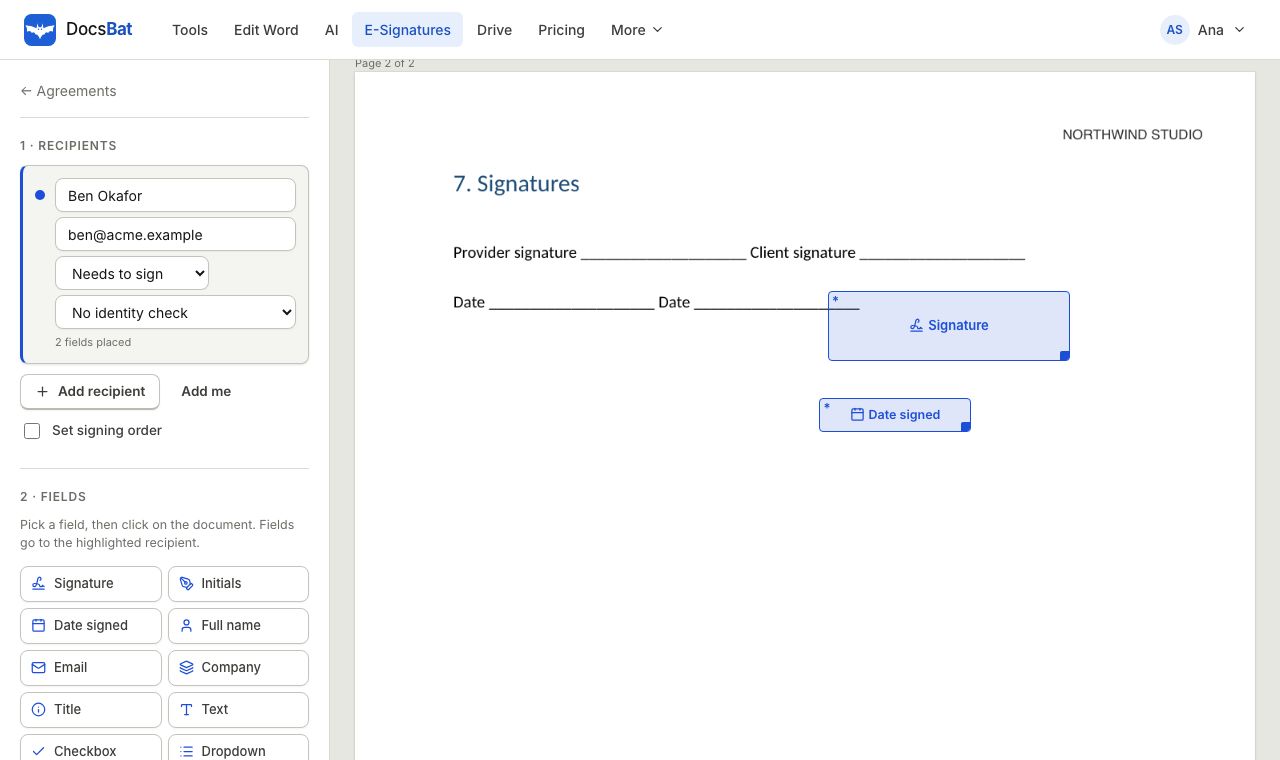 Sign a Word document onlineSend a Word file for e signature. DocsBat turns it into a PDF, signers sign on any device with no account, and you get a sealed PDF.
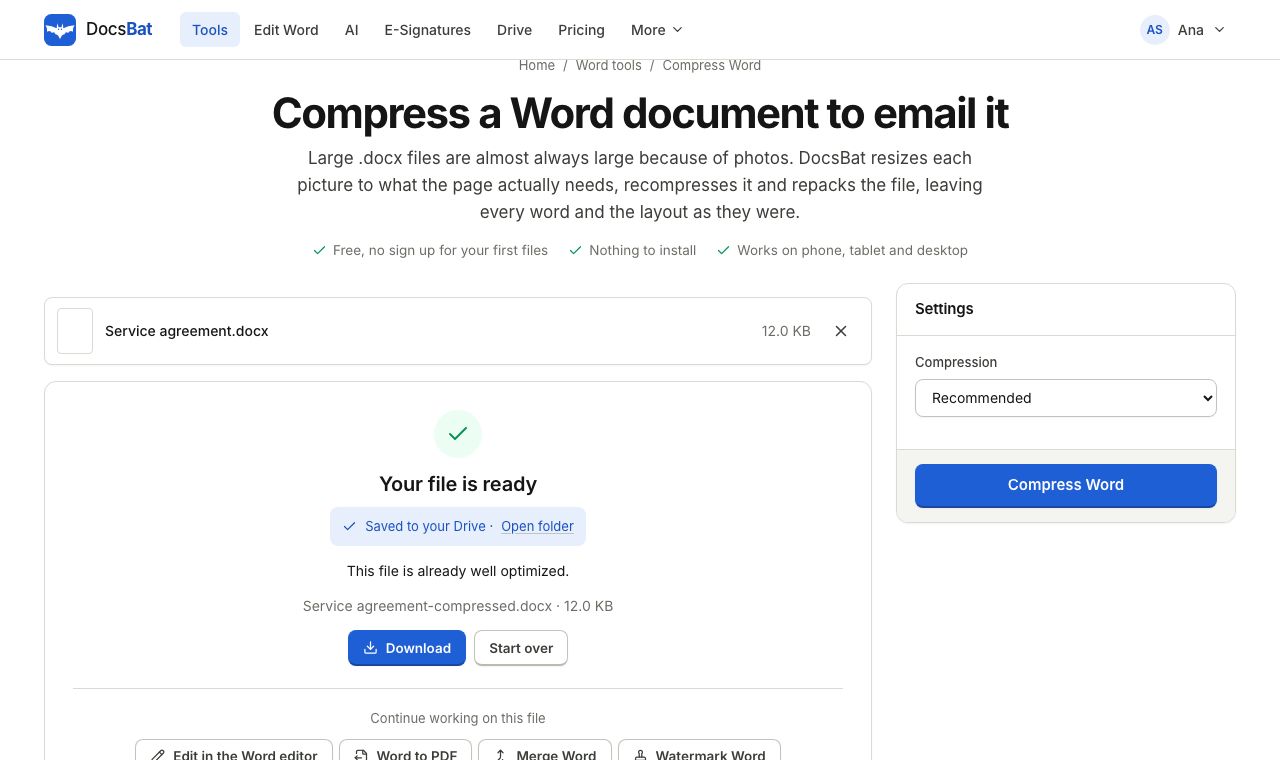 Compress WordMake a Word file smaller by shrinking its pictures to the size they are shown at, without touching the text.
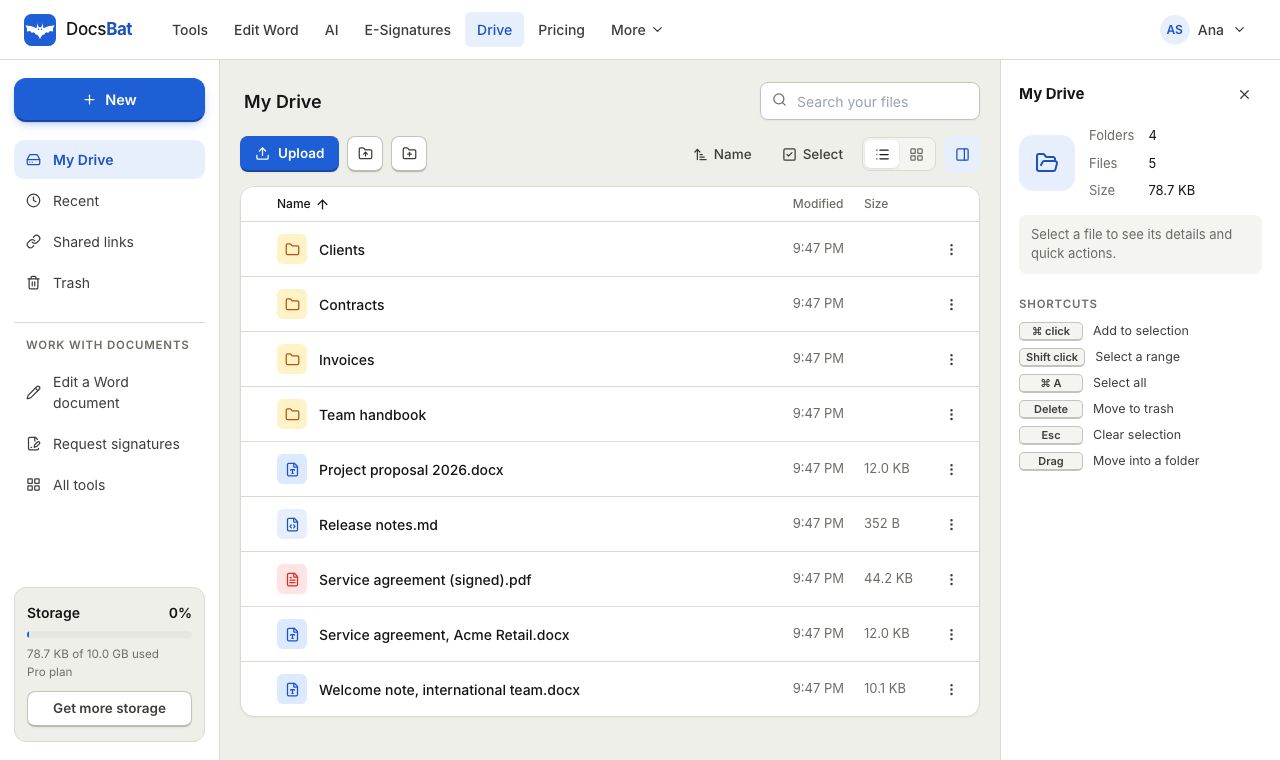 Cloud DrivePrivate cloud storage for Word documents and PDFs, with folders, share links and every tool result saved automatically.
Edit Word files from your phone
Create a free account in Safari or Chrome and open your .docx. No app, no credit card.