An MCP server that gives your AI assistant Word document skills
Add DocsBat to Claude, ChatGPT, Cursor or Claude Code once, and your assistant can convert Word to PDF, merge, split, watermark and protect documents, read them, use your Drive and send files for signature, just by asking.
- Works with any MCP client
- 250 free calls a month
- Uses your own API key
Your assistant, with real document skills
AI assistants are great at reading and writing, but on their own they cannot turn a .docx into a PDF, merge three contracts, add page numbers or collect a signature. The Model Context Protocol (MCP) is an open standard that lets an assistant call tools that live somewhere else. DocsBat runs an MCP server at https://docsbat.com/mcp, so any MCP client can use the same engine that powers the DocsBat app.
Once connected, you talk to your assistant the way you always do. Ask it to "convert the proposal in my Clients folder to PDF and give me a share link" or "send the NDA to Ana for signature and tell me when she signs". The assistant picks the right DocsBat tool, runs it on your files and reports back with the result, which is saved to your Drive.
Why connect DocsBat to your assistant
Every Word tool
Word to PDF, PDF to Word, merge, split, compress, find and replace, watermark, headers and footers, page numbers, clean up, properties, protect and unlock. The assistant can list every tool and its options, then run any of them.
Read documents
Pull the text out of a document so the assistant can reason about it, quote it or answer questions about it in its own words.
Your Drive, in the chat
Browse folders, open files and save results where they belong. Create share links, including public links that search engines can index.
E signatures by conversation
Send a document for signature and check its status later, without opening another app.
AI on documents
With your AI credits, the assistant can ask DocsBat AI about a document, summarize it and extract data into tables.
Your key, your data
The server uses your own API key, so the assistant only sees your files. Revoke the key at any time and access stops immediately.
Connect in 3 steps
- 1
Create an API key
Sign up free, open the developer page and create a key. It starts with
ppk_and is shown once, so copy it somewhere safe. - 2
Add the server to your client
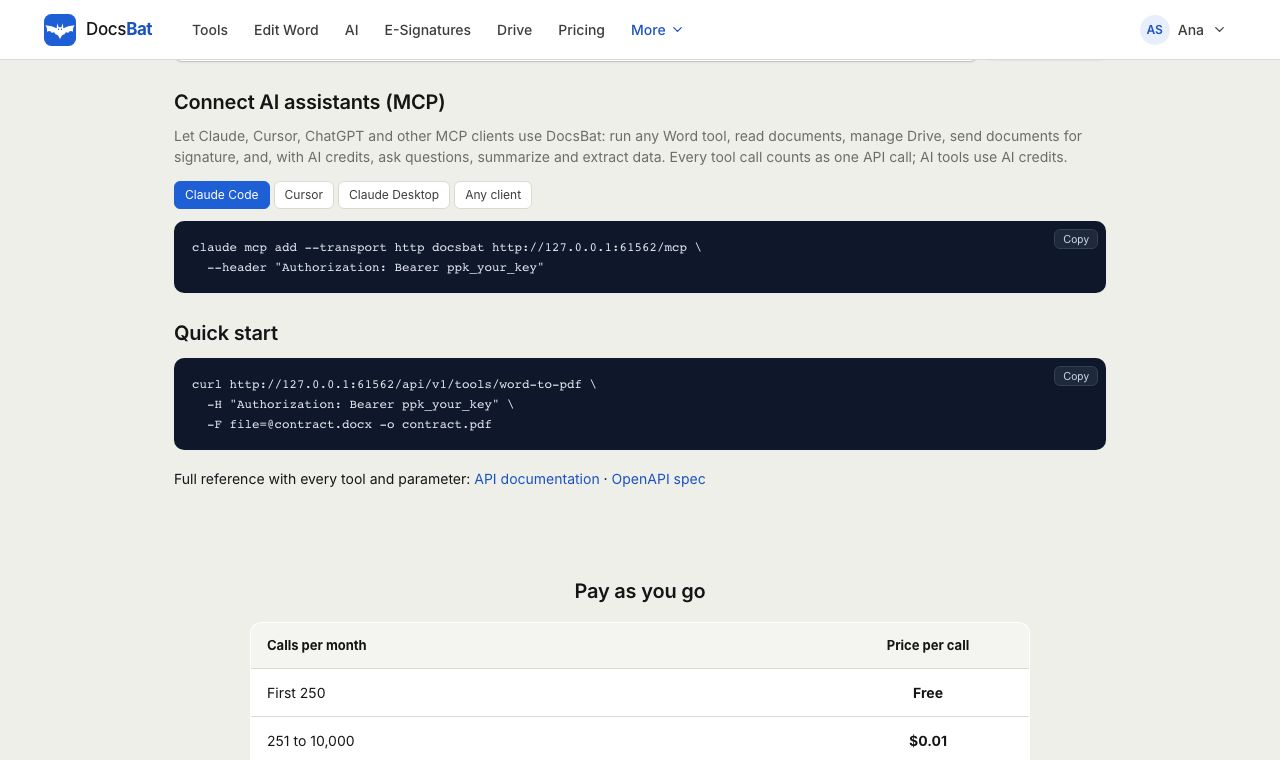
Paste the setup snippet for Claude Code, Cursor, Claude Desktop or any other MCP client. The server URL is
https://docsbat.com/mcp. - 3
Just ask
Ask your assistant to work with a document. It finds the right DocsBat tool, runs it and hands back the result with a download link.
What your assistant can do with DocsBat
- List and run tools
- Discover every DocsBat Word tool with its accepted files and options, then run any of them: Word to PDF, PDF to Word, Word to JPG, merge, split, compress, find and replace, watermark, page numbers, protect, unlock and more.
- Read document text
- Extract the text of a document page by page, so the assistant can quote it, check it or answer questions about it.
- Create documents
- Turn text the assistant wrote into a clean PDF in any language, or run Text to Word on a Markdown file to get an editable .docx.
- Drive files and folders
- List folders, find files, open them as input for any tool and save results to the folder you name.
- Share links
- Create private share links, or public links that can be indexed, and hand the URL straight back to you in the chat.
- Send for signature
- Send a document to one or more signers and check where the envelope is at any time.
- DocsBat AI
- Ask questions about a document, summarize it, extract structured data and draft new documents. AI tools use your account's AI credits.
Setup snippets
Claude Code: claude mcp add --transport http docsbat https://docsbat.com/mcp --header "Authorization: Bearer ppk_your_key"
Cursor: add this to ~/.cursor/mcp.json: {"mcpServers":{"docsbat":{"url":"https://docsbat.com/mcp","headers":{"Authorization":"Bearer ppk_your_key"}}}}
Claude Desktop: use the mcp remote bridge: npx -y mcp-remote https://docsbat.com/mcp --header "Authorization: Bearer ppk_your_key"
Any other client: the server speaks Streamable HTTP at https://docsbat.com/mcp and expects the header Authorization: Bearer ppk_your_key. The developer page fills in your real key for you.
Pricing
Every MCP tool call counts as one API call, and every account includes 250 free calls a month, which covers plenty of everyday use. Turn on pay as you go in the developer dashboard when you need more. AI tools also use AI credits, charged by the real size of the job: Pro includes 4,000 a month and packs start at $5.
Calls that fail are never counted. Without pay as you go, calls past the free allowance return a clear message to your assistant instead of a surprise bill.
Things people ask their assistant
- Convert every Word document in my Invoices folder to PDF.
- Merge the cover letter and the CV, add page numbers and give me a share link.
- Replace "2025" with "2026" everywhere in this contract and save it as a new file.
- Accept all tracked changes in the final report and remove the comments.
- Send the contract in my Drive to [email protected] for signature and check back tomorrow.
Frequently asked questions
What is an MCP server?
MCP, the Model Context Protocol, is an open standard that lets AI assistants call tools hosted elsewhere. The DocsBat MCP server gives your assistant Word tools, Drive access and e signatures.
Which assistants work with it?
Any MCP client, including Claude Code, Claude Desktop, Cursor and ChatGPT clients that support remote MCP servers. Clients that only speak stdio can connect through the mcp-remote bridge.
How much does it cost?
Each tool call counts as one API call, and 250 calls a month are free. Turn on pay as you go for more. AI tools also use your AI credits.
Can the assistant see other people's files?
No. The server acts as you, using your API key, so it can only reach your own Drive and envelopes. Revoke the key and access stops at once.
Do I need to install anything?
No. The server runs at https://docsbat.com/mcp. You only add its URL and your key to your client. Claude Desktop uses the small mcp-remote bridge through npx.
Can it send documents for signature?
Yes. Your assistant can send a document to signers and check the envelope status. Signers sign in the browser and never need an account.
Can it work with old .doc files?
No. Like the rest of DocsBat, the Word tools need .docx files. Save old .doc files as .docx first.
Related features and tools
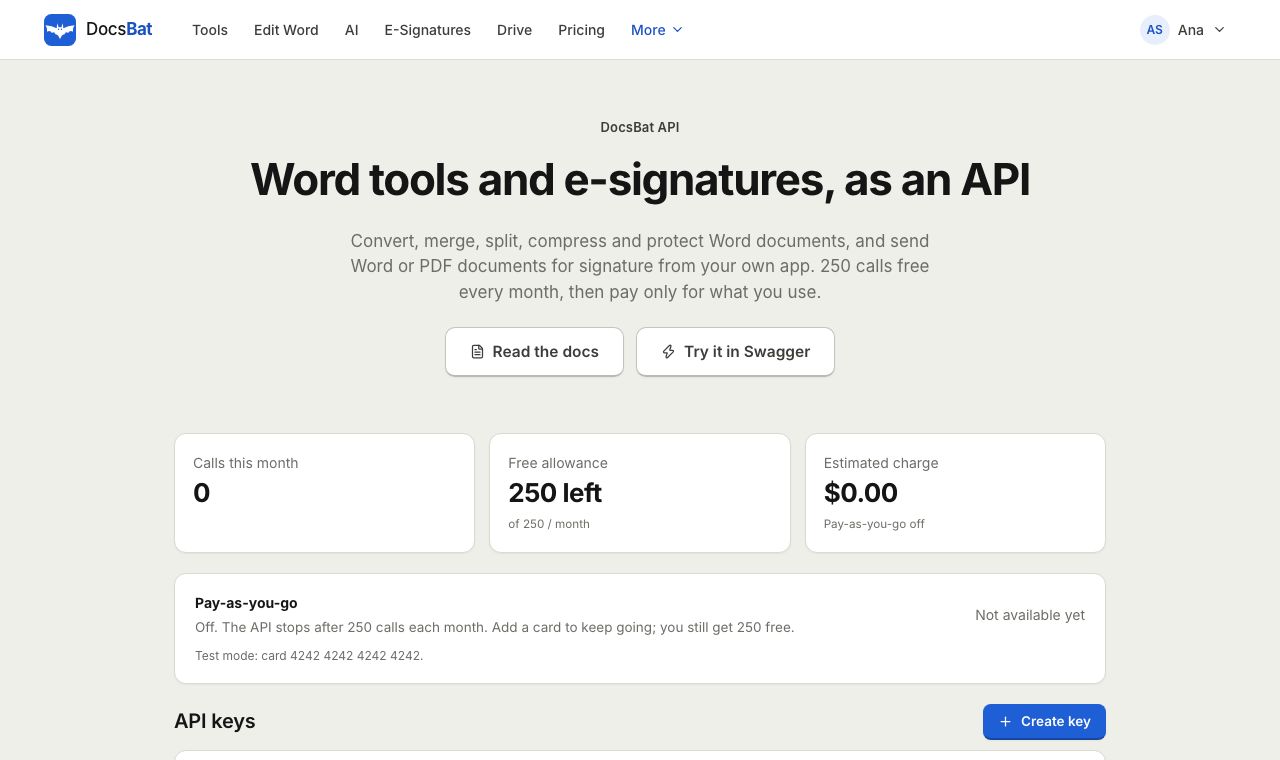 Word APIA REST API for every Word tool, e signatures, templates, Drive, AI and webhooks. 250 free calls a month.
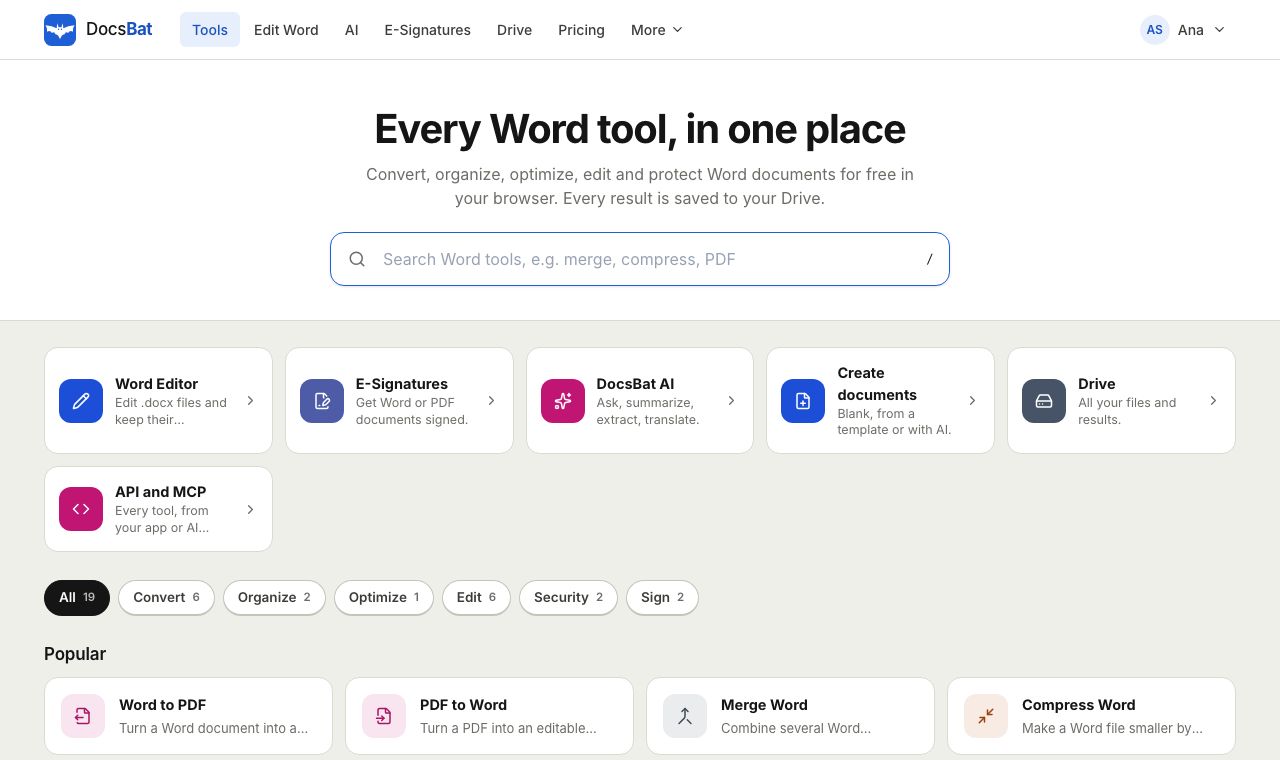 Free Word Tools17 free tools to convert, merge, split, compress, edit and protect Word documents in your browser.
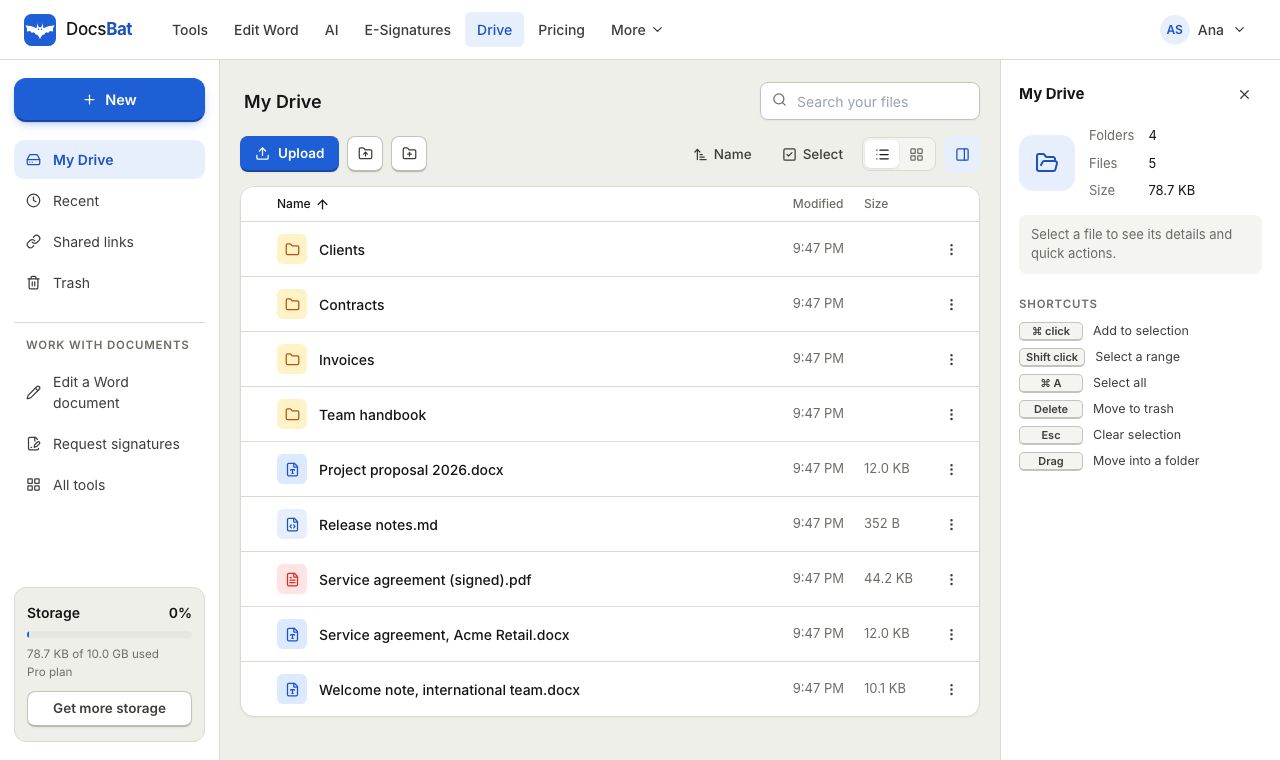 Cloud DrivePrivate cloud storage for Word documents and PDFs, with folders, share links and every tool result saved automatically.
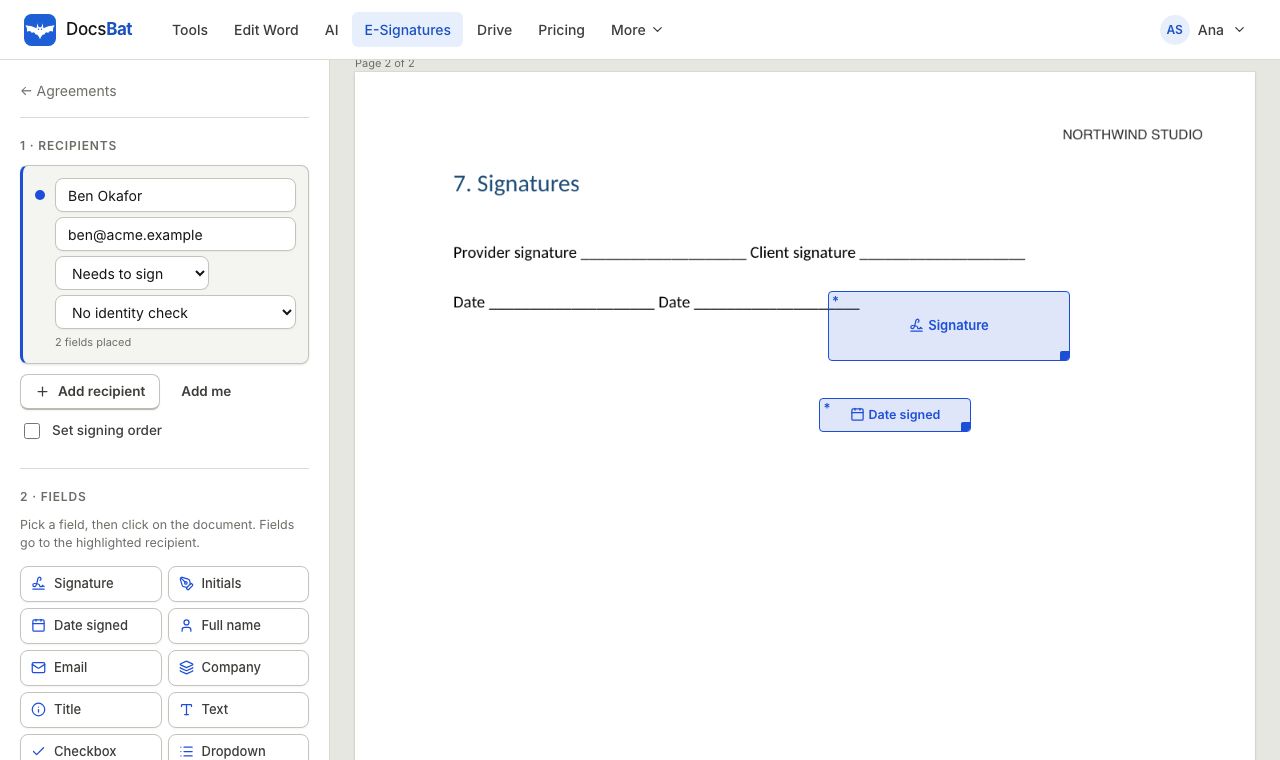 E-SignaturesSend Word and PDF documents for legally binding e signatures with signing order, identity checks, reminders and a sealed final PDF.
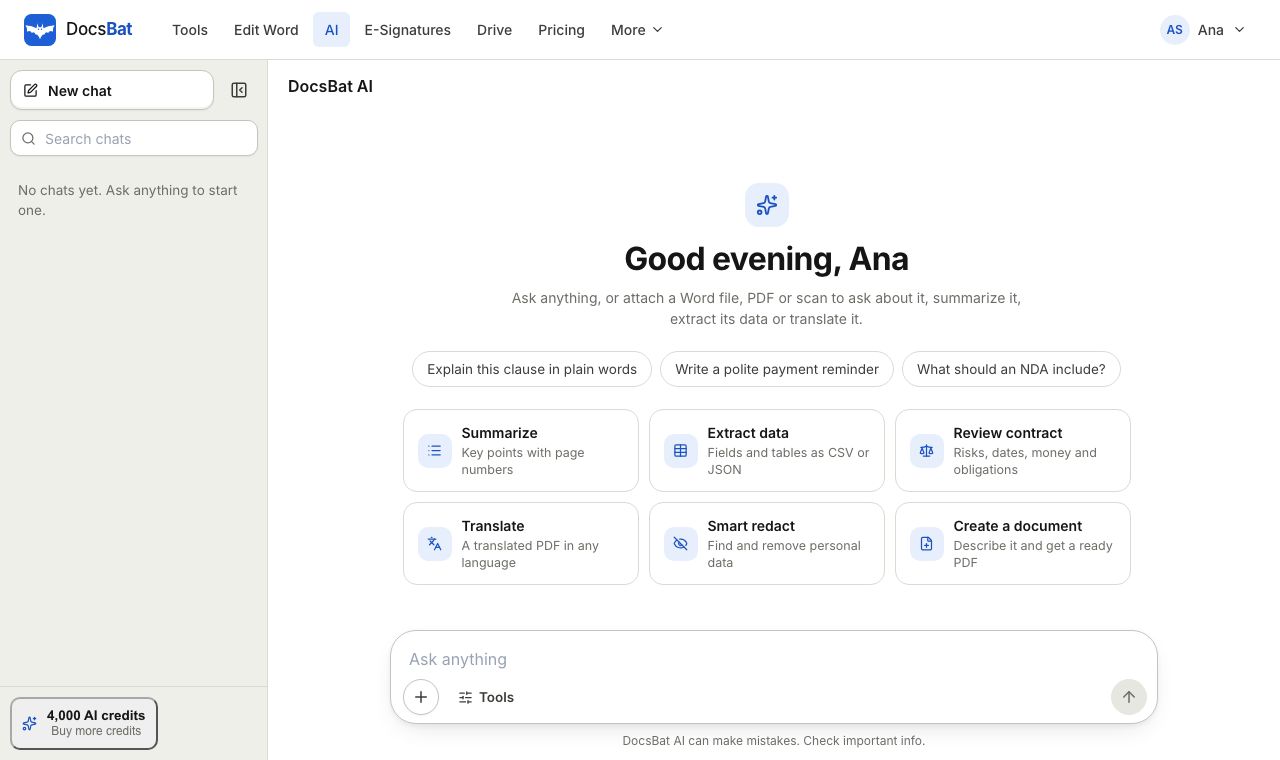 AI for DocumentsSummarize Word and PDF documents, ask questions with page citations, extract data, review contracts, translate and write.
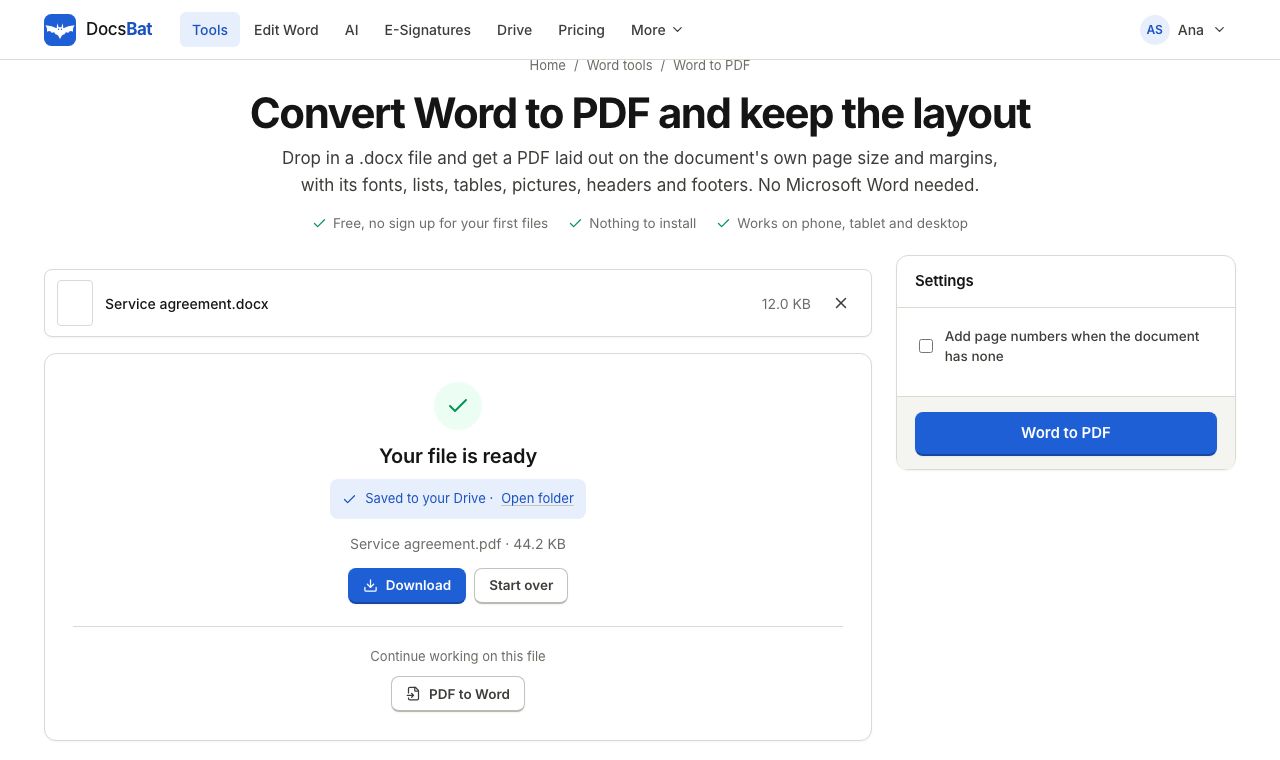 Word to PDFTurn a .docx into a PDF that keeps its fonts, lists, tables, pictures, headers, footers and page numbers.
Give your assistant PDF superpowers
Create a free account, make an API key and connect DocsBat to your assistant in under a minute.