Convert Word to PDF on a Mac, with or without Word installed
Your Mac can already make PDFs in a few ways. Here is when each one works well, and when DocsBat gives a cleaner result, especially for files made in Word on Windows.
- Works in Safari and Chrome
- 3 free runs without an account
- Nothing to install
The ways to make a PDF from Word on a Mac
Microsoft Word for Mac can save a document as a PDF with File, Save As, and PDF as the format. If you have Word and the fonts the document uses, this gives the most faithful result, and you should use it.
Pages opens .docx files and can export them as PDF with File, Export To, PDF. It is free on every Mac. Pages converts the Word file into its own format first, so complex documents can shift: fonts that are not on your Mac get replaced, line spacing can change, and tables or lists may look different.
Print to PDF from Preview or TextEdit works for simple text, but TextEdit drops much of a Word file's layout, such as headers, footers and many table styles.
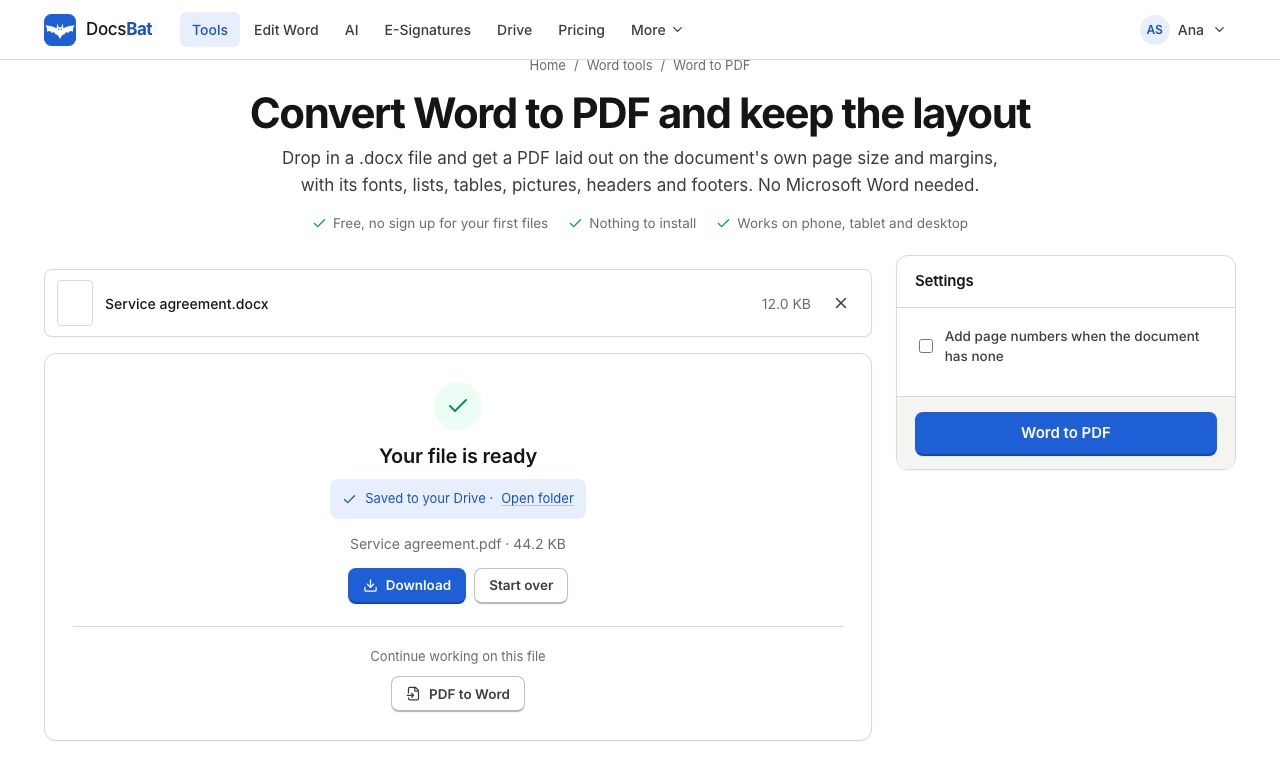
DocsBat Word to PDF runs in Safari or Chrome with nothing to install. It reads the Word file directly and lays out each page on the document's own page size and margins. When the document uses Calibri or Cambria, fonts most Macs do not have, it uses Carlito and Caladea, free fonts built with exactly the same letter widths. That way lines and pages break where they did in Word.
Why use DocsBat on a Mac
No Word licence needed
Convert .docx files on any Mac, including ones without Microsoft Office.
Metric compatible fonts
Calibri becomes Carlito and Cambria becomes Caladea, so text takes up the same space and pages break the same way.
Layout kept
Lists, tables, pictures, headers and footers with page numbers come through in the PDF.
Every script
Noto fonts cover Arabic, Hebrew, Hindi, Thai, Chinese, Japanese, Korean and more, so nothing shows as boxes.
Password files too
A .docx with a password to open converts after you enter the password you know.
Convert Word to PDF on Mac in 3 steps
- 1
Open Word to PDF
In Safari or Chrome, open DocsBat Word to PDF. No account needed for up to 3 runs a day.
- 2
Drop in the .docx
Drag the file from Finder onto the page. Tick Add page numbers when the document has none if you want them.
- 3
Download the PDF
The PDF lands in your Downloads folder. With a free account it is also saved in your Drive.
Which method should you use?
- You have Word for Mac and the fonts
- Use Word's Save As PDF. It is the most faithful, and it is already on your Mac.
- Simple letter or notes, no Word
- Pages export is fine and free. Check the result for changed fonts and spacing.
- File from a Windows PC, no Word
- Use DocsBat. The metric twins for Calibri and Cambria keep line and page breaks where the author put them.
- Mixed languages or scripts
- Use DocsBat. Noto fallback fonts cover scripts that may be missing on your Mac.
- On a shared or work Mac
- Use DocsBat in the browser when you cannot install software or sign in to Office.
- Many files a day
- A free DocsBat account gives 10 tasks a day, and Pro at $4 a month is unlimited.
Honest limits
- Old .doc files from Word 97 to 2003 are not supported. Open them in Pages or Word and save as .docx first.
- Very complex layouts, such as overlapping text boxes or fields that Word updates while printing, may differ from Word's own PDF.
- If your document uses a font DocsBat does not have and that has no metric twin, a similar font is used, so spacing can change a little.
- Free files can be up to 25 MB, and Pro raises that to 100 MB.
After converting
- Need images of the pages instead, for a slide or a website? Use Word to JPG.
- Sending the PDF for signature? Upload the .docx directly to E-Signatures, which converts it for you.
- Want the Word file smaller before you email it? Compress Word shrinks its pictures.
Frequently asked questions
How do I convert Word to PDF on a Mac without Word?
Open DocsBat Word to PDF in Safari or Chrome, drop in the .docx and download the PDF. You can also use Pages, which may change fonts and spacing in complex files.
Why does my Word document look different in Pages?
Pages converts the file to its own format and replaces fonts your Mac does not have, such as Calibri. That can change line breaks and page breaks.
What happens to Calibri on a Mac?
DocsBat uses Carlito, a free font with the same letter widths as Calibri, so text fills the same space. Cambria becomes Caladea in the same way.
Is it free?
Yes. Up to 3 conversions a day without an account and 10 a day with a free account. Pro is $4 a month for unlimited conversions.
Can I convert a .doc file?
Not directly. Save it as .docx in Pages or Word first, then convert it.
Does it keep headers, footers and page numbers?
Yes. Headers and footers are placed on each page, with page numbers where the Word file has them.
Related features and tools
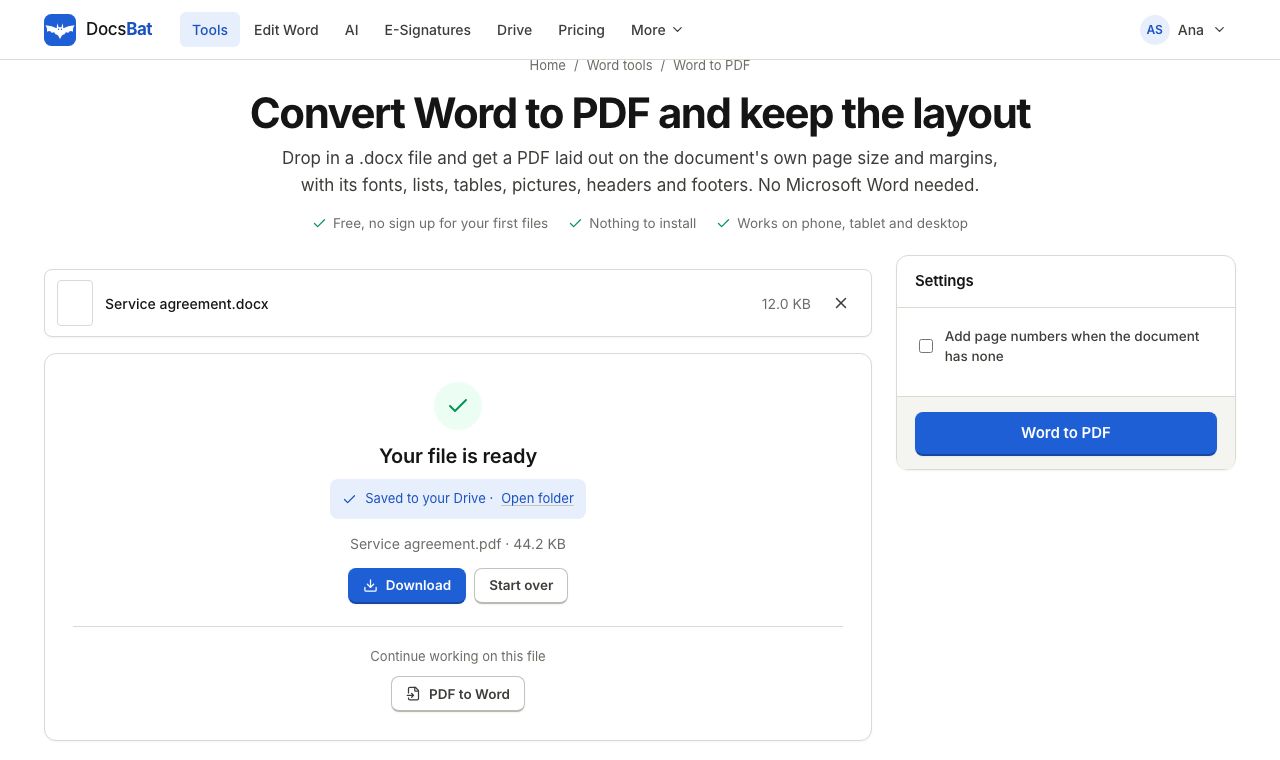 Word to PDFTurn a .docx into a PDF that keeps its fonts, lists, tables, pictures, headers, footers and page numbers.
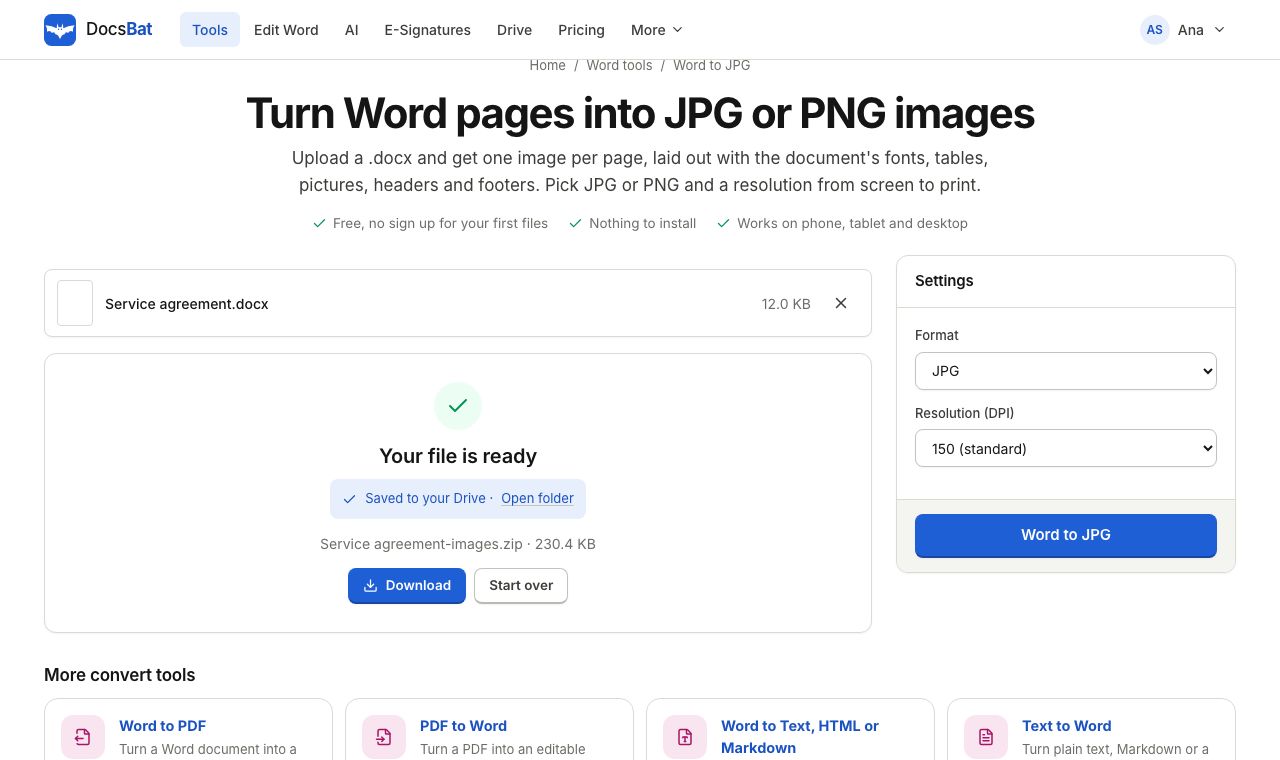 Word to JPGSave every page of a Word document as a JPG or PNG image at 72, 150 or 300 DPI.
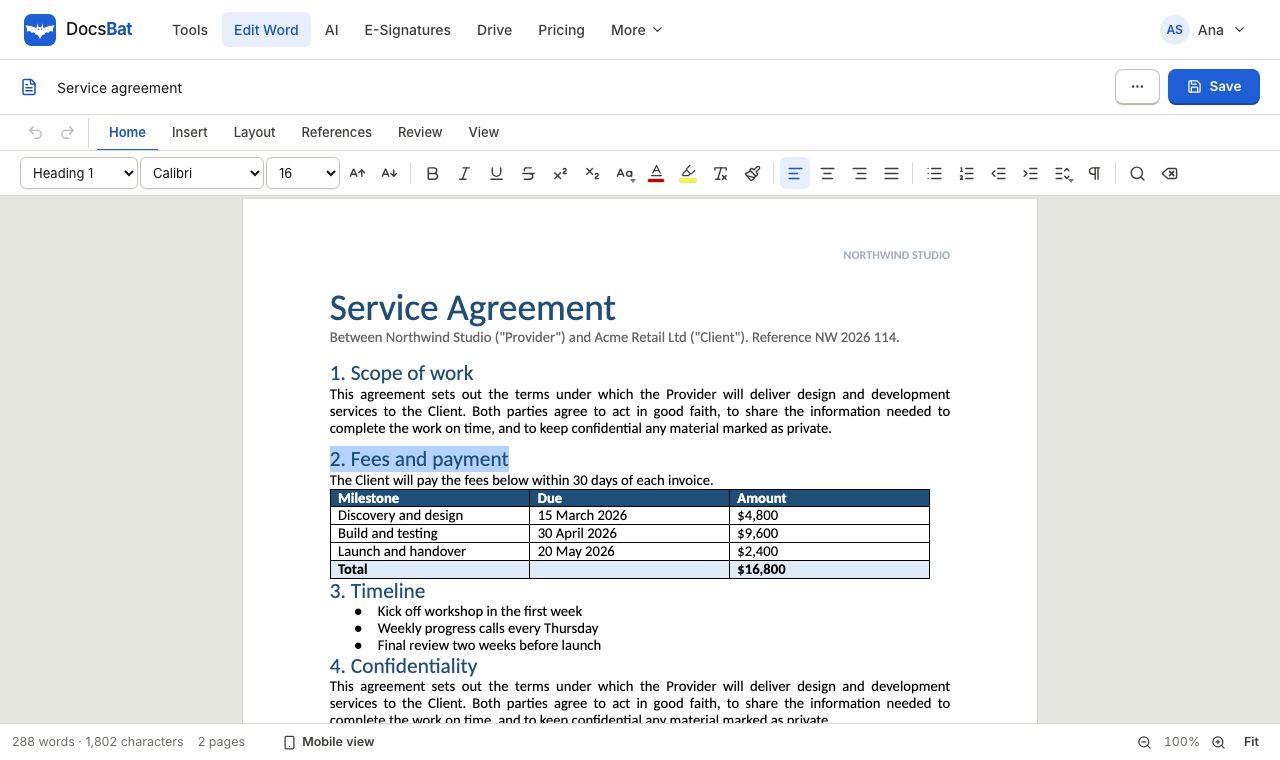 Edit Word online freeOpen a .docx in your browser, change the text, tables and pictures, and save it back as a Word file or a PDF.
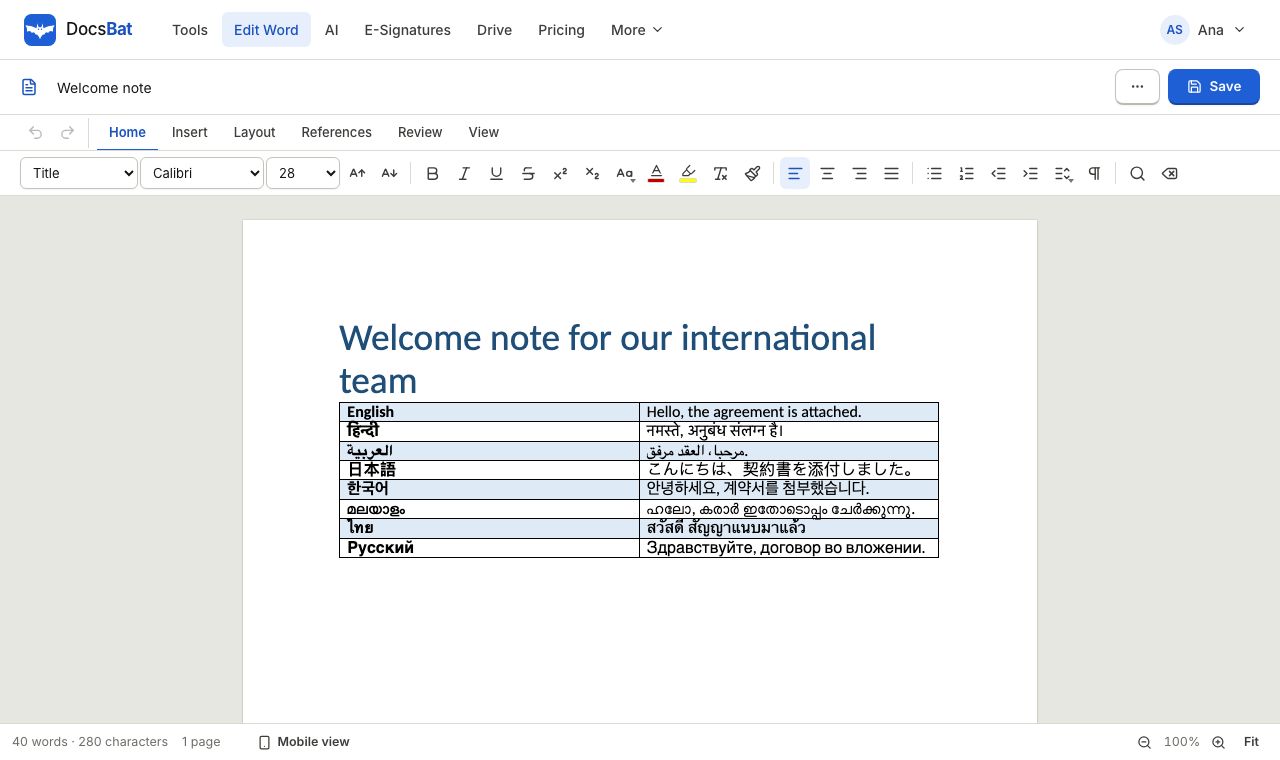 Word documents in any languageConvert and edit Word files in Arabic, Hindi, Chinese, Thai and every other script, with fonts that display correctly in the PDF.
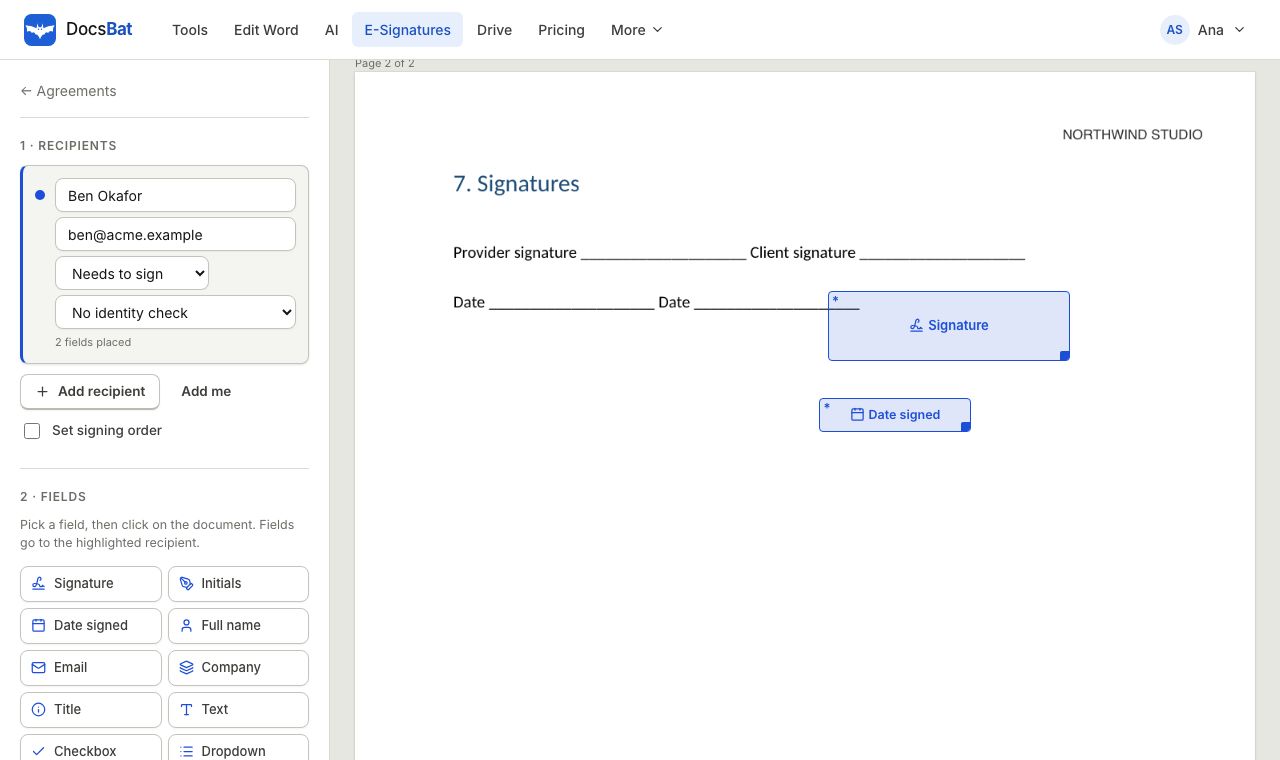 Sign a Word document onlineSend a Word file for e signature. DocsBat turns it into a PDF, signers sign on any device with no account, and you get a sealed PDF.
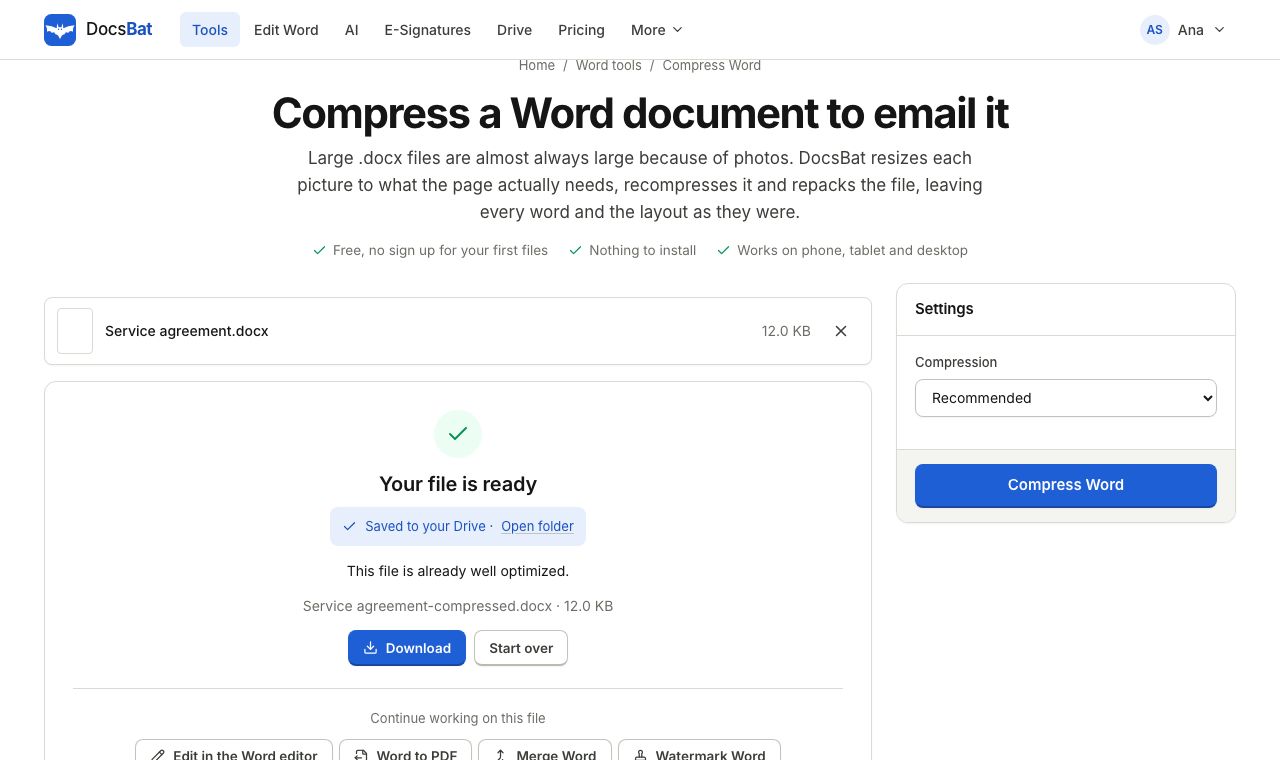 Compress WordMake a Word file smaller by shrinking its pictures to the size they are shown at, without touching the text.
Convert your Word file now
No install and no Word licence. Try it 3 times a day without an account, or sign up free for 10 a day.