Invoice template

A clean, professional invoice with line items, tax and payment details. Open it in the Word editor, fill in your details, then download it as .docx or PDF, or send it for signature.
Browse all templates
  • Free to use
  • Edit everything
  • Download as Word or PDF
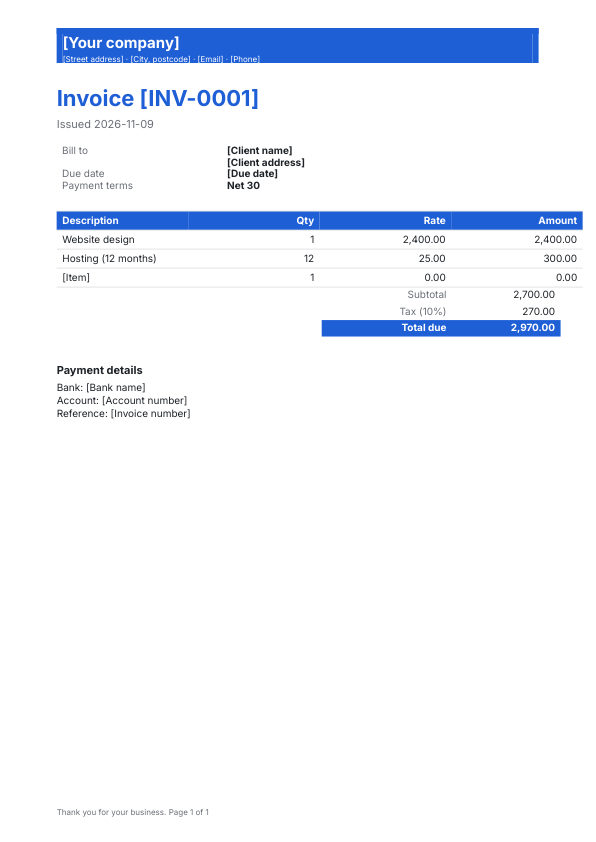
Invoice template, first page

What is inside

  • Details: Bill to, Due date, Payment terms
  • Table: Description, Qty, Rate, Amount with totals
  • Payment details

How to use it

  1. Open it in the editor. Click Use this template. It opens as a real Word document you can edit.
  2. Make it yours. Replace the text in [square brackets], add your logo, change fonts and colors, or ask the AI assistant to fill it in for you.
  3. Download or send. Save it to your Drive, download it as .docx or PDF, share a link or send it for e signature.

More invoices and billing templates

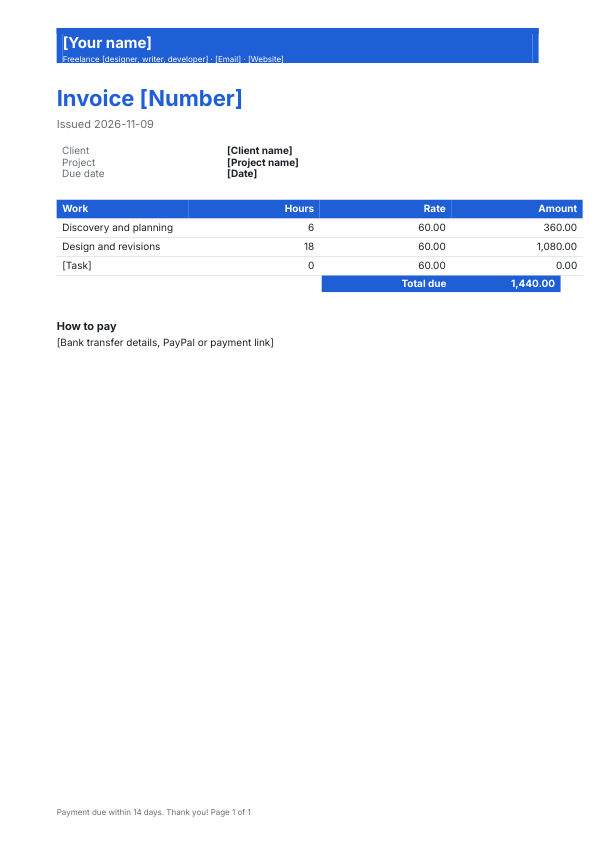
Freelance invoice template preview
Freelance invoiceAn invoice for freelancers and independent professionals, with project and hours.
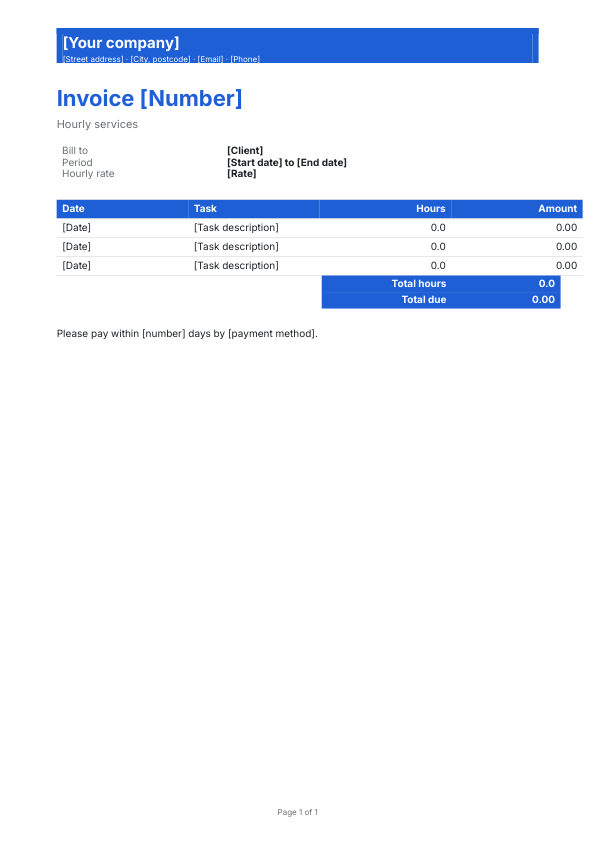
Hourly invoice template preview
Hourly invoiceBill by the hour with dates, tasks and a running total.
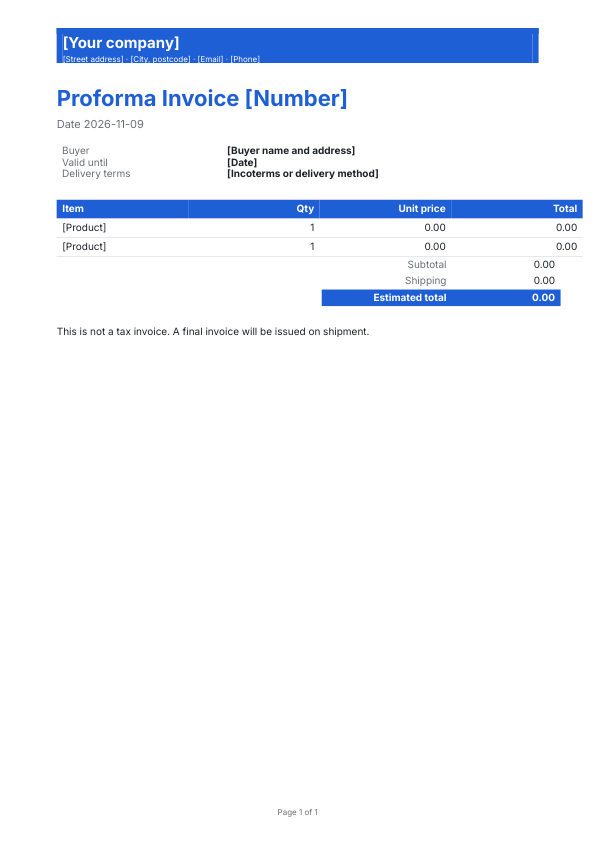
Proforma invoice template preview
Proforma invoiceA preliminary invoice sent before goods are delivered or work begins.
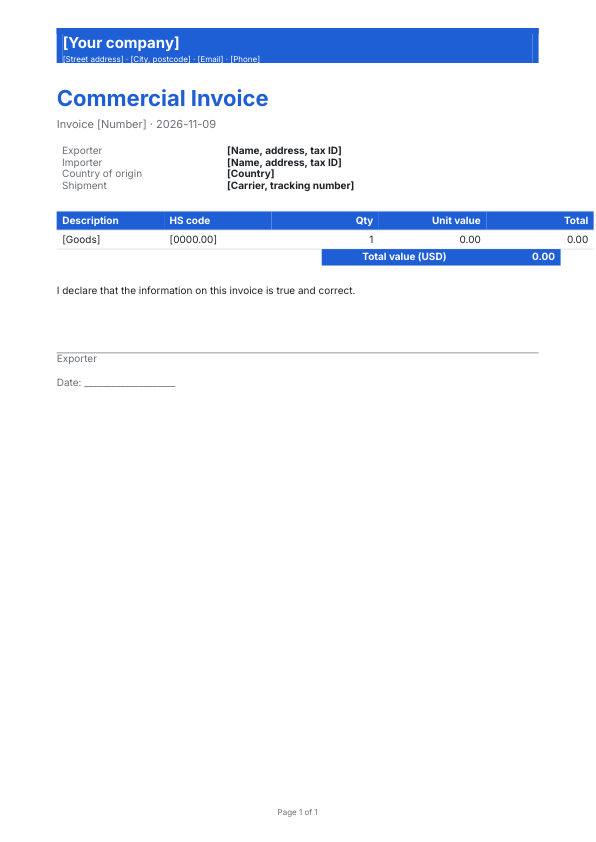
Commercial invoice template preview
Commercial invoiceFor international shipments: exporter, importer, HS codes and country of origin.
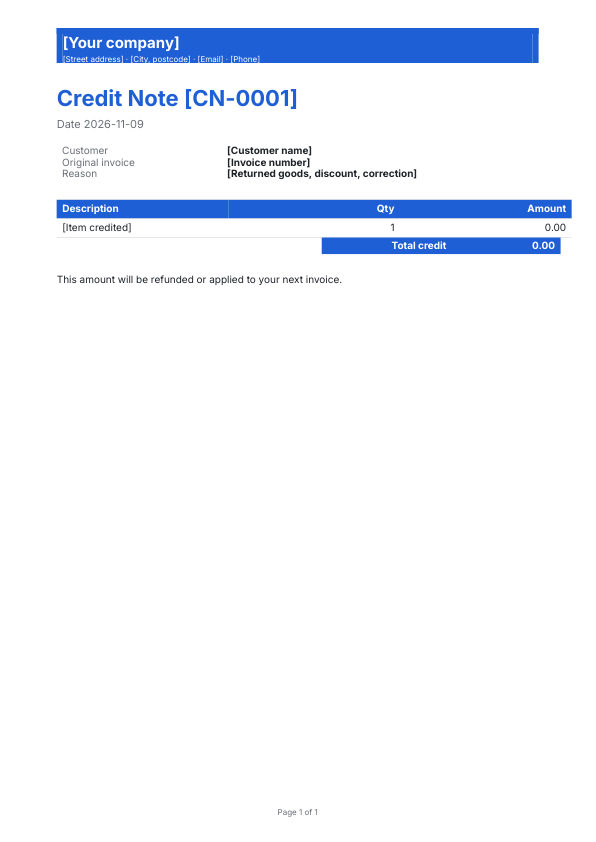
Credit note template preview
Credit noteRefund or reduce an invoice you already issued.
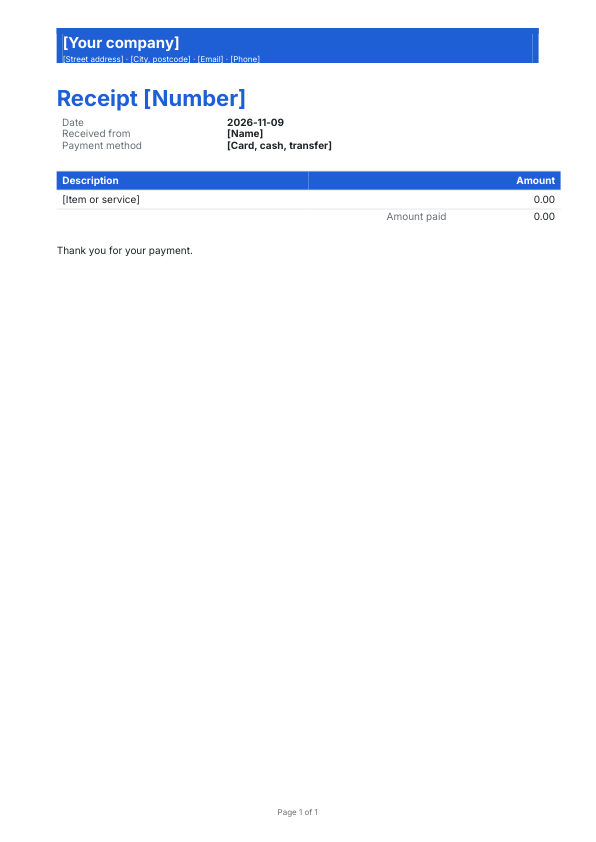
Payment receipt template preview
Payment receiptConfirm a payment with date, method and amount received.

Questions

Is this invoice template free?

Yes. Create a free DocsBat account, open the template in the Word editor, change anything you like and download it as a Word file or a PDF.

How do I fill it in?

Replace the text in [square brackets] with your own details. Click any text in the editor to change it, or ask the AI assistant beside the document to fill it in or rewrite a section in the same style.

Can I send it for signature?

Yes. When it is ready, send it from DocsBat for legally binding e signatures, or sign it yourself with Fill & Sign.

Can I change the language?

Yes. You can type in any language, including Arabic, Hindi, Chinese and other scripts, and the AI assistant can translate the whole document.

76 free Word templates

Invoices, contracts, resumes, letters, certificates and more. Or describe what you need and let AI draft it.